Give each map its own job
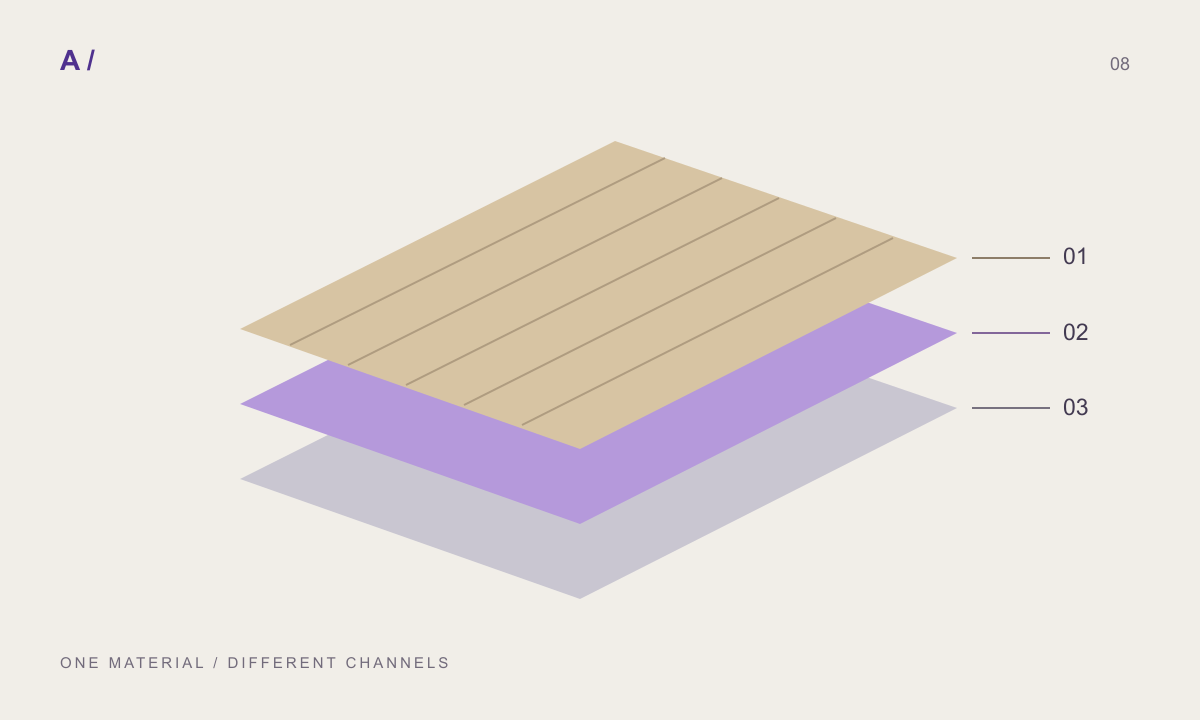
Base colour describes surface colour. Roughness affects the spread of reflections. Normal information changes the shading direction. These channels have different jobs; the same grayscale image cannot reliably replace each of them.
Inspect the package
Check filenames, orientation and resolution. Confirm that all files belong to the same version. Include module dimensions and a source note. A folder becomes useful when a colleague understands what the images represent.
Derived is not measured
MATERIALHAUS can derive maps from a supplied image. This prepares a starting material; it does not turn a photograph into a measured physical sample. Assess the result under your scene lighting. Generated detail is not manufacturer-certified performance.
Use a small test scene
Try a plane and sphere, consistent lighting and a reference dimension. Change one parameter at a time. Preserve the original package so renderer-specific adjustments do not overwrite the shared source.
Separate colour, relief and geometry
A dark crack does not reveal its depth. It may be pigment, a shadow or a void. Remember that ambiguity when deriving height from a photograph. Apparent relief and a changed geometric silhouette are also different. Depending on the renderer and setup, height information may affect shading or displacement; a filename alone does not establish the result.
Worked example: pale matte stone
The aim here is to demonstrate a review method, not simulate a measured product. Start with the colour map and assess the overall appearance. Add roughness and inspect whether reflections suit the intended matte surface. Then enable the normal effect. If pores resemble deep grooves, compare a weaker effect and a different light direction. Keep a previous image at each step so changes remain explainable.
Colour space and channel conventions
A destination application may interpret colour images and numerical data maps differently. Check its data-map settings when importing roughness, normal or height. Normal orientation and packed-channel conventions can also vary. A shared filename is not proof of compatibility. Record the channel convention and any destination-specific adjustment in the handoff note.
Four common symptoms
For a plastic appearance, inspect roughness wiring and lighting first. For inverted relief, inspect normal orientation and height interpretation. For excessive darkness, isolate shadows baked into colour from added AO. If every map seems shifted, check that coordinates, repeats and rotations match. Disabling one channel at a time is more informative than changing unrelated parameters together.
What should a colleague receive?
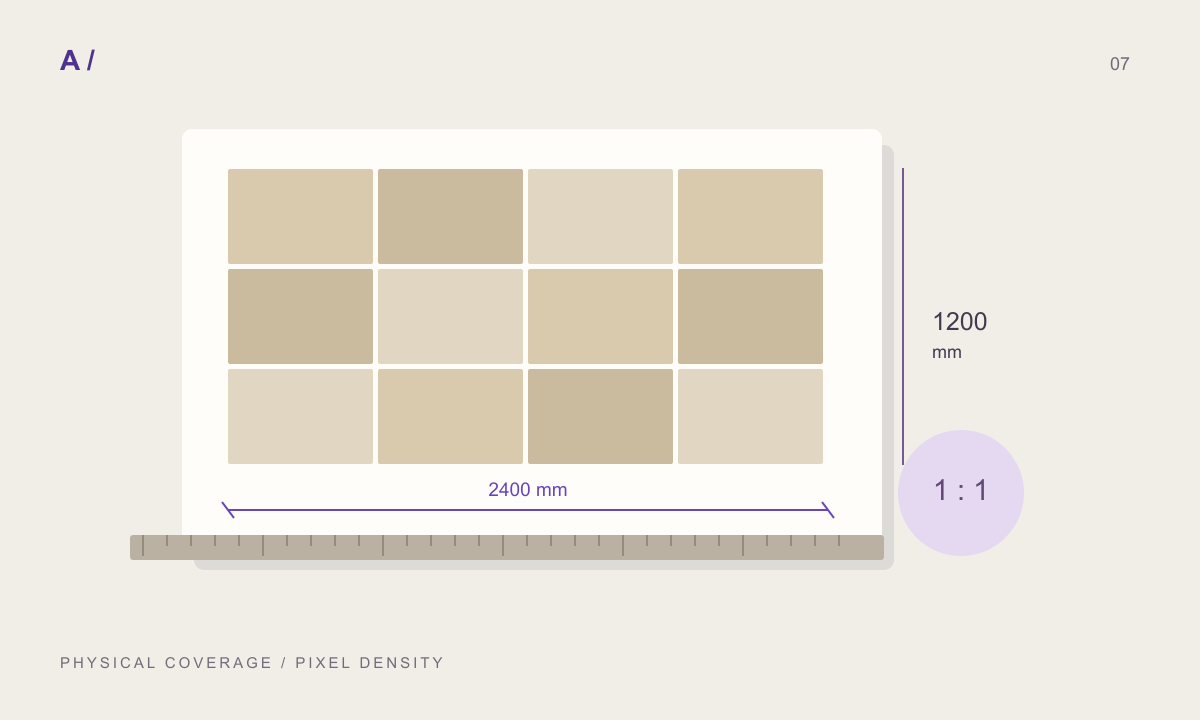
Send a short readme with the package. State the colour filename, normal convention when known, physical coverage, source type and application tested. Preserve the raw source and keep renderer adjustments as a separate version. A fix for one scene should not silently change everyone else’s reference.
Before you hand off
- Maps share version, orientation and coverage.
- Colour/data interpretation was checked in the destination.
- Normal and height effects were tested separately.
- Measured and derived channels are distinguished.
- The original package is separate from scene-specific edits.
Frequently asked questions
Can a photograph measure roughness?
Roughness derived from an ordinary single photograph should be treated as a starting estimate, not a measurement.
Are normal and height interchangeable?
No. Normal describes shading direction; height describes elevation information. Their destination setup may differ.
Does every package need metalness?
That depends on the material and target workflow. A file’s presence does not mean the material is metallic.
References and further reading
Prepared by MATERIALHAUS with AI assistance. Worked dimensions are illustrative; verify construction details and technical product information for your own project.