PLUG-INS / REVIT
MATERIALHAUS for Revit
A MATERIALHAUS tab in the ribbon and your library docked beside Properties. Select elements, click a material: faces are painted, maps sit at real size, and sections get a cut pattern.
- Status
- Beta
- Version
- 1.0.0
- Supports
- Revit 2026
- System
- Windows
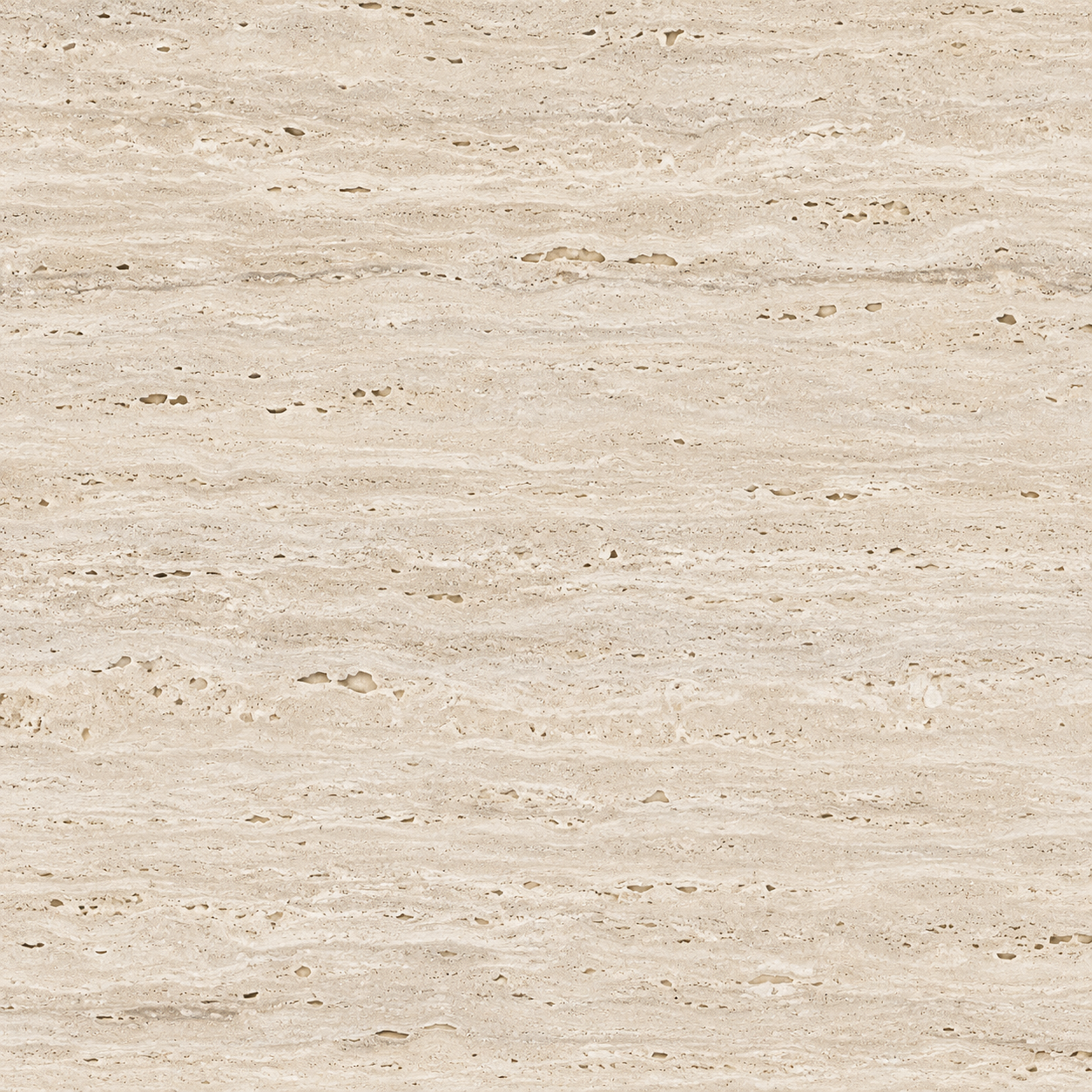 Travertine · Honed1200 × 2400 mmDerived
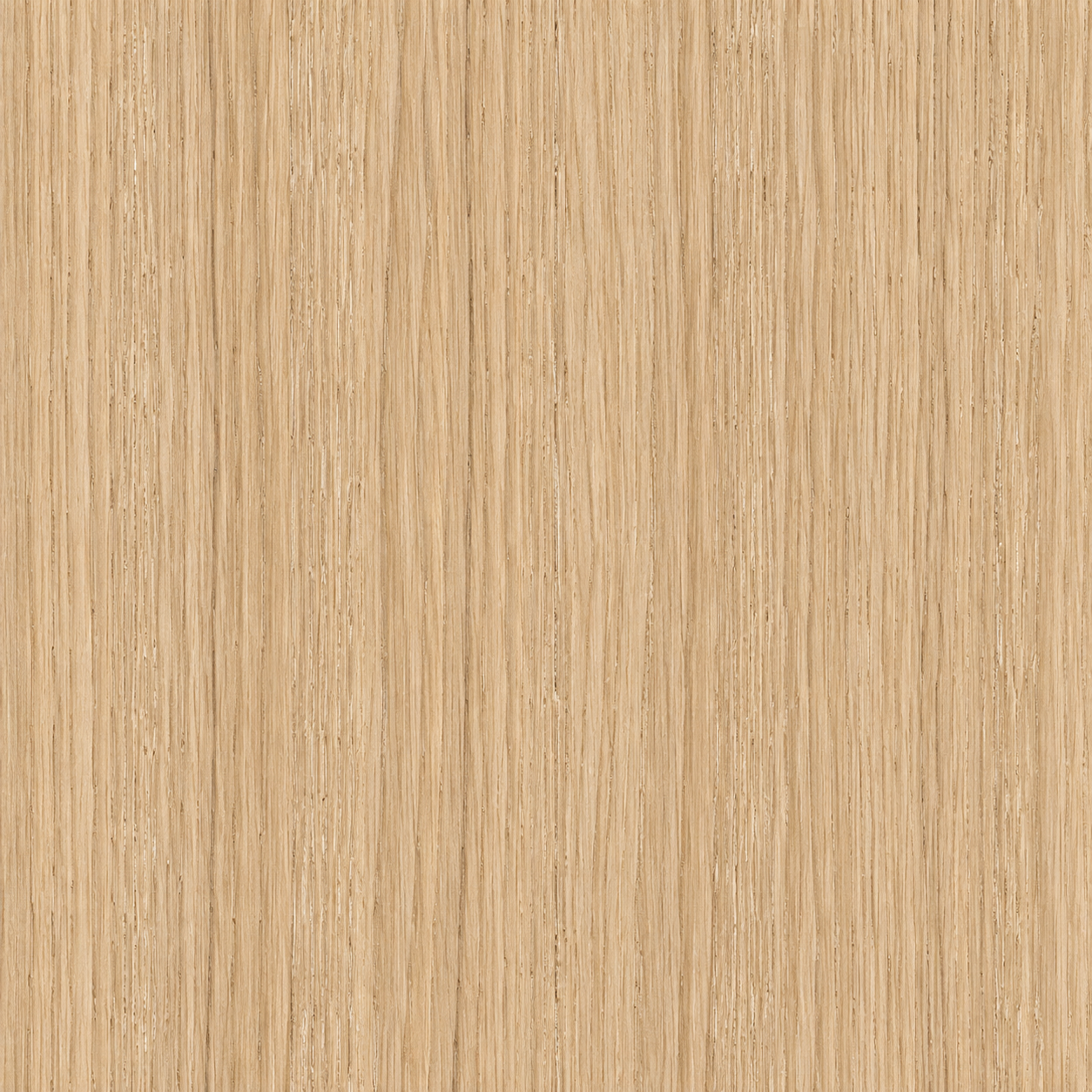 Oak · Oiled1080 × 1200 mmDerived
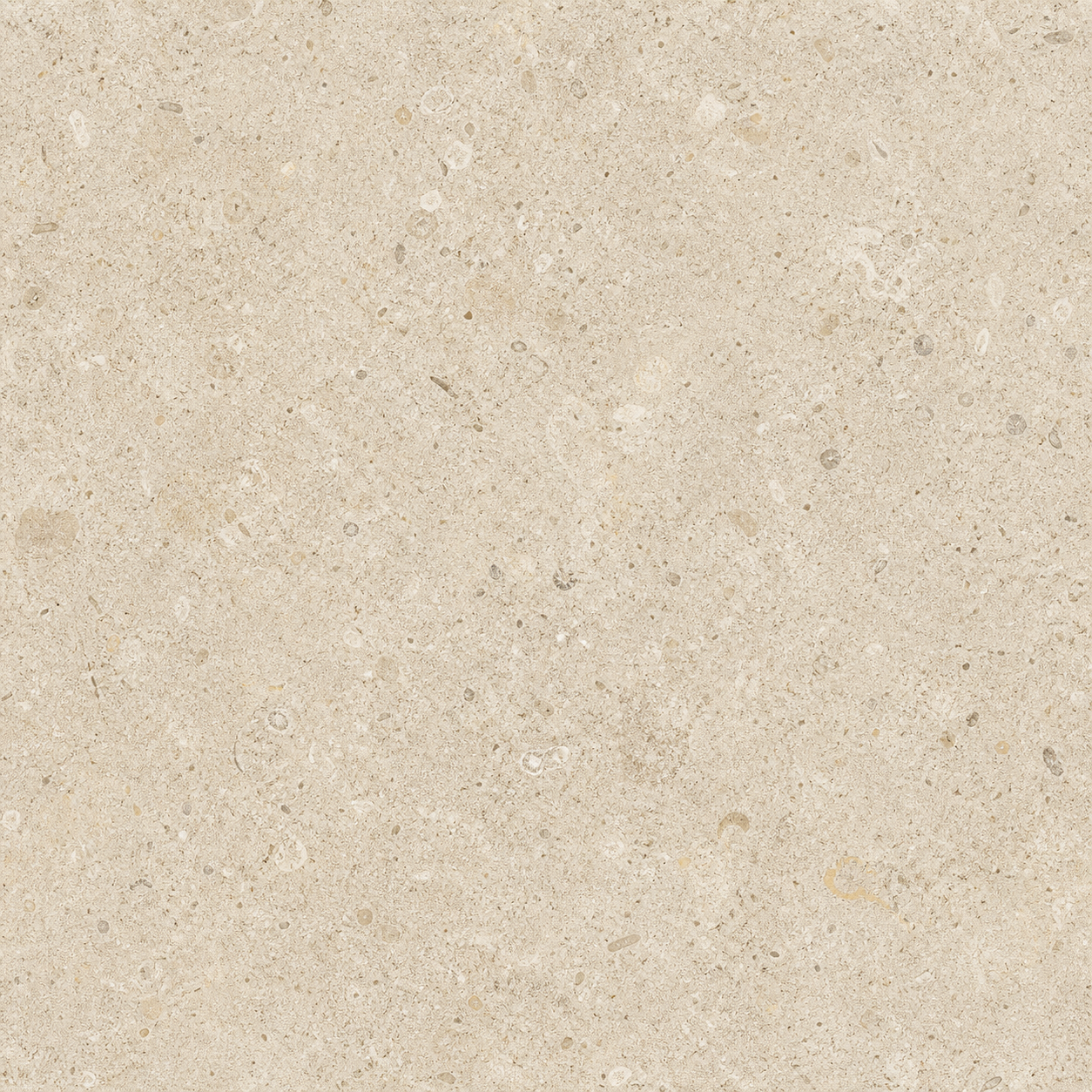 Limestone · Square tile2416 × 2416 mmDerived
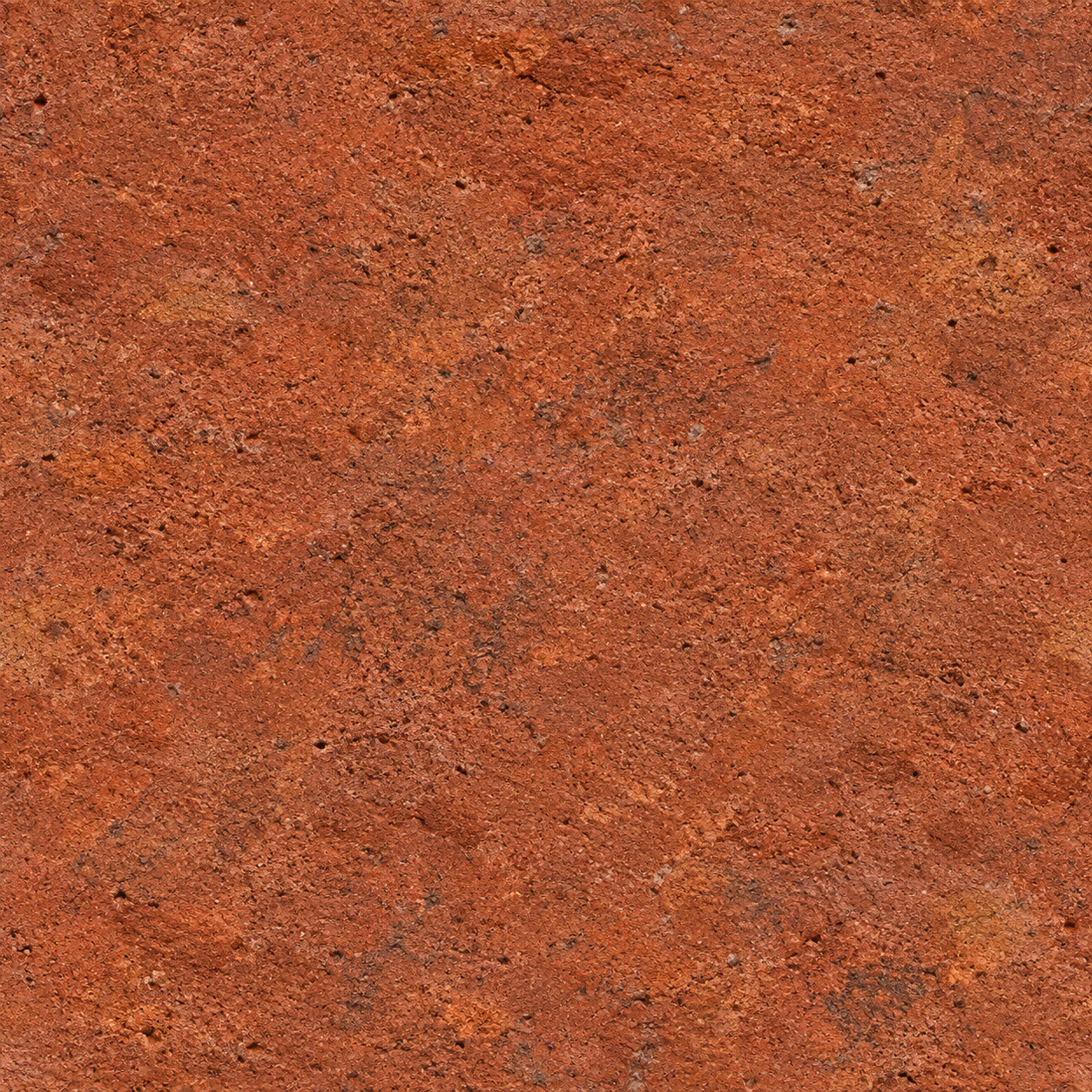 Red brick · Flemish bond900 × 600 mmDerived
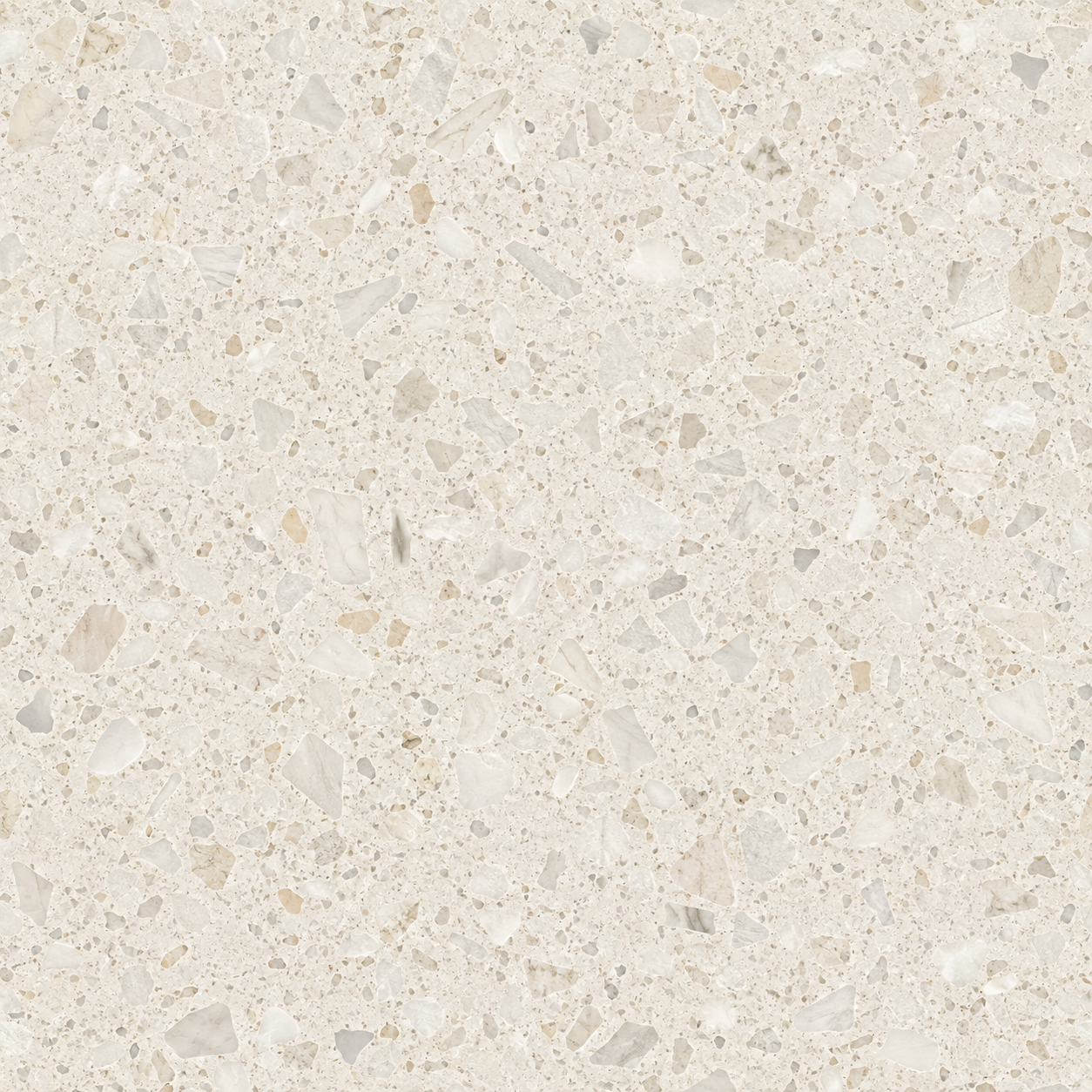 Terrazzo · Polished1200 × 1200 mmDerived
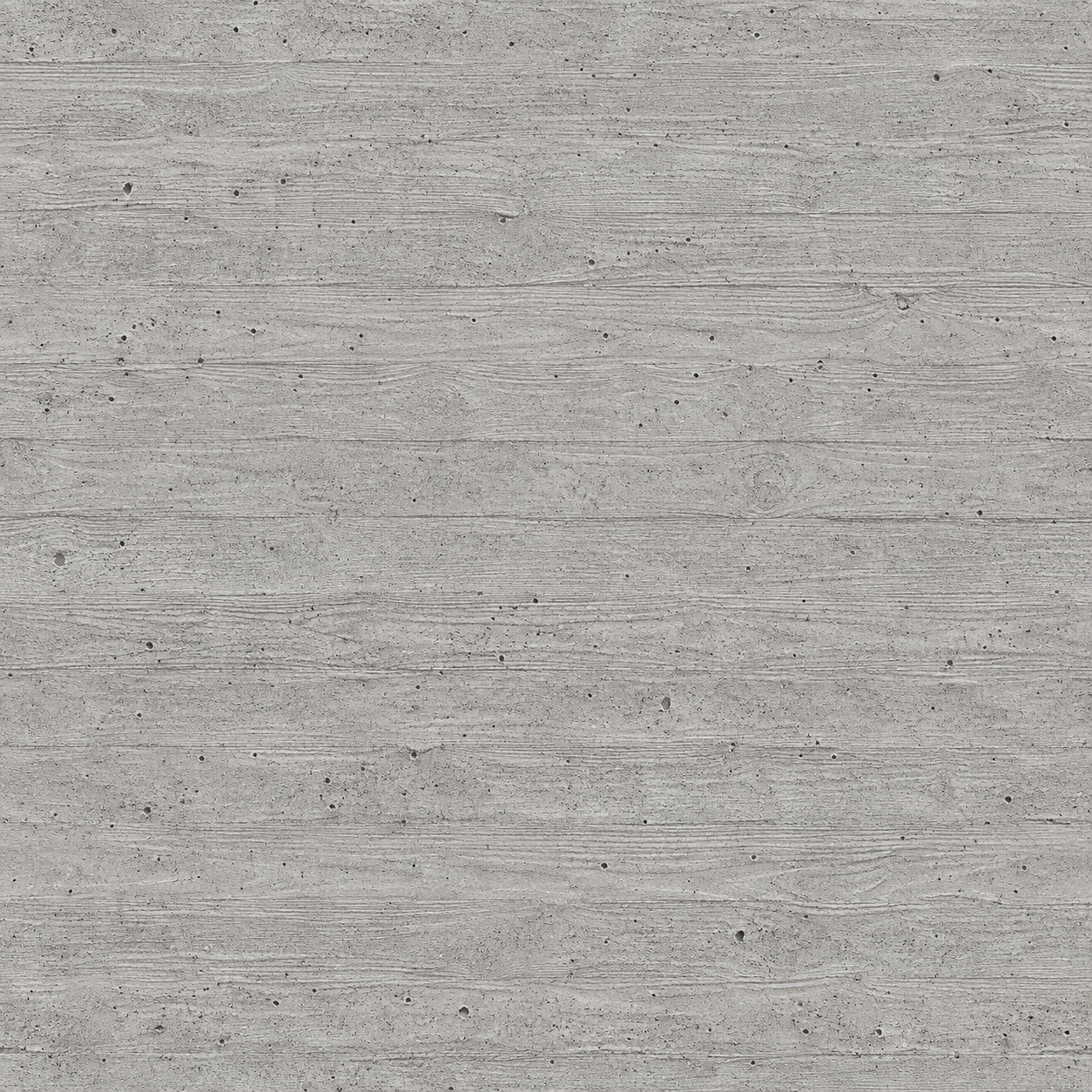 Concrete · Board-formed2400 × 1200 mmDerived
WHAT IT DOES
- 01
A MATERIALHAUS tab in the ribbon, and the library docked beside the Properties palette.
- 02
Select walls, floors or other elements and click a material: their faces are painted.
- 03
Select nothing and pick faces one by one, the way Revit’s own Paint tool works. Esc finishes.
- 04
Appearance maps at their real size, with surface and cut fill patterns drawn from the same module.
- 05
Faces are painted, not types edited, so one wall changes without changing every wall of its type.
- Download the .zip file and unzip it.
- Move the MATERIALHAUS.bundle folder into %APPDATA%\Autodesk\ApplicationPlugins.
- Start Revit. It asks whether to load an add-in that is not yet signed: choose Always Load.
- MATERIALHAUS ▸ Material Library, and sign in once — Google or email, in your browser.
GOOD TO KNOW
Said plainly
- The add-in is not code-signed yet, so Revit asks before loading it the first time. Signing comes with the Autodesk App Store release.
- Fill patterns come from the same module as the texture. They have not yet been checked against the reference fixtures, so they are not called Revit-validated.
- Families Revit will not paint get the material through their own Material parameter. Anything that could take neither is named in the result, not left for a render to reveal.
- Run inside Revit 2026 on Windows. The add-in talks only to materialhaus.com; nothing about your model leaves your computer, and there is no usage tracking.
Working in SketchUp as well?
SketchUp is a trademark of Trimble Inc. Autodesk and Revit are trademarks of Autodesk, Inc. MATERIALHAUS is not affiliated with or endorsed by either company.