PLUG-INS / SKETCHUP
MATERIALHAUS for SketchUp
Your MATERIALHAUS library in a panel beside the model. Select faces, click a material, and it goes on at the size it measures in the world.
- Status
- Beta
- Version
- 1.0.0
- Supports
- SketchUp 2025
- System
- Windows
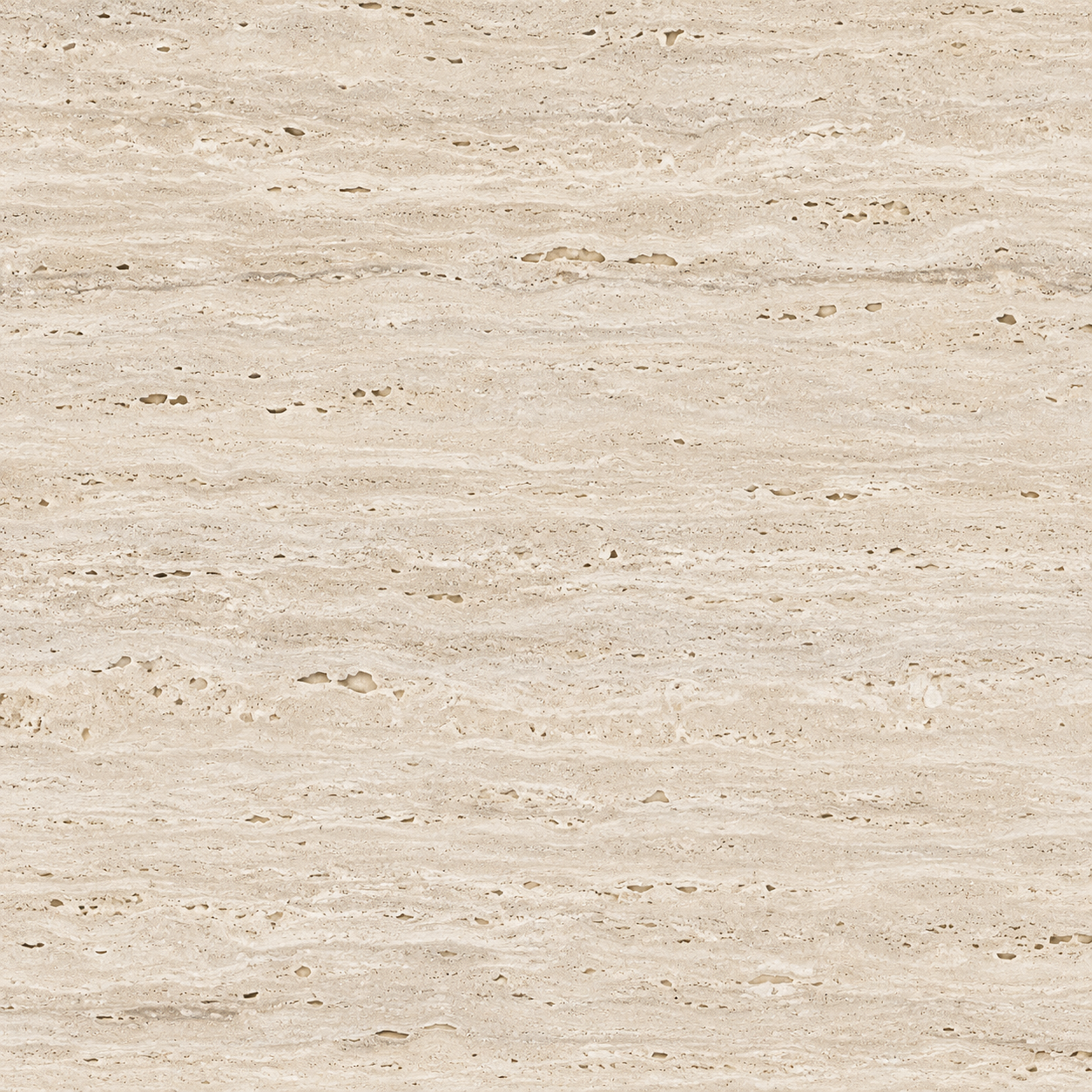 Travertine · Honed1200 × 2400 mmDerived
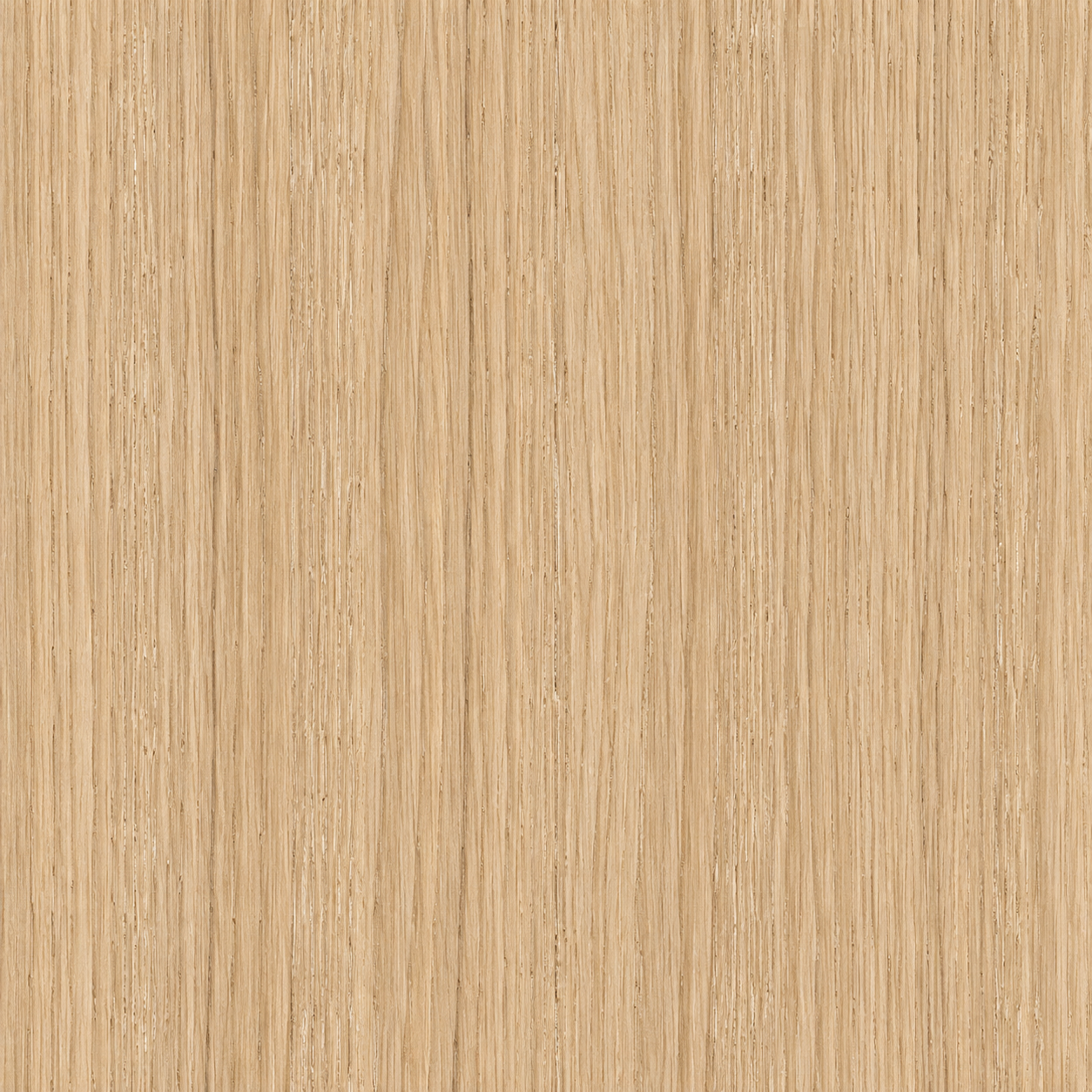 Oak · Oiled1080 × 1200 mmDerived
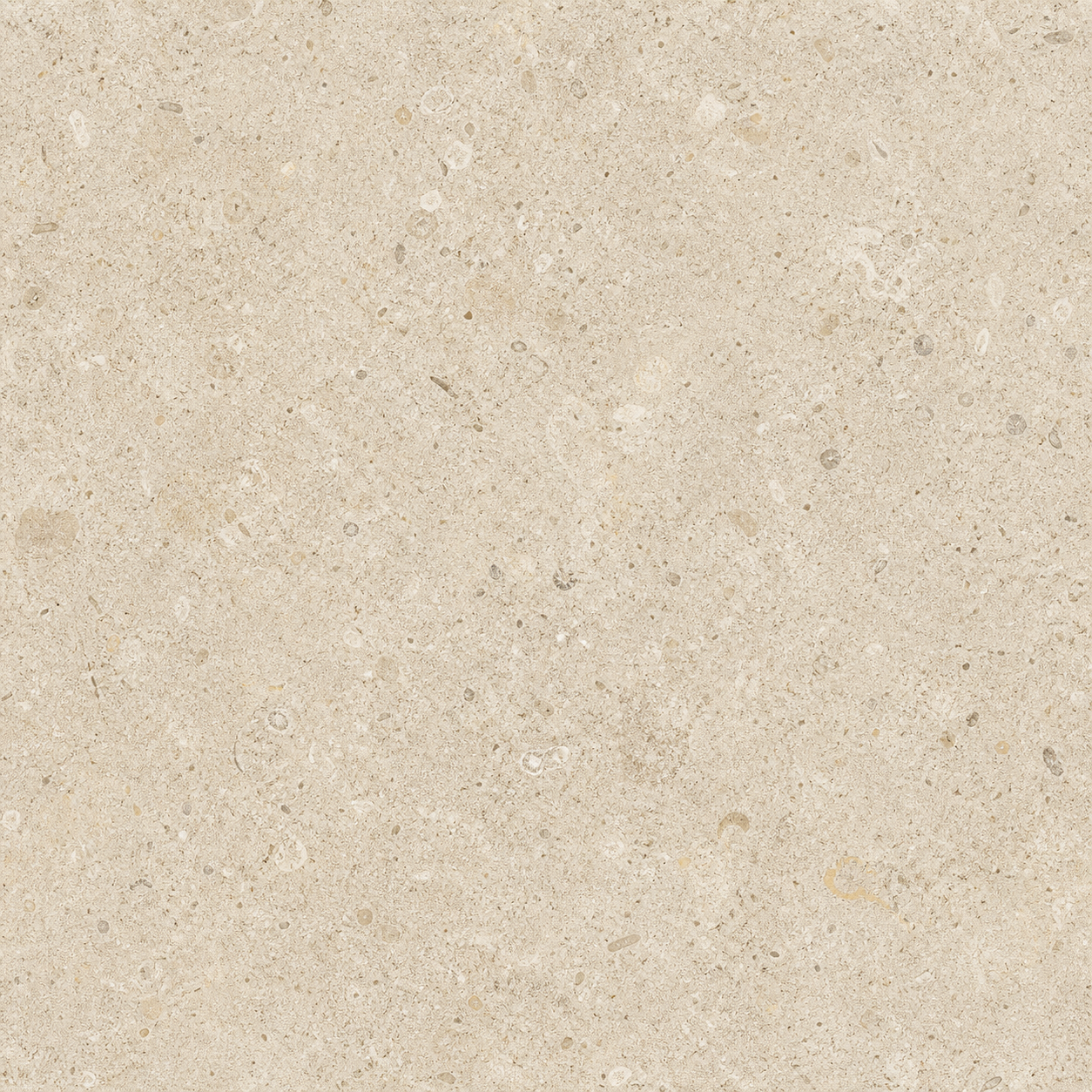 Limestone · Square tile2416 × 2416 mmDerived
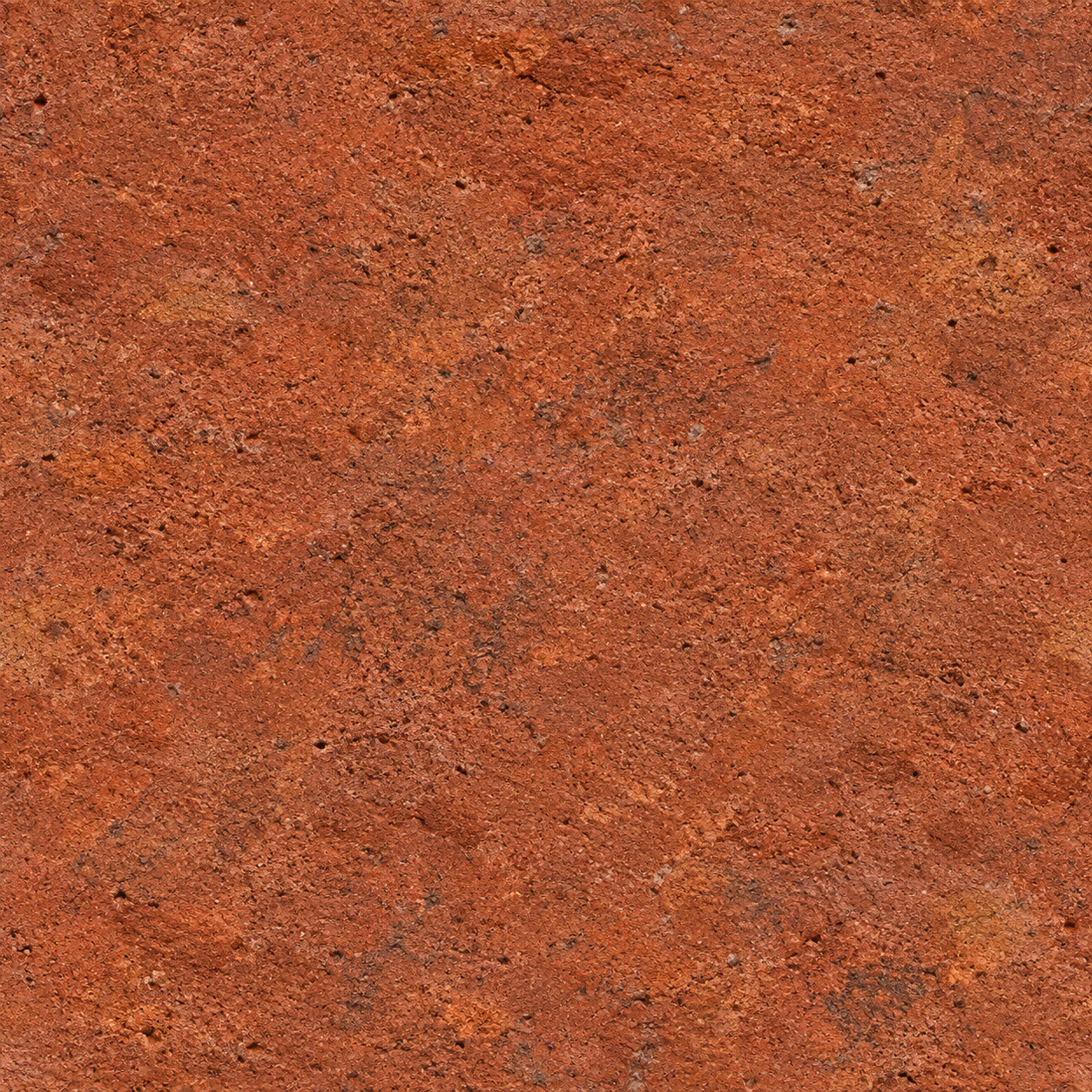 Red brick · Flemish bond900 × 600 mmDerived
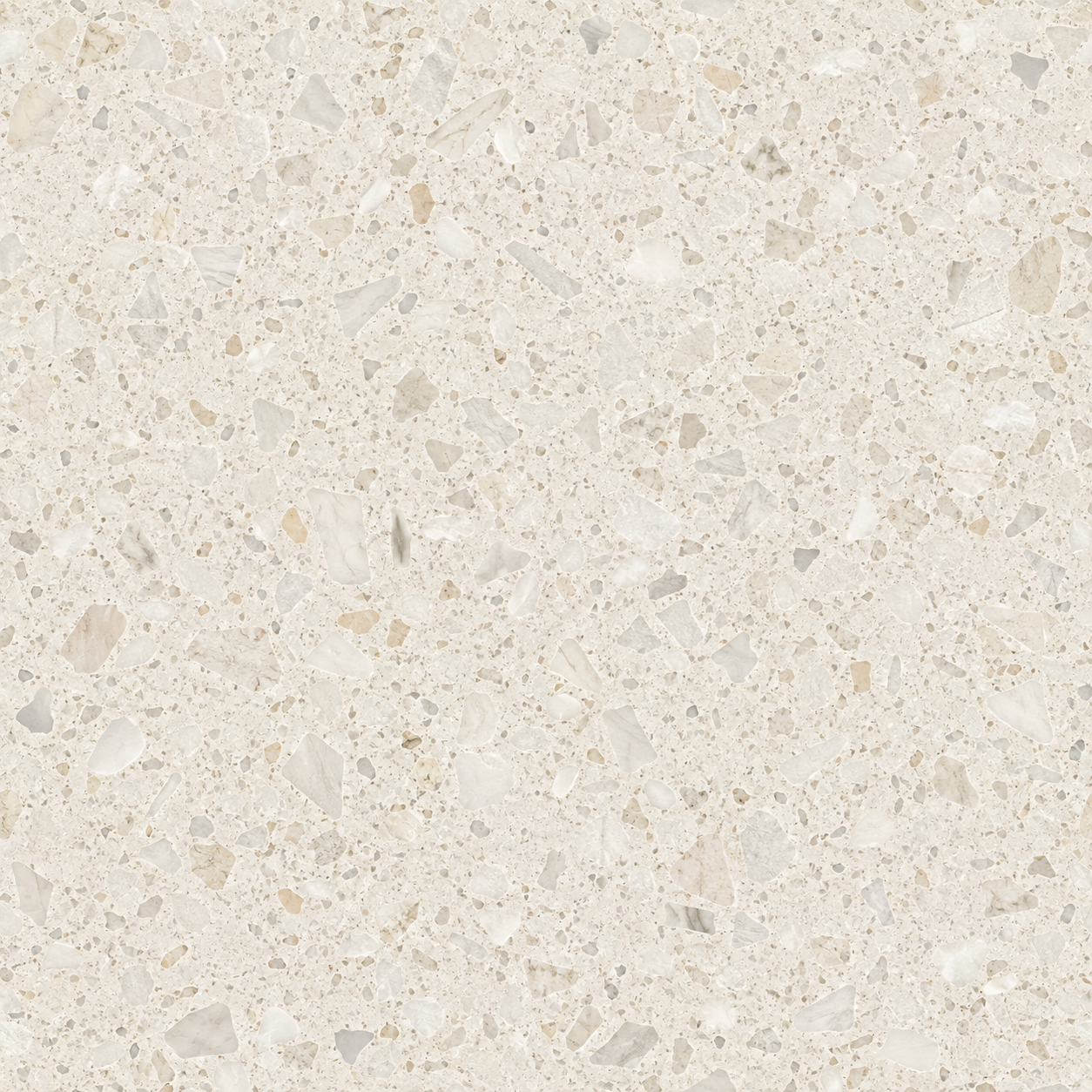 Terrazzo · Polished1200 × 1200 mmDerived
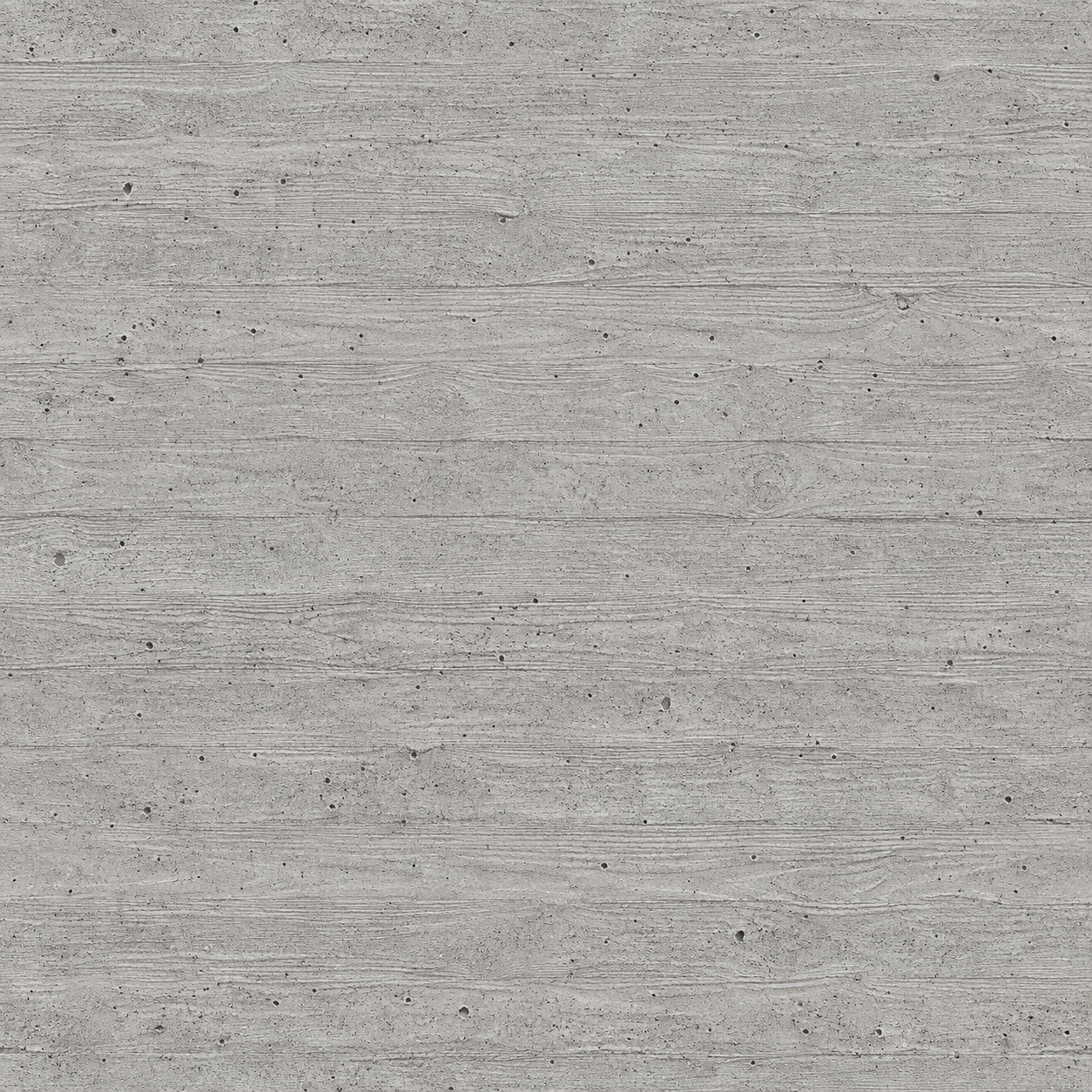 Concrete · Board-formed2400 × 1200 mmDerived
WHAT IT DOES
- 01
Select faces, groups or components and click a material. It goes on in one undo step.
- 02
Select nothing and the paint bucket is picked up with the material, ready for the next face you click.
- 03
The texture arrives at the real-world size it covers, not at whatever size the image happens to be.
- 04
Apply the same material twice and the one in the model is reused — no “Travertine (2)”.
- 05
If a texture is rescaled by hand, the panel notices and puts it back to its real size in one click.
- Download the .rbz file.
- In SketchUp: Extensions ▸ Extension Manager ▸ Install Extension, and choose the file.
- Open it from the MATERIALHAUS toolbar button, or Extensions ▸ MATERIALHAUS.
- Sign in once. Your browser opens; use Google or email, whichever you use on MATERIALHAUS.
GOOD TO KNOW
Said plainly
- SketchUp’s own display draws the colour map only. Normal and roughness maps are kept with the material for renderers that read them; they are not passed off as applied.
- Run inside SketchUp 2025 on Windows. Earlier releases and macOS have not been tried yet, so they are not listed.
- The panel shows the materials in your MATERIALHAUS library, so make one on the site first. If your plan does not include a material’s files, the panel says so rather than applying half of it.
- The extension talks only to materialhaus.com. Nothing about your model leaves your computer, and there is no usage tracking.
Working in Revit as well?
SketchUp is a trademark of Trimble Inc. Autodesk and Revit are trademarks of Autodesk, Inc. MATERIALHAUS is not affiliated with or endorsed by either company.