Seamless tile textures
Separate physical size, joints and repeat coverage with a square tile example. Apply a stone surface to 600 × 600 mm tiles and inspect four rows using one dimension system.
12 materials
 White Tiles1000 × 1000 mm
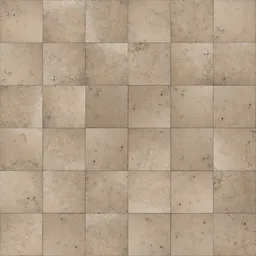 Cream Checkerboard Tiles2000 × 2000 mm
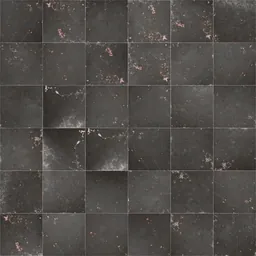 Weathered Dark Tiles2000 × 2000 mm
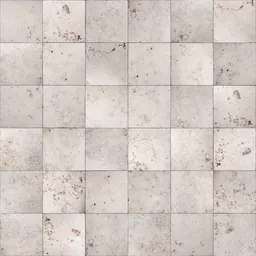 Stained Beige Tiles2000 × 2000 mm
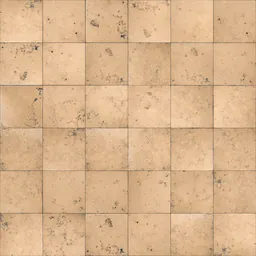 Spotted Limestone Tiles2000 × 2000 mm
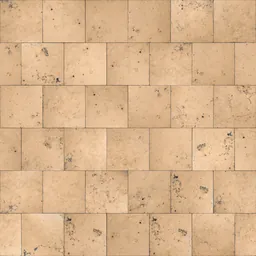 Beige Limestone Tiles2000 × 2000 mm
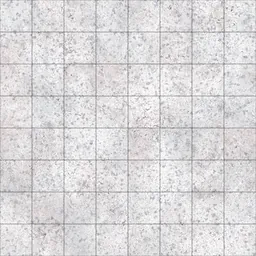 White Terrazzo TilesYou set the size
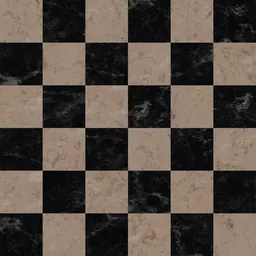 Marble Floor Tiles2100 × 2100 mm
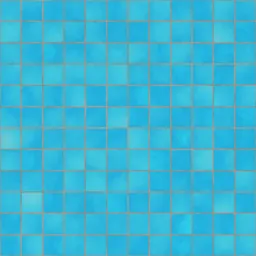 Blue Pool TilesYou set the size
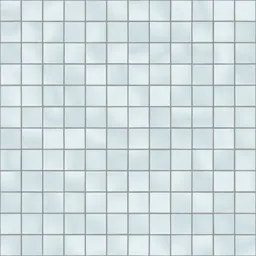 Modern White TilesYou set the size
 Black Square TilesYou set the size
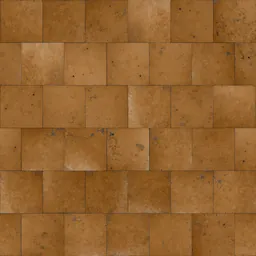 Golden Sandstone Tiles2000 × 2000 mm
Click a material: it opens in the editor, where you change the module, joint and pattern and download the maps.
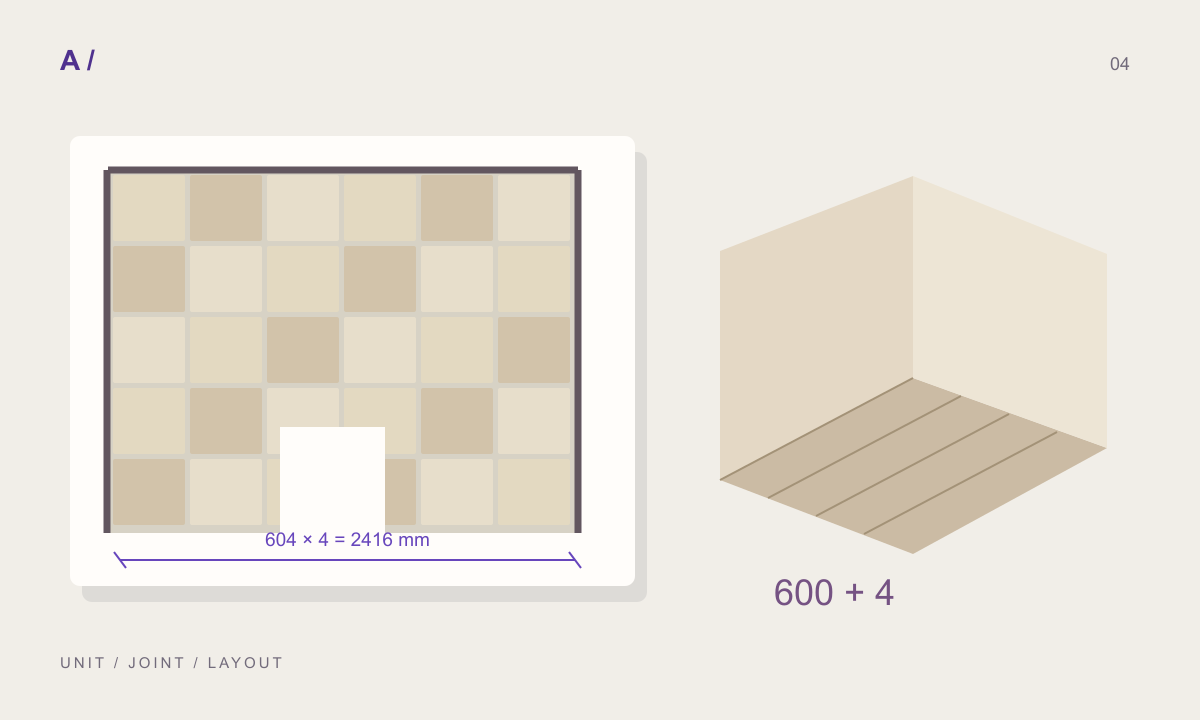
Separate periodic and finite layouts
Four 604 mm periods span 2416 mm. Four tiles with three internal 4 mm joints total 2412 mm. Project details separately determine edge joints and perimeter clearances.
State the source scale
Record the area represented by a cropped image. More pixels do not verify physical detail that was absent from the source.
Questions
How do I make a 60 × 120 tile texture?
Choose a surface, type 600 and 1200 mm as the tile width and height, set the joint and the layout (stack, 1/2 or 1/3 stagger, herringbone…). The preview and the maps are drawn at that size; nothing is stretched to fit.
Are these textures free?
The photographed and scanned surfaces come from ambientCG and Poly Haven under CC0. Editing and previewing are free. Free has every feature and all four plug-ins, with no watermark, and makes 10 new materials a month; Pro has no limit and downloads maps at 4K. Downloading a material you have made again does not count.
Can I use the same material in Revit and SketchUp?
“Create and save” keeps the material in your library with a Revit fill pattern (.PAT, model or drafting) drawn from the same module and joint, and the SketchUp, Revit, 3ds Max and Blender plug-ins apply it at its real size.
Related practical guides
- Tile layouts: calculate unit size, joints and repeat dimensions
- SketchUp texture scale: why cladding looks too large or too small
Last updated: