Seamless terrazzo textures
White, coloured and black-and-white terrazzo as tiles or as a poured floor. The size you state decides how large the aggregate reads, so set it before you download the maps.
10 materials
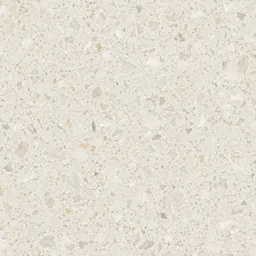 Terrazzo600 × 600 mm
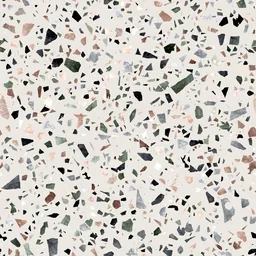 Colourful White TerrazzoYou set the size
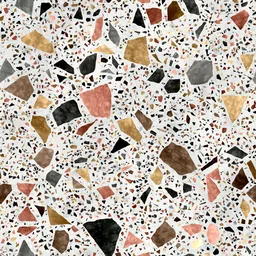 Multicolour TerrazzoYou set the size
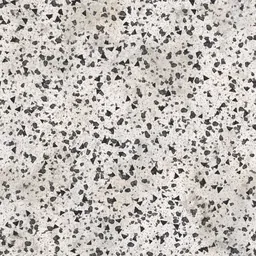 Black and White TerrazzoYou set the size
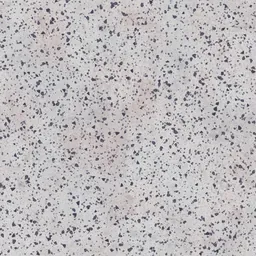 Classic White TerrazzoYou set the size
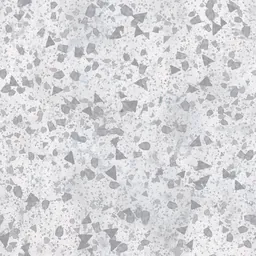 Vintage White TerrazzoYou set the size
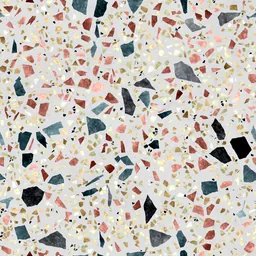 Colour-Flecked TerrazzoYou set the size
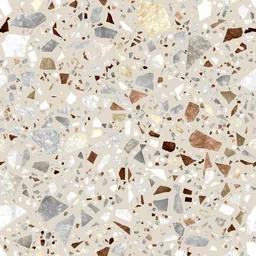 Mixed-Aggregate TerrazzoYou set the size
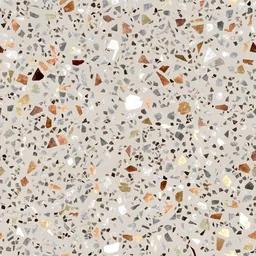 Colour-Chip TerrazzoYou set the size
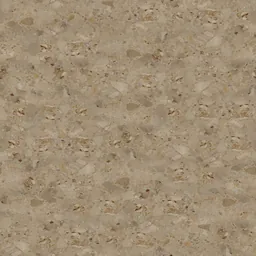 Beige Terrazzo800 × 800 mm
Click a material: it opens in the editor, where you change the module, joint and pattern and download the maps.
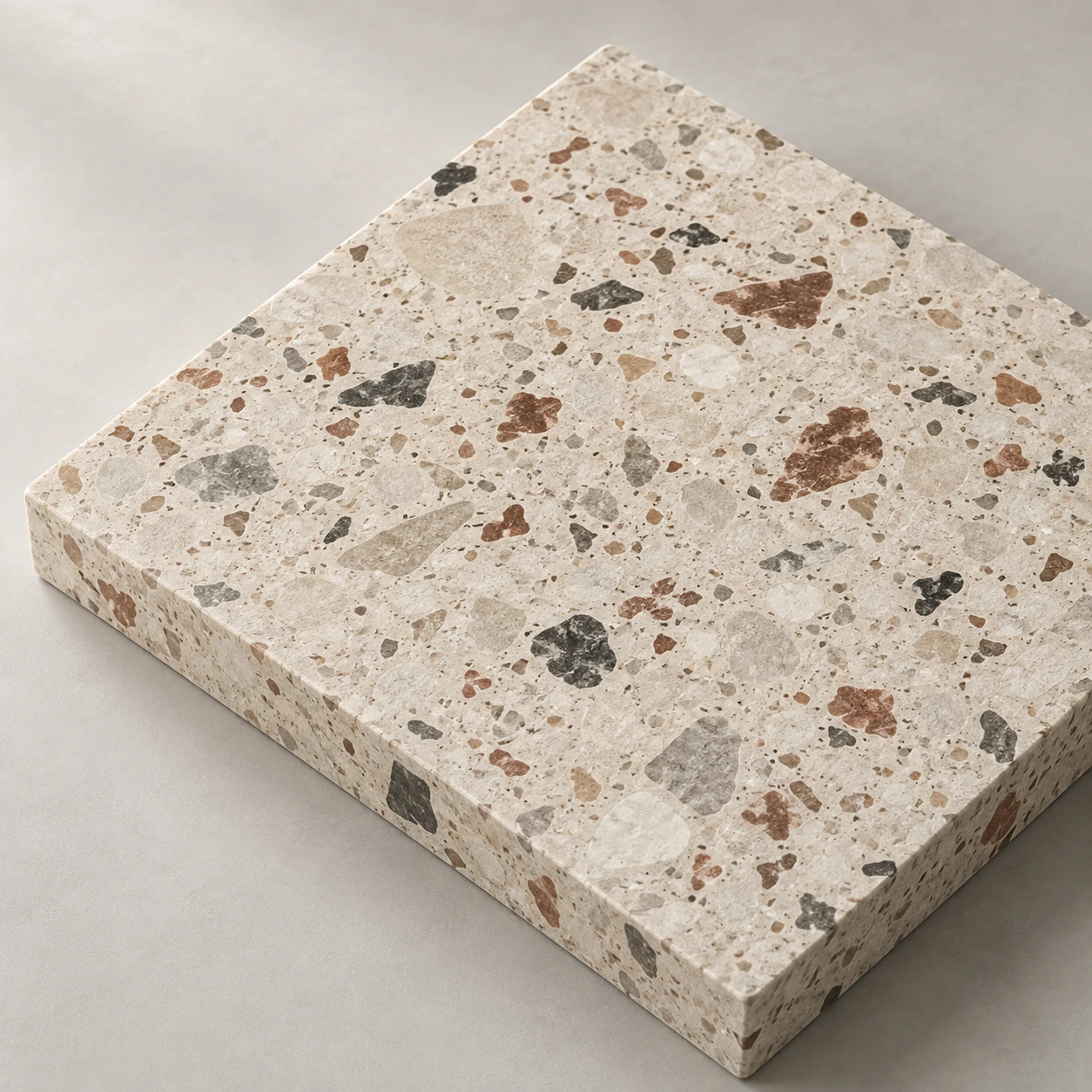
The size decides the aggregate
Terrazzo is read by the size of its chips, and the chips are as large as the scale you give the picture. A picture mapped at 1 m and the same picture at 300 mm are different floors.
Tiles or poured
Tiles have joints; a poured floor has none, or brass strips at a set grid. Give the joint as 0 mm for a continuous floor, or use the strip spacing as the module.
Questions
Are these textures free?
The photographed and scanned surfaces come from ambientCG and Poly Haven under CC0. Editing and previewing are free; the free plan downloads the maps at 1K, Plus at 2K and Pro at 4K. A download or a saved package uses one of the day’s creations.
Can I use the same material in Revit and SketchUp?
“Create and save” keeps the material in your library with a Revit fill pattern (.PAT, model or drafting) drawn from the same module and joint, and the SketchUp, Revit, 3ds Max and Blender plug-ins apply it at its real size.
Related practical guides
Last updated: