Seamless brick textures and bonds
Prepare brick length, height, joints and bond together. A single unit is not the full repeat area; staggered bonds need a complete repeat cycle.
13 materials
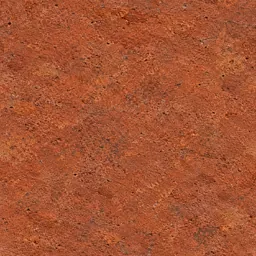 Red Brick215 × 65 mm
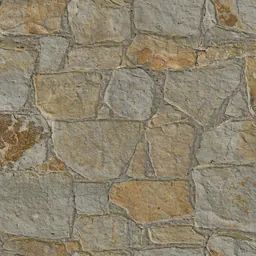 Sand Yellow Brick2000 × 1000 mm
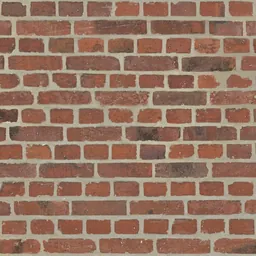 Factory Red Brick2400 × 1200 mm
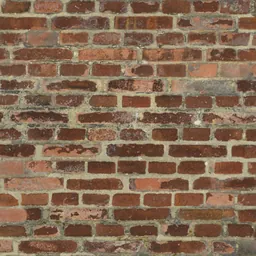 Weathered Industrial BrickYou set the size
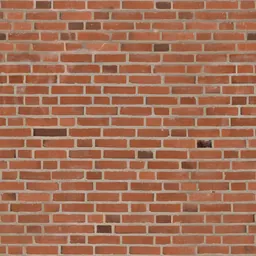 Clean Red BrickYou set the size
 Old Brown BrickYou set the size
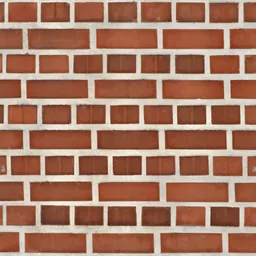 Smooth Orange-Red BrickYou set the size
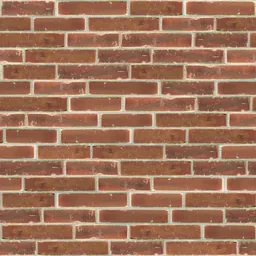 Classic Red Brick1050 × 1050 mm
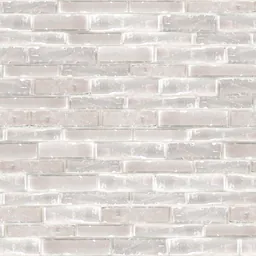 Light White Brick1050 × 1050 mm
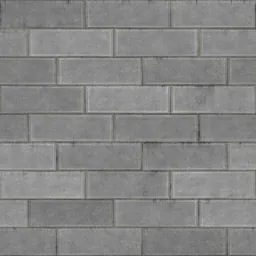 Rustic Brick Wall2400 × 2400 mm
 Sandstone-Tone BrickYou set the size
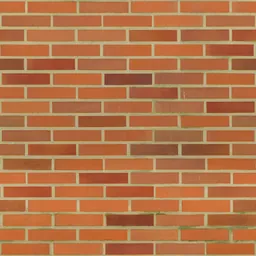 Modern Orange Brick1100 × 1100 mm
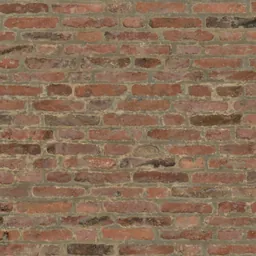 Aged Red-Brown Brick1800 × 900 mm
Click a material: it opens in the editor, where you change the module, joint and pattern and download the maps.
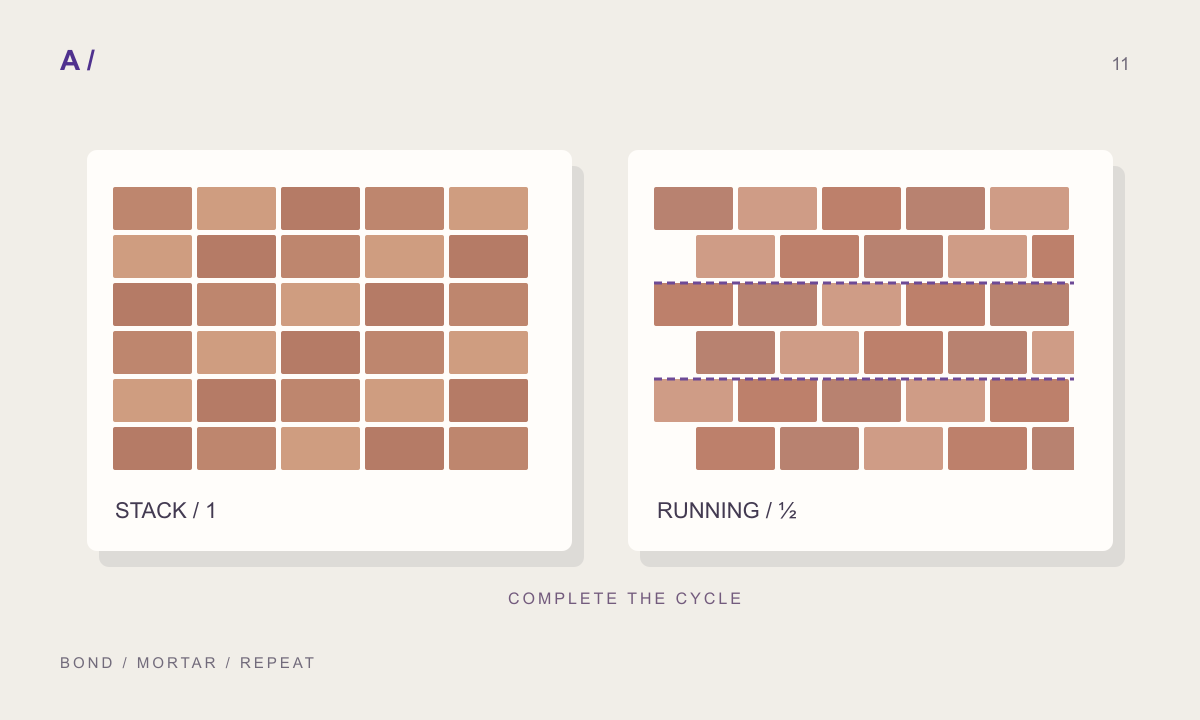
Joints belong to the repeat
A 215 mm unit and 10 mm joint give a 225 mm pitch in a simple straight row. A full Flemish repeat also depends on the arrangement of headers and stretchers.
Inspect the bond at its destination
Check close-up boundaries and colour repetition across a larger elevation. CAD hatches and textures should use the same unit and joint settings.
Questions
Which brick bonds can I make?
Running bond, stack bond, Flemish bond, 1/3 and 1/4 staggers, basketweave, herringbone and a random bond. Rows and columns step in whole bond cycles, so the texture repeats without a seam.
Are these textures free?
The photographed and scanned surfaces come from ambientCG and Poly Haven under CC0. Editing and previewing are free. Free has every feature and all four plug-ins, with no watermark, and makes 10 new materials a month; Pro has no limit and downloads maps at 4K. Downloading a material you have made again does not count.
Can I use the same material in Revit and SketchUp?
“Create and save” keeps the material in your library with a Revit fill pattern (.PAT, model or drafting) drawn from the same module and joint, and the SketchUp, Revit, 3ds Max and Blender plug-ins apply it at its real size.
Related practical guides
Last updated: