A texture needs a size
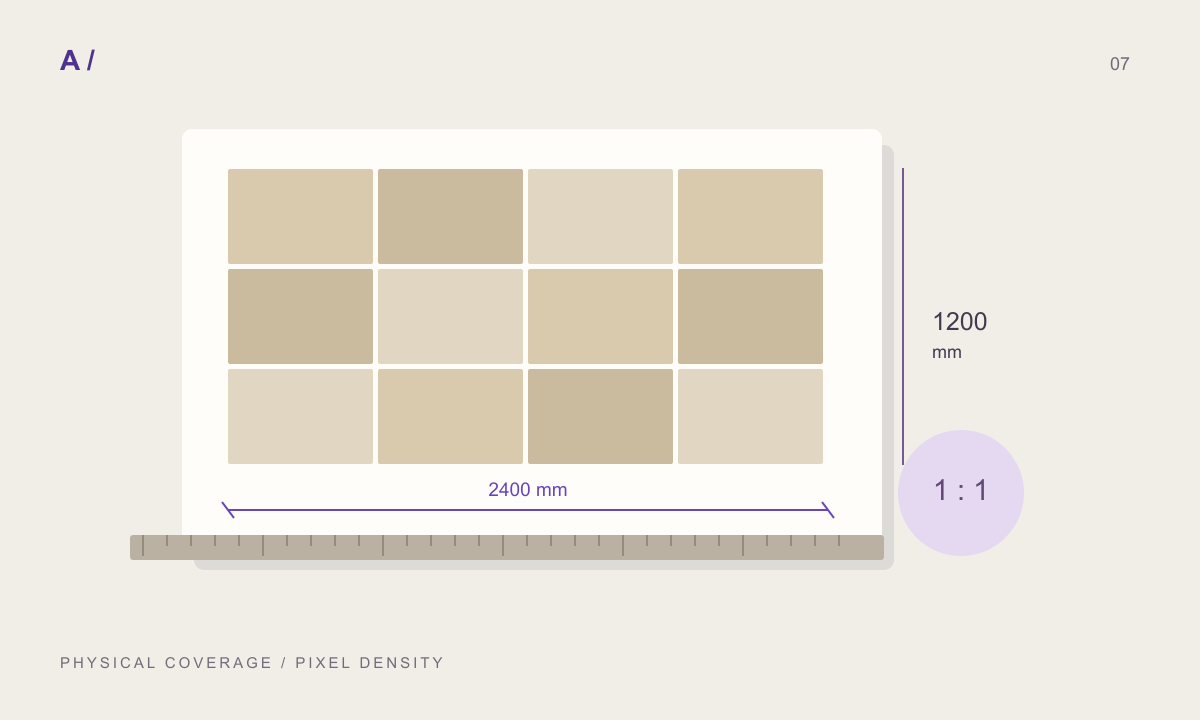
A surface image alone does not tell your team how large the material is. Start with the intended module width and height. A 600 × 1200 mm slab and a 300 × 600 mm tile can use similar photographs but describe different construction layouts. Keep pixel resolution separate from dimensions in millimetres.
Inspect more than the edge
In MATERIALHAUS, open a surface in Create and inspect a repeated view before exporting. Look for seams, brightness changes and distinctive features that repeat too often. Examine different zoom levels. Matching edges do not prevent a prominent pore or knot from making repetition obvious.
Keep the source and assumptions
Use supplied dimensions when there is a product specification. If you estimated the size, retain that distinction in project notes. An attractive texture is not evidence of a calibrated scan. Store the source, dimensions, finish and technical document together.
Check the destination
After download, set scale in the destination application and inspect a known-size test surface. Review joints, orientation and appearance before applying the material across a project. The final check belongs in the software used for delivery.
A worked example: pixel density
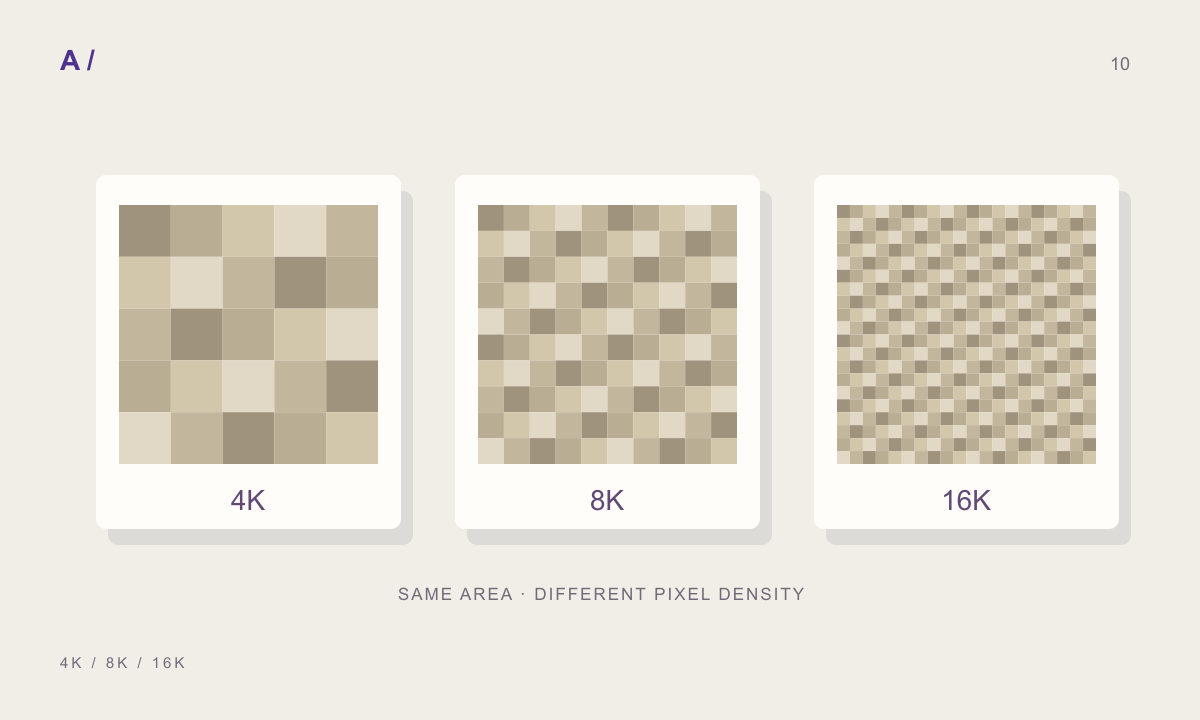
Consider a 2048-pixel image covering a 1200 mm-wide area. Its horizontal density is 2048 / 1200, approximately 1.71 pixels/mm. Calling the same image 600 mm wide changes that density to 3.41 pixels/mm. No new detail appears; the physical size of existing detail changes. Increasing resolution and changing scale are different operations. For a close-up render, consider the physical area represented by the source as well as its pixel dimensions.
One slab or an assembled wall?
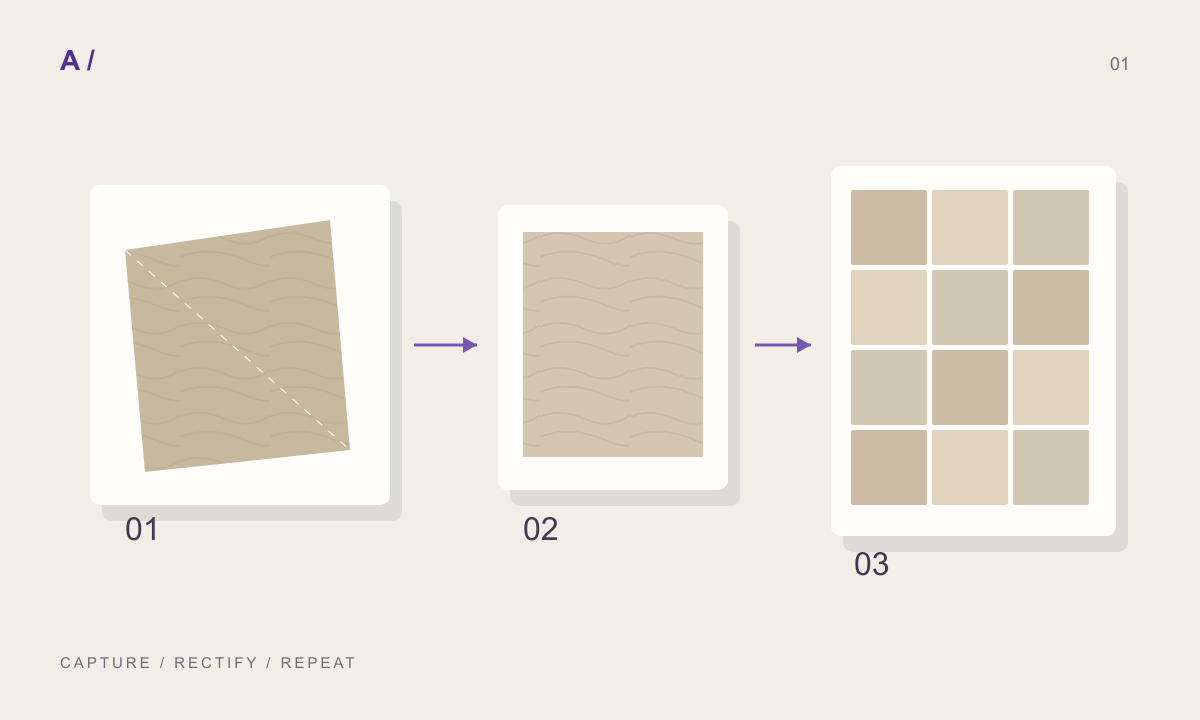
A source photograph containing several tiles and joints can produce double lines when the editor adds another joint layout. Decide whether the image represents a raw surface or a finished assembly. A joint-free source gives more control for parametric bond experiments. When using an assembled wall photograph, inspect whether its baked-in layout conflicts with the intended pattern.
Nominal size and repeat interval
A 600 mm product width is not necessarily a 600 mm repeat interval. A layout treating a 600 mm slab plus a 4 mm joint as a 604 mm repeat differs from one including the joint inside a 600 mm module. This is a data-entry example, not a construction standard. Reconcile the product document, construction detail and editor definition before judging the result.
Separate source, repeat and display problems
If the image is blurry, first open the source at its native pixel size. If the source is sharp but the output is soft, investigate output resolution and resampling. If lines disappear only when zooming out, the displayed joint may be narrower than a pixel; inspect the close view and downloaded file separately. Increasing resolution indiscriminately can hide the cause while making packages larger.
Leave a useful handoff record
Use a material family, module and version in the filename, such as travertine_600x1200_v03. Include the joint interpretation, image coverage and known limitations. A colleague should understand what still needs manual setup. Add a test-scene screenshot to show intended appearance, while keeping it distinct from technical evidence.
Before you hand off
- Source image coverage is stated.
- The module and joint interpretation is explicit.
- A 2 × 2 repeat and a larger repeat were inspected.
- Source and output were checked at close range.
- Destination scale was checked against a known dimension.
Frequently asked questions
Does seamless mean realistic?
No. Matching edges do not remove distinctive repetition or incorrect physical scale.
Is 4K always better?
A larger output cannot recover real detail absent from the source. Choose for the intended display size.
What if manufacturer dimensions are unavailable?
Use a design assumption if necessary and label it as an assumption rather than a measurement.
Prepared by MATERIALHAUS with AI assistance. Worked dimensions are illustrative; verify construction details and technical product information for your own project.