Seamless wood and parquet textures
Oak and other wood grains as planks, herringbone or basketweave parquet at real size. Set the plank, the joint and the tone difference between boards, then download PBR maps from the same settings.
15 materials
 White Oak180 × 1200 mm
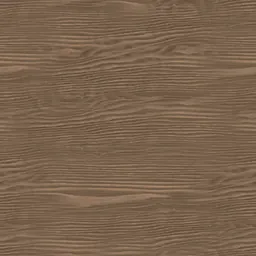 Natural Oak Grain800 × 800 mm
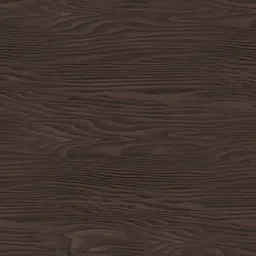 Espresso Wood800 × 800 mm
 Fine-Grain Wood400 × 400 mm
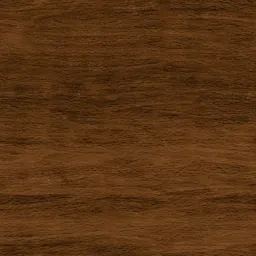 Smooth Brown Wood400 × 400 mm
 Dark Brown Wood400 × 400 mm
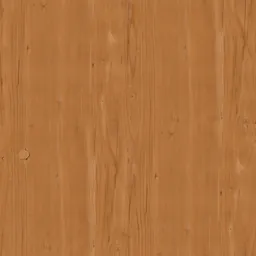 Warm Fine-Grain Wood800 × 800 mm
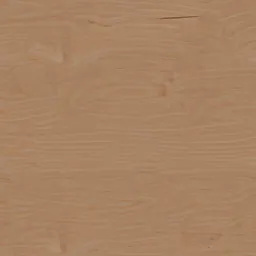 Natural Brown WoodYou set the size
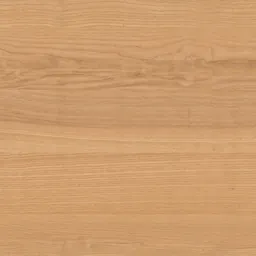 Pale Polished WoodYou set the size
 Fine Brown WoodYou set the size
 Fine Dark WoodYou set the size
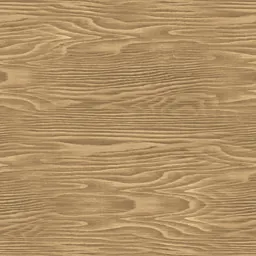 Smooth Light Wood800 × 800 mm
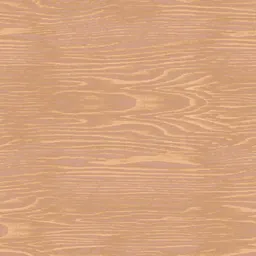 Pale Natural Wood800 × 800 mm
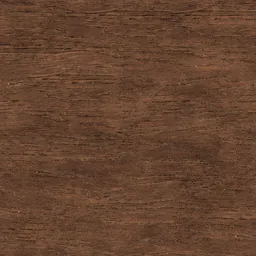 Rough Dark WoodYou set the size
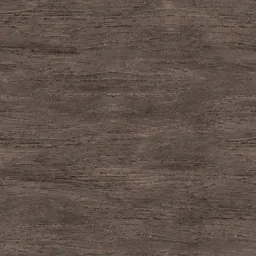 Coarse Dark WoodYou set the size
Click a material: it opens in the editor, where you change the module, joint and pattern and download the maps.
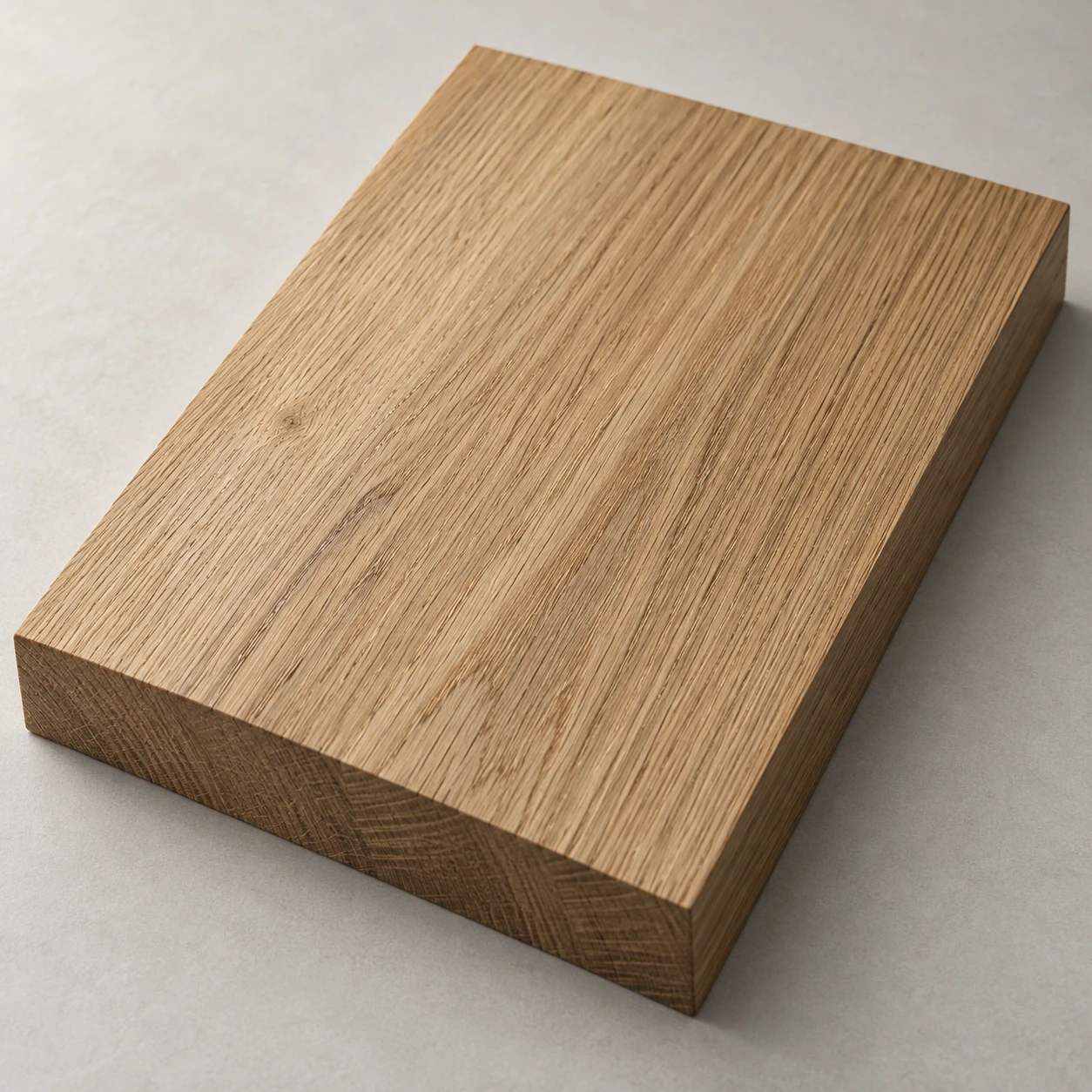
The plank is the module
A parquet texture is planks and joints, so its size is the plank’s: 180 × 1200 mm reads as a wide floorboard, 70 × 490 mm as herringbone. Set it first; everything else is drawn at that size.
Grain direction and board tone
Wood grain runs along the plank, so leave random rotation off and turn the texture with the plank. A small tone difference between boards reads as real timber; a large one reads as a pattern.
Questions
Can I make a herringbone parquet texture?
Yes. Choose herringbone as the layout and give the plank’s width and length; the texture repeats in whole herringbone cells, and the same settings draw the Revit fill pattern.
Are these textures free?
The photographed and scanned surfaces come from ambientCG and Poly Haven under CC0. Editing and previewing are free; the free plan downloads the maps at 1K, Plus at 2K and Pro at 4K. A download or a saved package uses one of the day’s creations.
Can I use the same material in Revit and SketchUp?
“Create and save” keeps the material in your library with a Revit fill pattern (.PAT, model or drafting) drawn from the same module and joint, and the SketchUp, Revit, 3ds Max and Blender plug-ins apply it at its real size.
Related practical guides
- Seamless textures: start with physical scale
- Blender PBR materials: connect maps and check real scale
Last updated: