Seamless concrete textures
Raw, smooth and board-formed concrete as panels at real size. Set the formwork panel and its joint, keep repetition out of large walls, and download PBR maps from the same settings.
13 materials
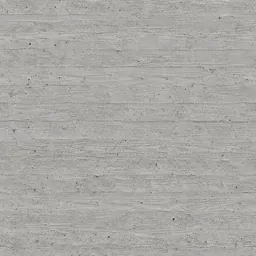 Board-formed Concrete2400 × 1200 mm
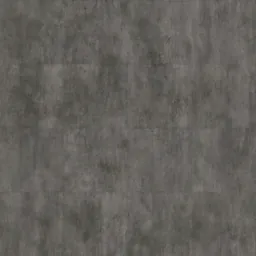 Grey-Green ConcreteYou set the size
 Light Grey Concrete1100 × 550 mm
 Smooth ConcreteYou set the size
 Off-White Concrete2400 × 2400 mm
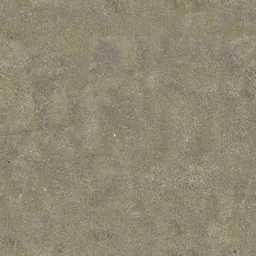 Rough Beige ConcreteYou set the size
 Smooth Beige ConcreteYou set the size
 Plain Grey ConcreteYou set the size
 Aged Grey-Green ConcreteYou set the size
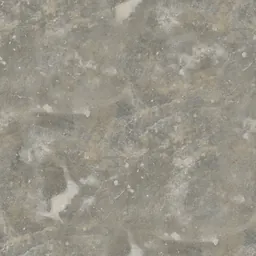 Old Dark ConcreteYou set the size
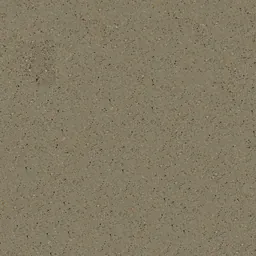 Rough Brown Concrete1400 × 1400 mm
 Damaged ConcreteYou set the size
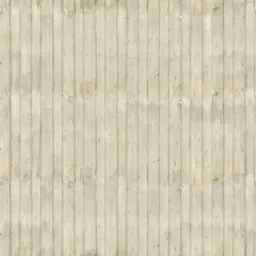 Patterned Concrete2000 × 2000 mm
Click a material: it opens in the editor, where you change the module, joint and pattern and download the maps.
Formwork panels are modules
Concrete cast against panels shows their size, so treat the panel as the module and its joint as the shadow line. A 1200 × 2400 mm panel with a 3 mm joint repeats the way the wall will be poured.
Large plain walls show repetition
A plain concrete wall is where a repeating texture is easiest to spot. Use a small tone difference between panels and look at the wall from a distance before rendering.
Questions
Are these textures free?
The photographed and scanned surfaces come from ambientCG and Poly Haven under CC0. Editing and previewing are free; the free plan downloads the maps at 1K, Plus at 2K and Pro at 4K. A download or a saved package uses one of the day’s creations.
Can I use the same material in Revit and SketchUp?
“Create and save” keeps the material in your library with a Revit fill pattern (.PAT, model or drafting) drawn from the same module and joint, and the SketchUp, Revit, 3ds Max and Blender plug-ins apply it at its real size.
Related practical guides
- Why concrete textures look artificial: six checks before rendering
- Seamless textures: start with physical scale
Last updated: