Upload the product
Surface photo, product code, module dimensions and technical PDF.
MATERIALHAUS / FOR MANUFACTURERS
Bring product surfaces, dimensions, codes and datasheets together. Prepare material records for architects to review.
Private pilot · account required · no automatic public publishing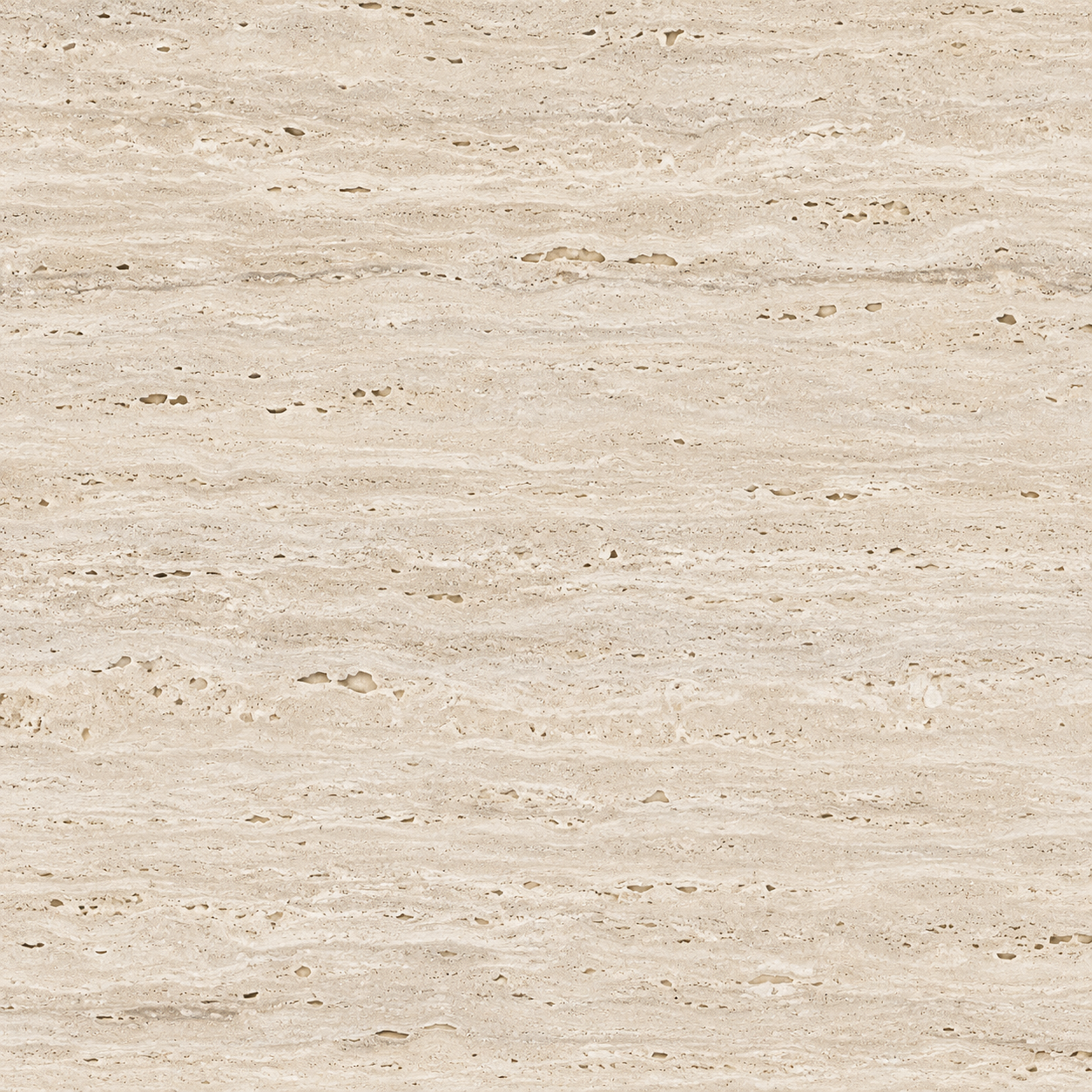 YOUR MATERIAL
FROM PRODUCT TO PROJECT
Surface photo, product code, module dimensions and technical PDF.
Open the saved surface in the material editor. Adjust the layout and inspect texture maps.
Keep a private draft and submit the complete record for review.
EXAMPLE PRODUCT RECORD
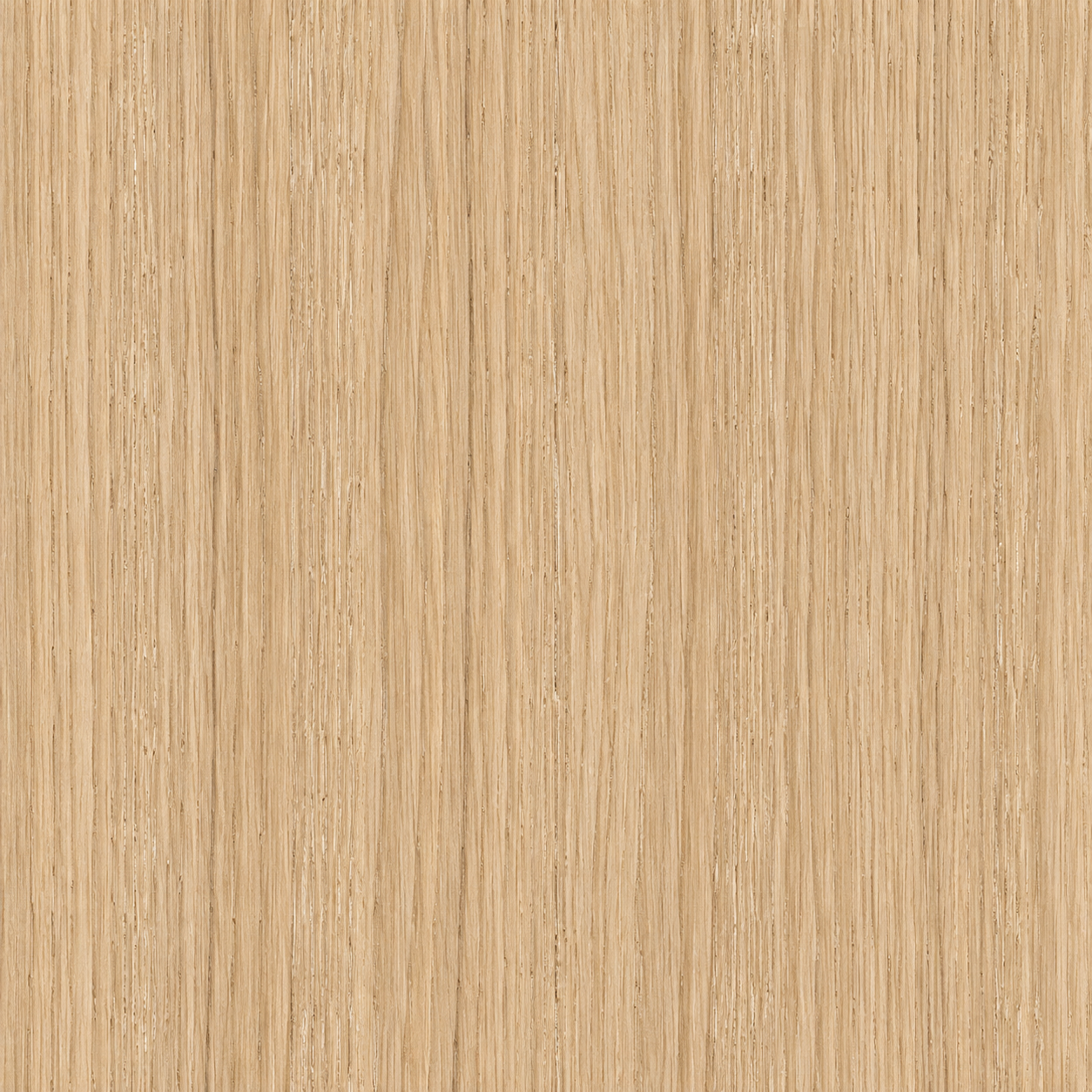
Product code, finish, stated dimensions and datasheet stay together in your private catalogue. AI-derived maps are never presented as measured scans.
Create an account or sign in to manage your product catalogue.
Open manufacturer panel →