215 × 65 mm brick, 10 mm joint
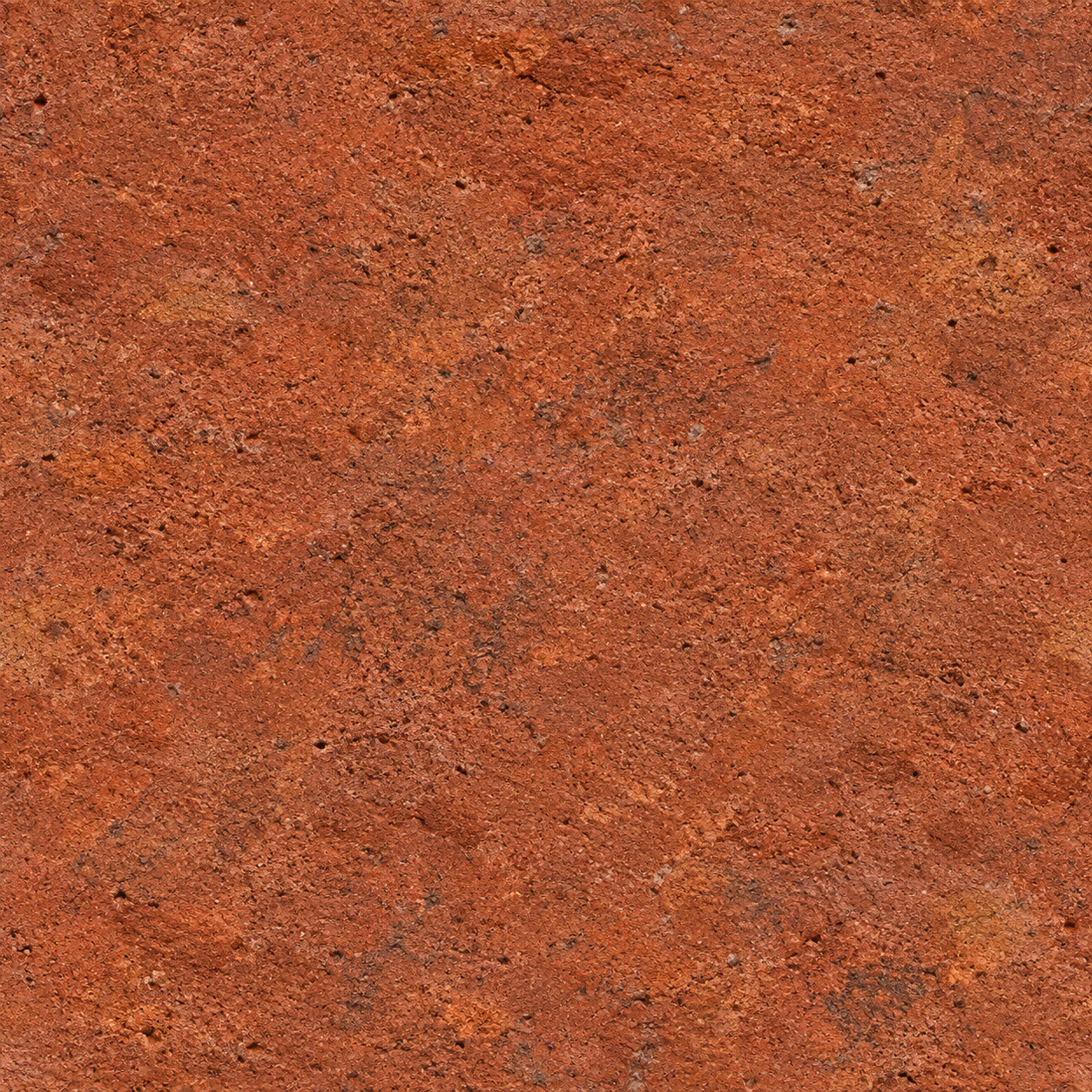
Open a Flemish bond recipe with explicit unit and joint dimensions and inspect its repeat in the editor. The dimensions in this example are design inputs. Image-derived maps are not measured scans. Inspect the source and settings below, then open the same recipe in the editor.
| Unit | Horizontal / vertical joint | Bond | Rows × columns | Resolution |
|---|---|---|---|---|
| 215 × 65 mm | 10 / 10 mm | flemish bond | 8 × 4 | 2048 px |
Workflow steps
- Open the example in the editor. Source and recipe load together.
- Compare dimensions and joints with the table above.
- Enable repeat and dimension views and inspect the boundaries.
- Change one setting and review the result before saving.
- Generate files with your available access and check them in the target software.
Five-point checklist
- Record the source and permission to use the image.
- Set unit dimensions and joint width separately.
- Inspect repeat boundaries and the larger surface.
- Check that textures and drawing files share the same dimensions.
- Test the files in the destination software and keep version notes.
Verification scope: example loading and web preview. No Revit, Blender or SketchUp validation record is provided yet.
Last updated: