Organise around a design task
Start with categories that reflect actual decisions: stone, wood, concrete, metal, textiles, tiles, brick, landscape and plaster. Searchable names should distinguish references without inventing a commercial product identity. A source called Wood 095 is not evidence that it is a particular oak species or a certified flooring product. Keep the source name alongside any internal project nickname so another team member can trace it.
Understand the licence boundary
ambientCG publishes its assets under CC0 1.0 and allows copying, modification and redistribution, including commercial use. Its licence also covers the material preview renders specified on its licence page. Keep a link to that page and the individual asset, even when attribution is not required. The asset licence is permission to use the digital resource; it is not a certificate for a physical building product.
Store enough information to reopen the decision
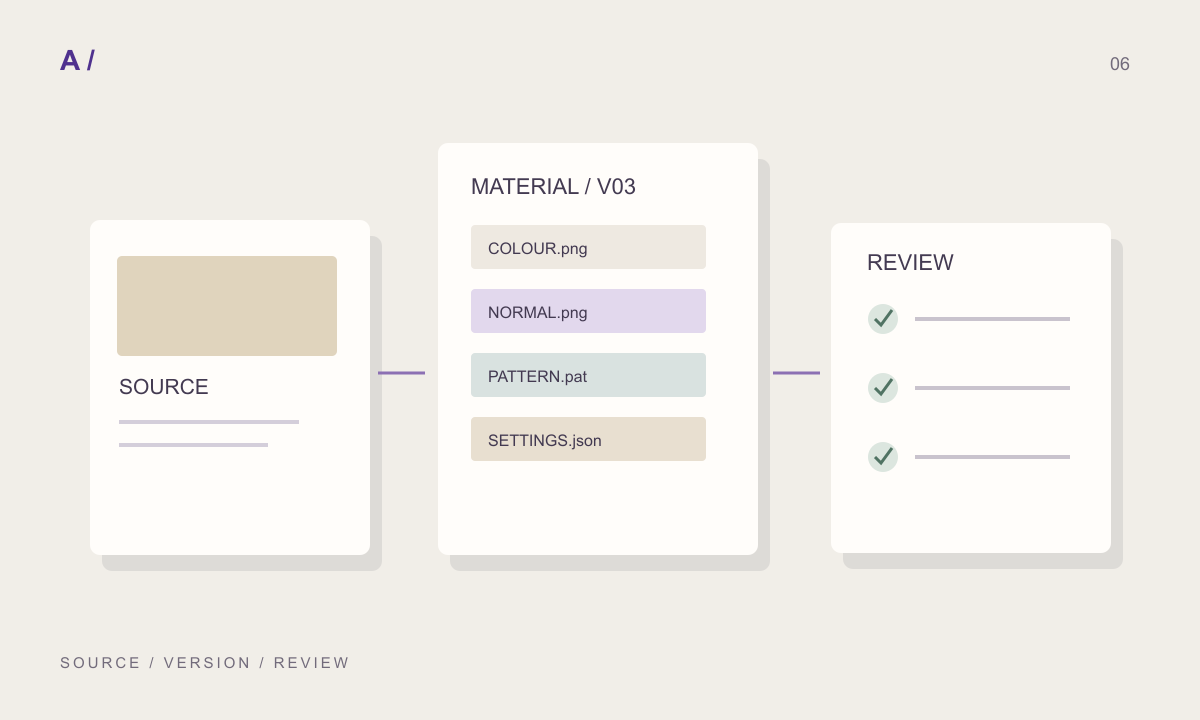
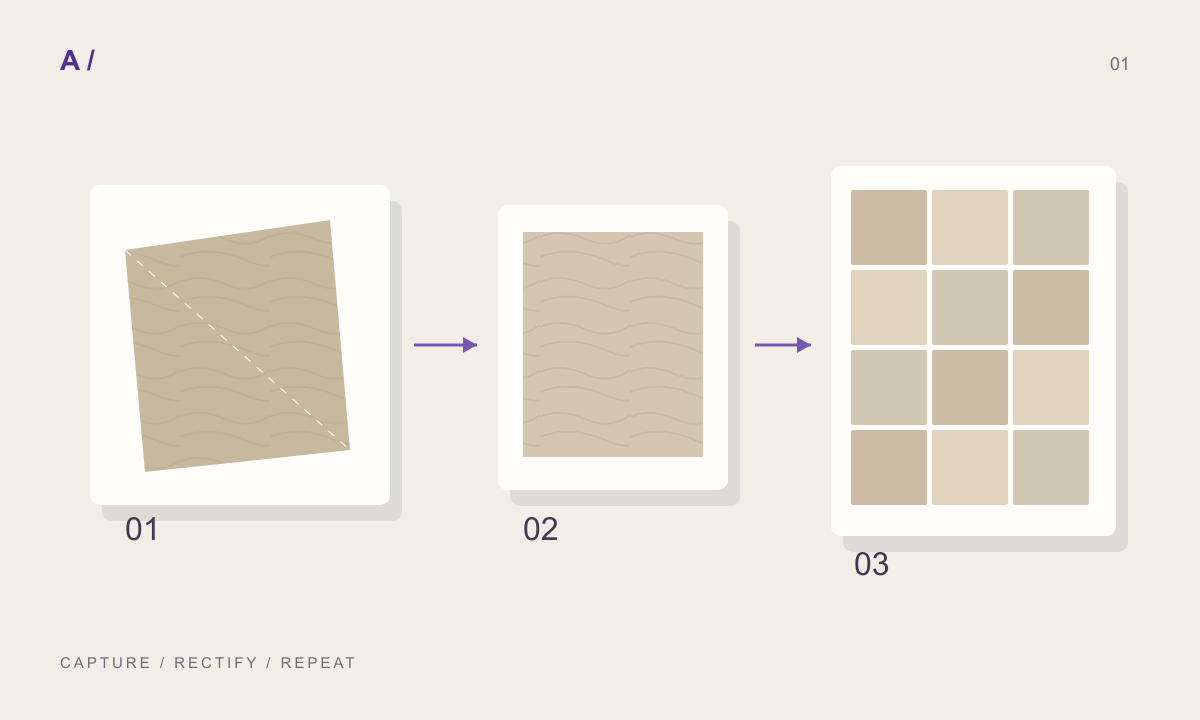
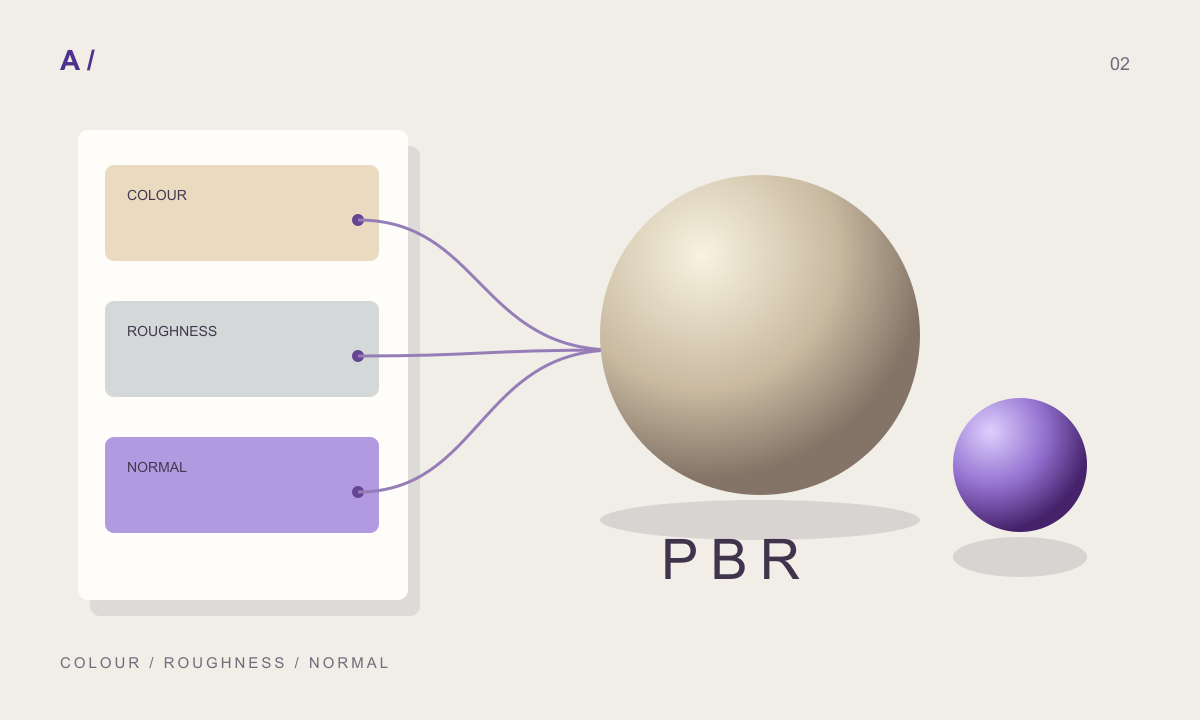
For every reference, retain its source URL, asset identifier, original resolution and stated dimensions. Record which values are assumptions. If you crop, tint or rotate the source, retain the recipe rather than replacing the only original. Keep colour sources distinct from supplied PBR channels and from maps derived later. This makes it possible to investigate a rendering discrepancy without guessing which image was used.
Use the local collection as a starting point
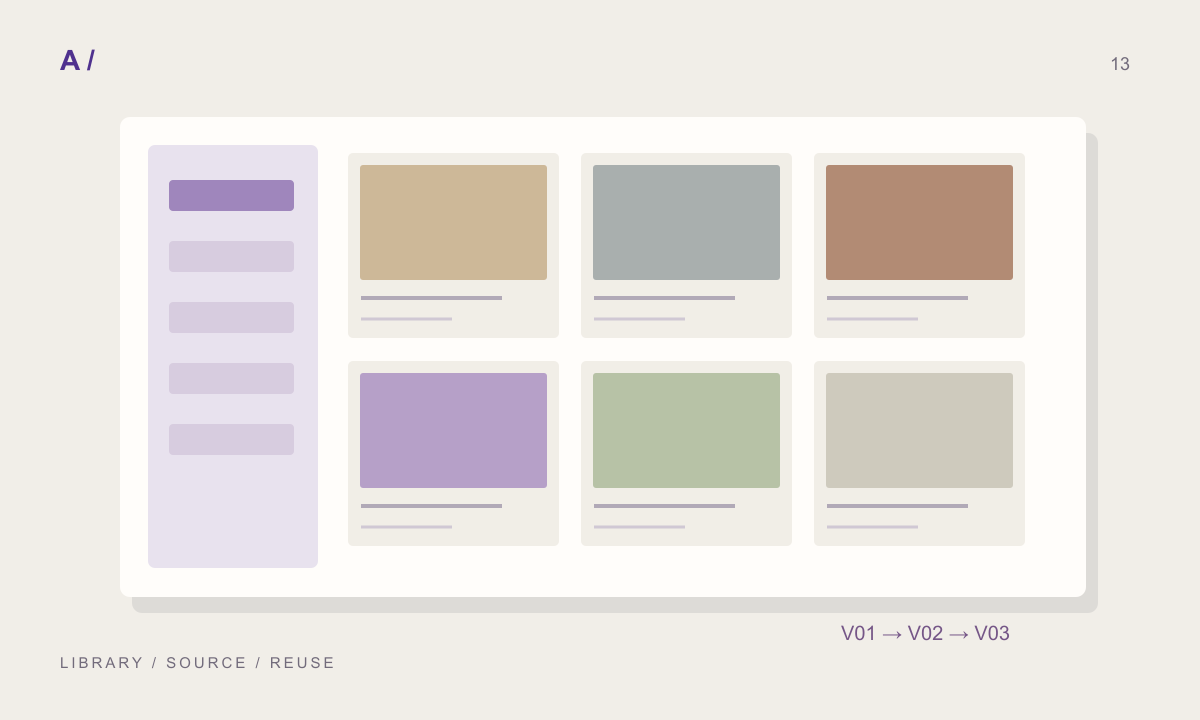
MATERIALHAUS includes a searchable collection of 170 starting surfaces across 17 categories, including 164 local ambientCG colour references. The CC0 references load from local files once the app is available; they do not require a fresh catalogue request. Their 1K source resolution is explicit. The PBR catalogue remains accessible from Choose material when you want to explore additional sources. A network catalogue can be unavailable without removing the local collection.
Separate visual approval from technical approval
Evaluate the repeat, colour and camera-distance detail on a test surface before adding a material to the project library. For specification work, separately obtain the actual product data, availability and performance evidence. A convincing render cannot establish those facts. Save the approved recipe and export package together, and note the destination application where you checked scale and appearance.
References and further reading
Prepared by MATERIALHAUS with AI assistance. Worked dimensions are illustrative; verify construction details and technical product information for your own project.