Sign in once
The plug-in opens your browser. Sign in with Google or email, whichever you use on MATERIALHAUS, and the plug-in is connected.
MATERIALHAUS / PLUG-INS
Apply a material with one click without leaving SketchUp, Revit, 3ds Max or Blender — at the real-world size it was made to, not at whatever size the texture happens to be.
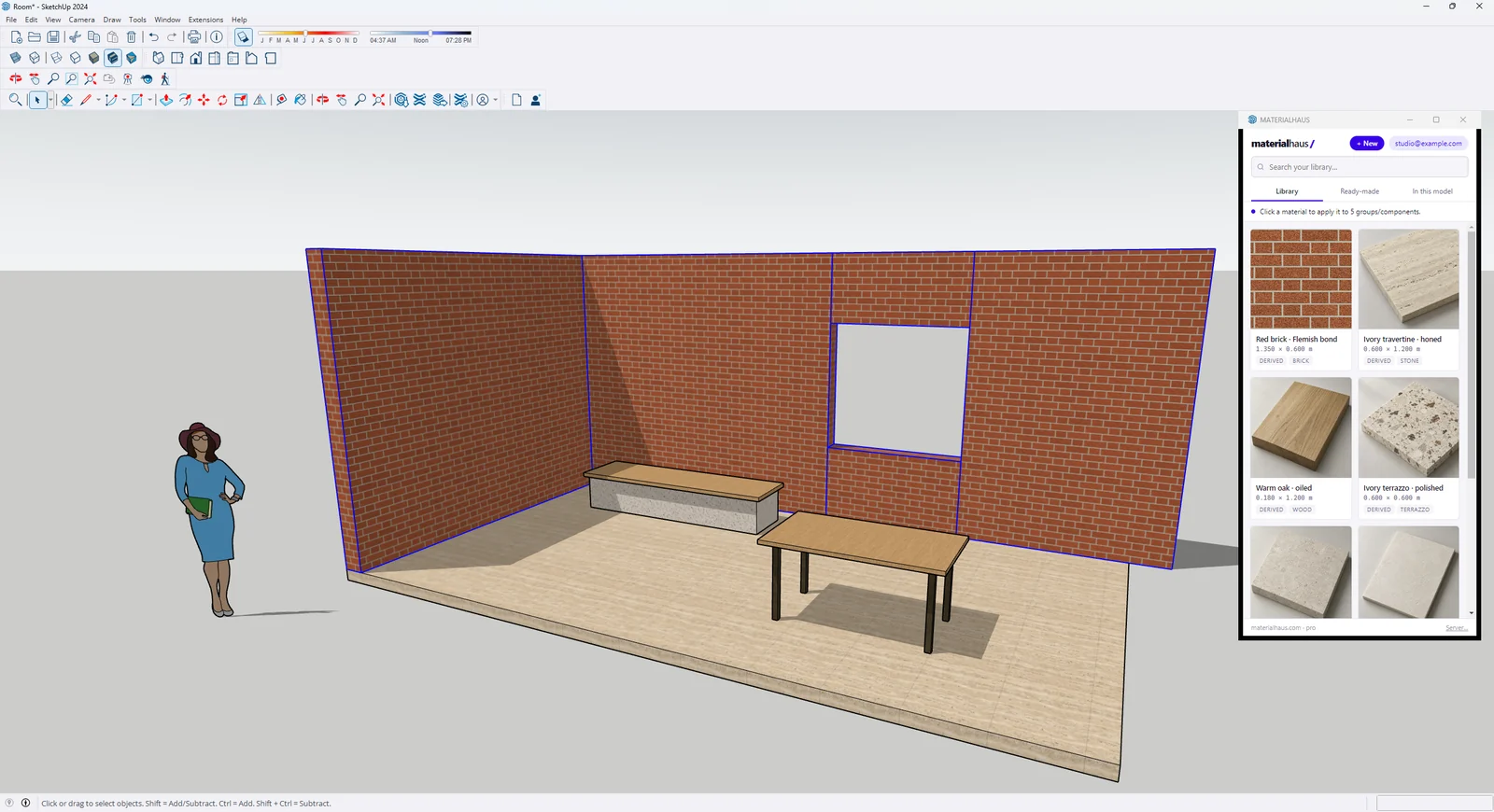 Beta · SketchUp 2024–2025MATERIALHAUS for SketchUpApply in one undo step; a texture someone rescaled by hand is caught and put back at its real size.SketchUp extension →Beta · Revit 2026MATERIALHAUS for RevitTexture and fill pattern from one module; only the elements you selected change.Revit add-in →
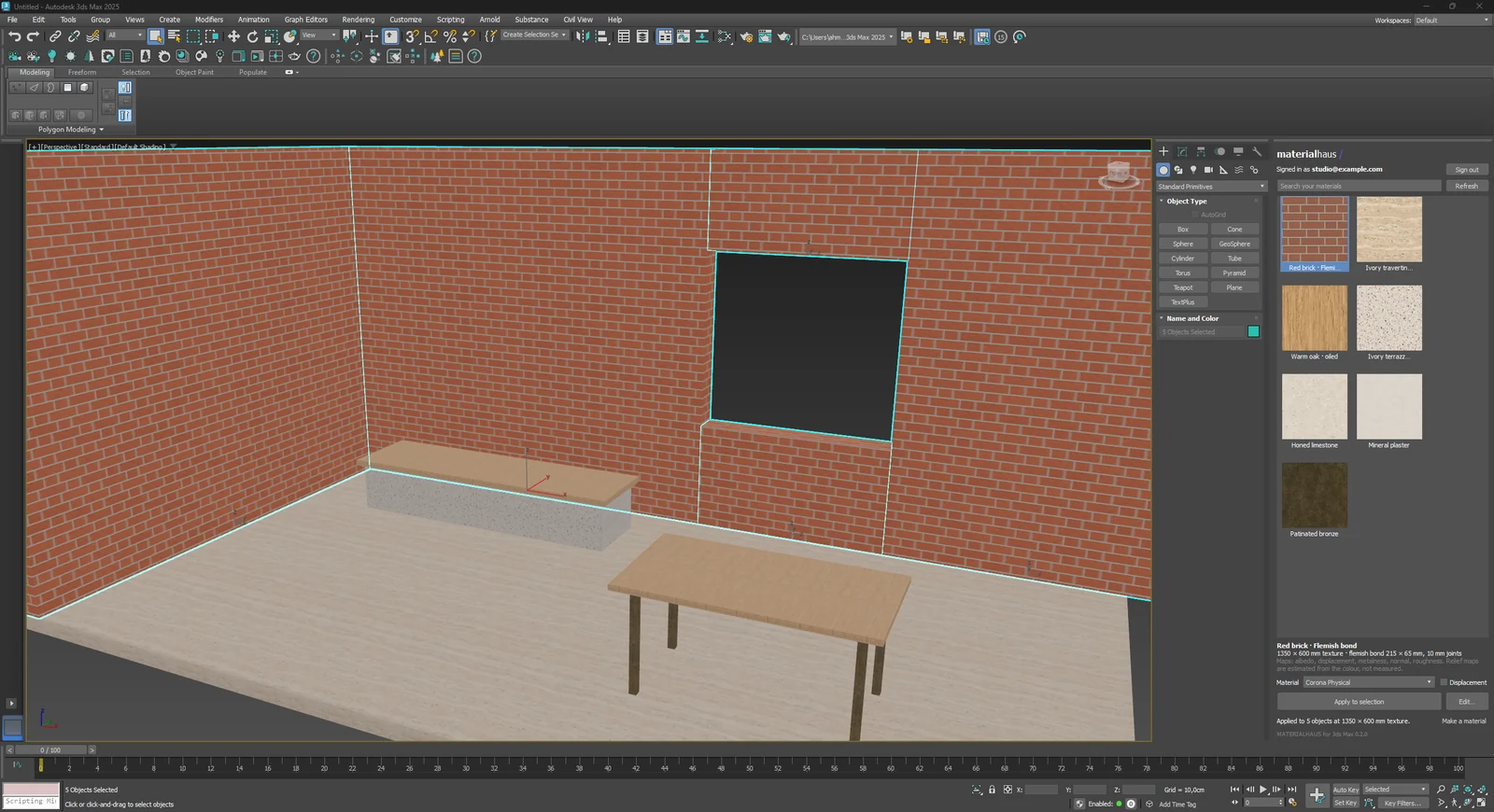 Beta · 3ds Max 2024–2025MATERIALHAUS for 3ds MaxA Corona or Physical material with every map connected, and a real-world UVW Map on each object.3ds Max plug-in →
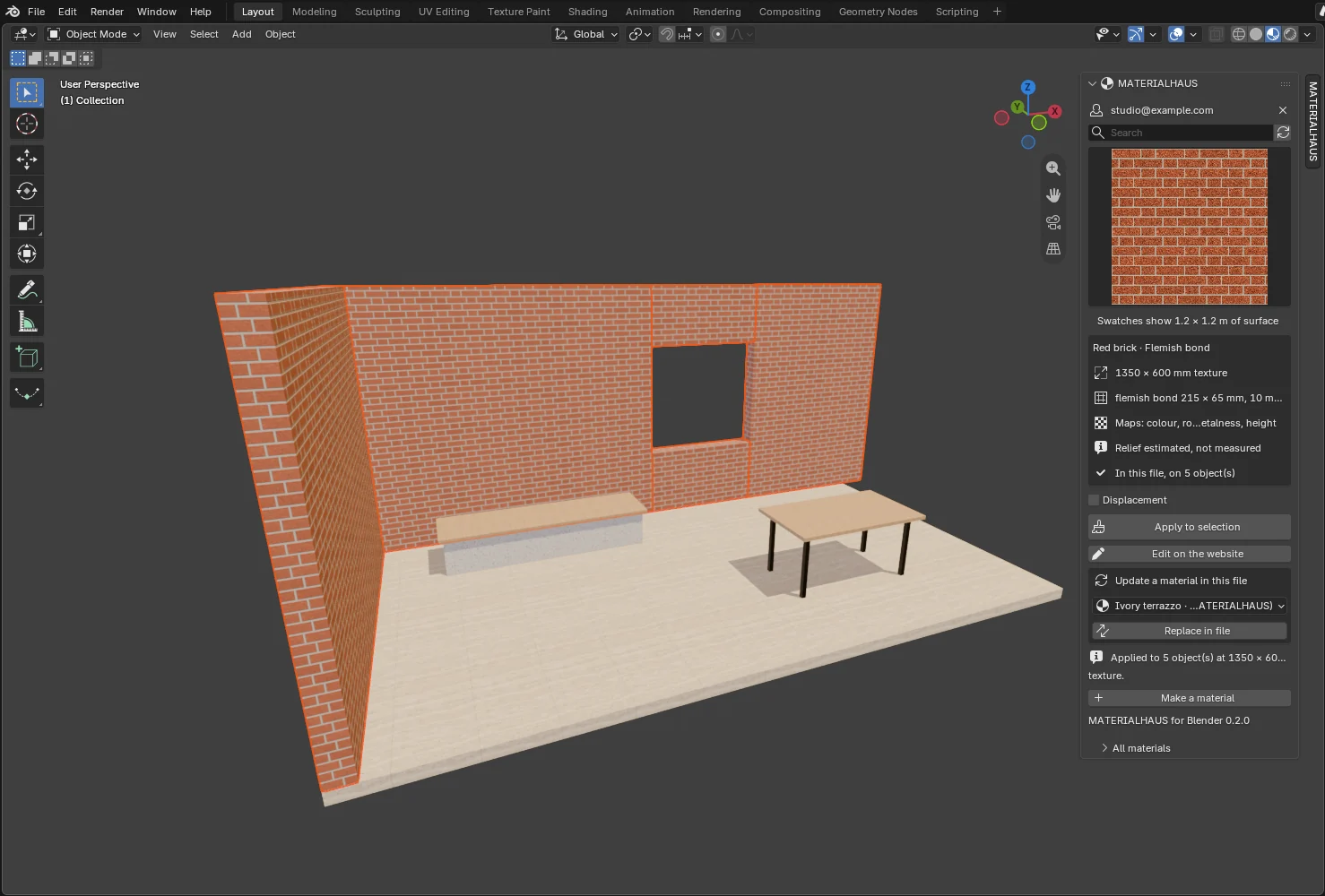 Beta · Blender 5.2MATERIALHAUS for BlenderA real-world node group: the texture keeps its size on walls and floors alike, never mirrored.Blender add-on →
FROM DRAWING TO RENDER
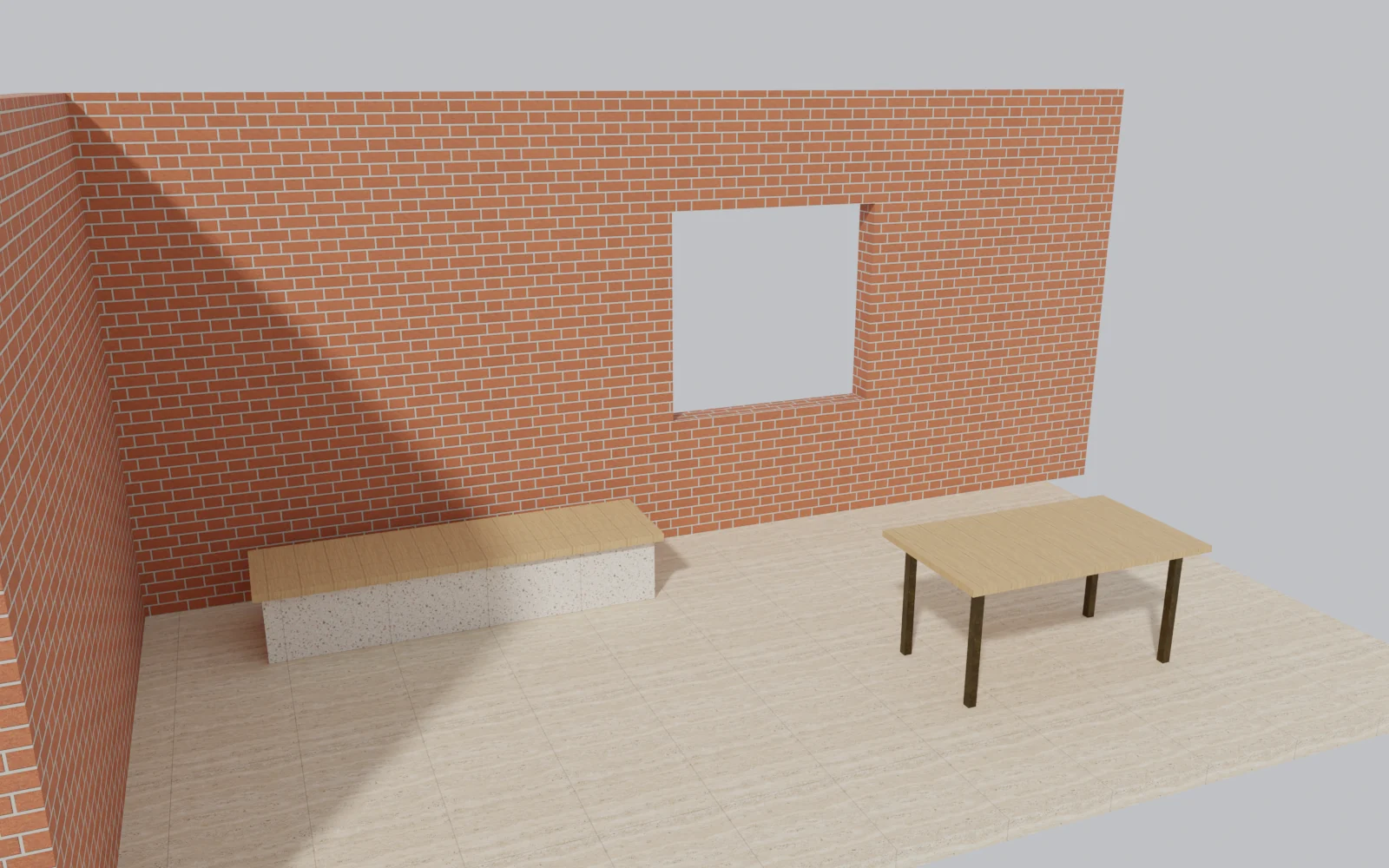
A brick is made once: 215 × 65 mm, a 10 mm joint, Flemish bond. In Revit and SketchUp it becomes the model’s material, in 3ds Max and Blender the render’s, and it is the same size in all four. The two captures below are the same room, from the same package.
HOW IT WORKS
The plug-in opens your browser. Sign in with Google or email, whichever you use on MATERIALHAUS, and the plug-in is connected.
Select what should take the material and click it in the library. In SketchUp and Revit, with nothing selected, the host’s own paint tool takes over.
Every material arrives at the extent its texture covers in the world, so a 600 × 1200 mm slab measures 600 × 1200 mm on the wall.
WHAT ARRIVES
| SketchUp | Revit | 3ds Max | Blender | |
|---|---|---|---|---|
| Colour map at real-world size | ✓ | ✓ | ✓ | ✓ |
| Normal, roughness and height maps | — | ✓ | ✓ | ✓ |
| Surface and cut fill patterns | — | ✓ | — | — |
| Applied to the selection in one undo step | ✓ | ✓ | ✓ | ✓ |
| The host’s own picking when nothing is selected | ✓ | ✓ | — | — |
| Reuses a material already in the model | ✓ | ✓ | ✓ | ✓ |
| Editor inside the program | ✓ | ✓ | 2025 | — |
| A rescaled texture put back at real size | ✓ | — | — | — |
SketchUp’s own display draws the colour map only. The other maps are kept with the material for renderers that read them. In 3ds Max 2024 the editor opens in the browser, and in Blender always.
BETA
The plug-ins show your MATERIALHAUS library. Make a material on the site, or with the plug-in’s + New button.
SketchUp is a trademark of Trimble Inc. Autodesk, Revit and 3ds Max are trademarks of Autodesk, Inc. Corona is a trademark of Chaos. Blender is a trademark of the Blender Foundation. MATERIALHAUS is not affiliated with or endorsed by any of these organisations.