MATERIALHAUS / SKETCHUP TEXTURES
Free SketchUp textures at real size
Seamless textures for SketchUp — wood floors, marble and granite tiles, travertine, terrazzo, brick, concrete — each one with the size it has on site, so a 600 mm tile is 600 mm in your model. CC0 sources, free for commercial work, no watermark.
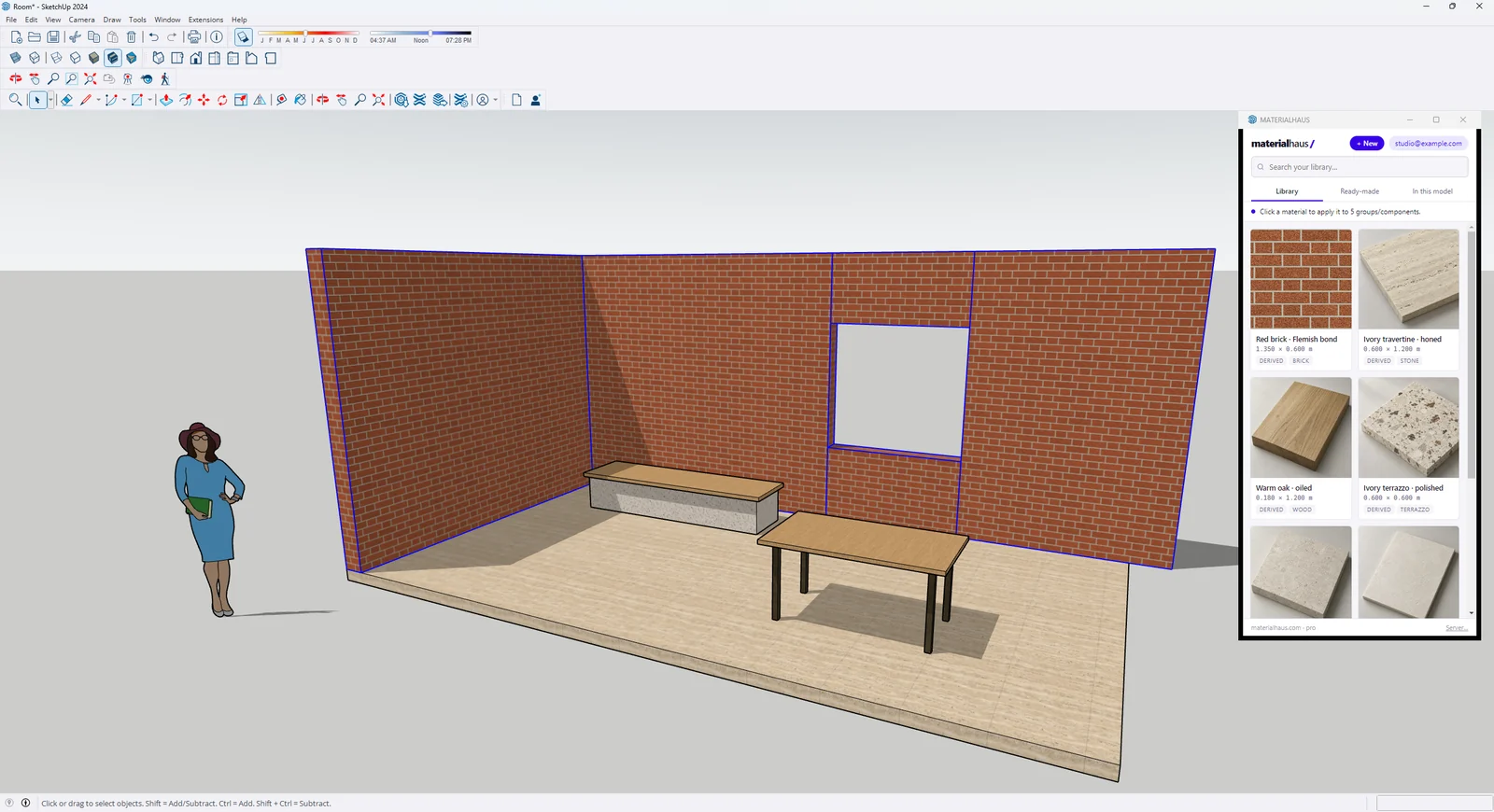
The size is set for you
The free MATERIALHAUS plug-in puts the library in a panel beside your model. Select faces, click a material, and it goes on at its real size.
- One click, one undo step — no typing the texture size in the Materials panel.
- A texture someone stretched by hand is noticed and put back at its real size.
- The normal, roughness and height maps travel with the material for V-Ray, Enscape, D5 and other renderers.
- Make your own material inside SketchUp: the editor opens in the panel.
Version 1.2.2 · SketchUp 2024–2025 · Windows · free account
Get the SketchUp plug-inTextures at real size
Real products at real size. Each page has the colour, normal, roughness and height maps, the Revit and AutoCAD hatch and the editor to change the size.
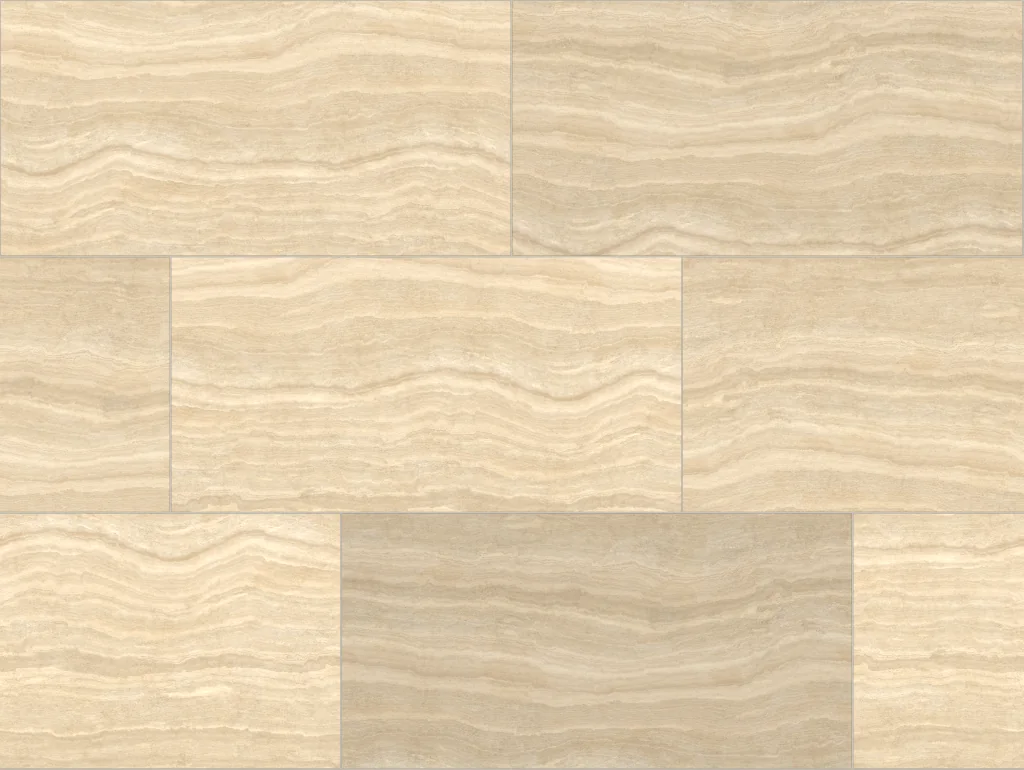 Travertine tile, ⅓ offset1200 × 600 mm · repeats every 2406 × 1809 mm
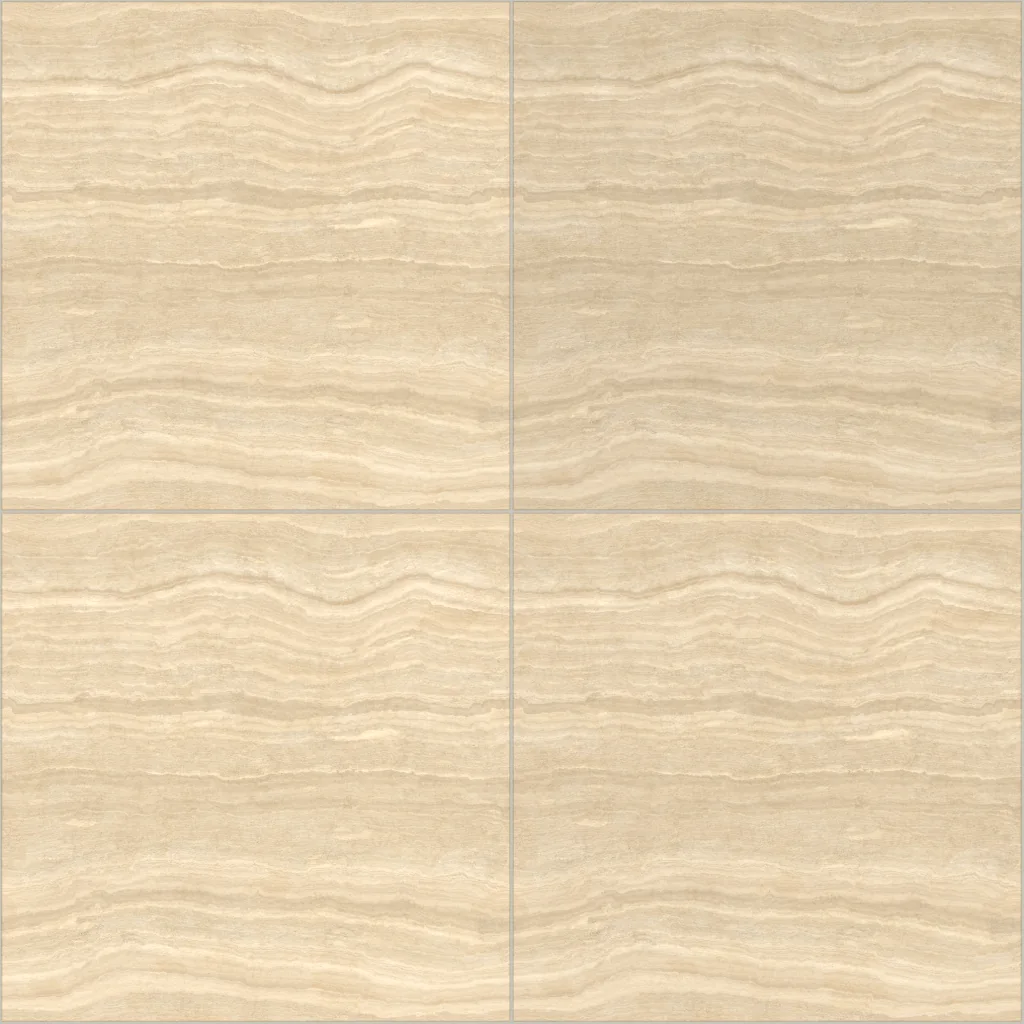 Travertine floor tile600 × 600 mm · repeats every 1206 × 1206 mm
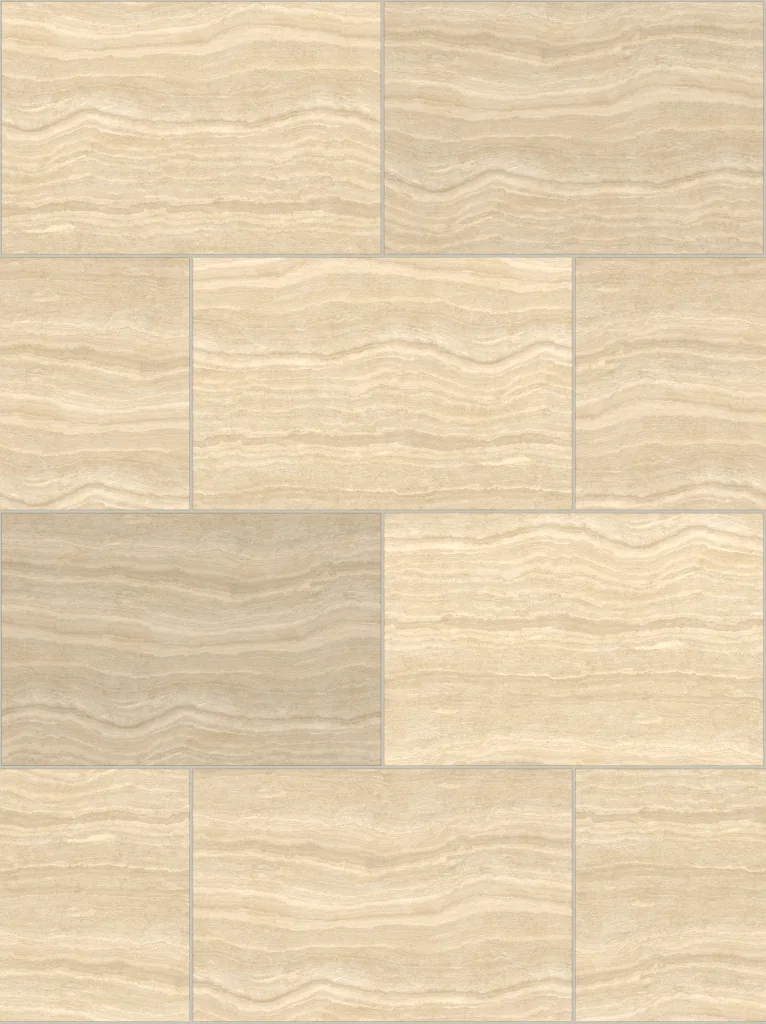 Travertine paver, running bond600 × 400 mm · repeats every 1208 × 1616 mm
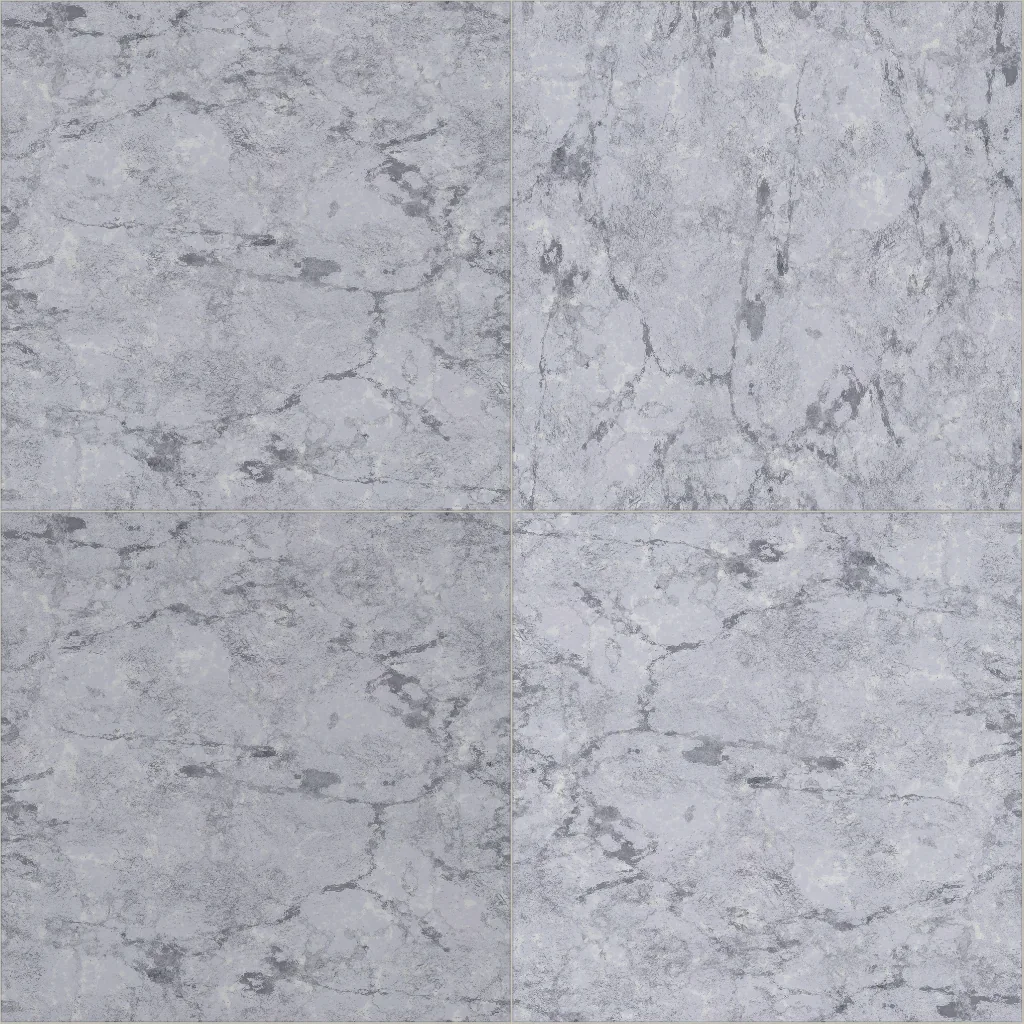 White veined marble tile600 × 600 mm · repeats every 1204 × 1204 mm
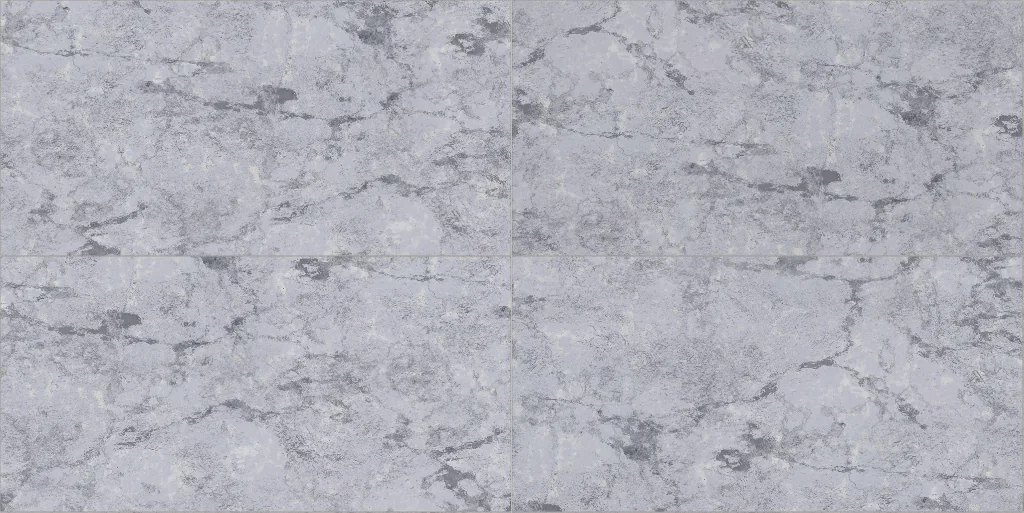 White veined marble large-format tile1200 × 600 mm · repeats every 2404 × 1204 mm
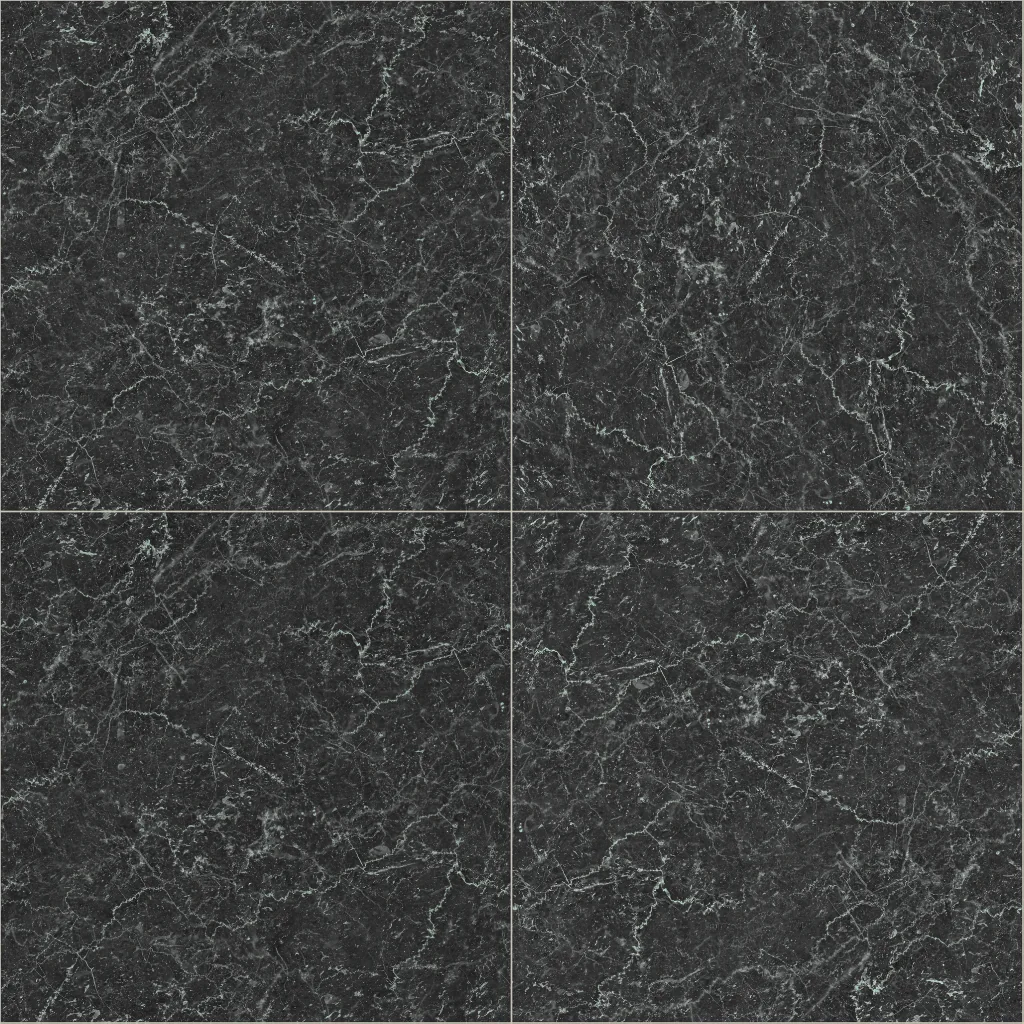 Black marble tile600 × 600 mm · repeats every 1204 × 1204 mm
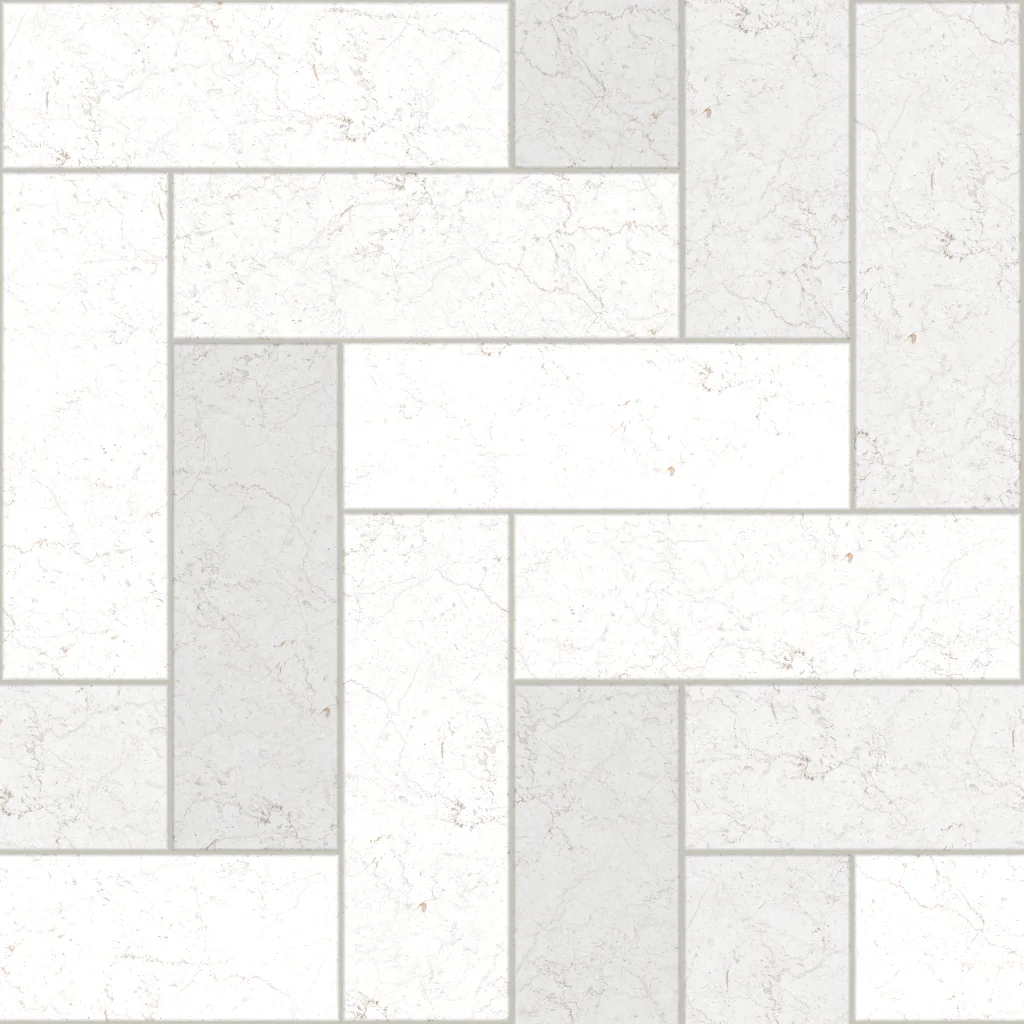 White marble herringbone tile300 × 100 mm · repeats every 600 × 600 mm
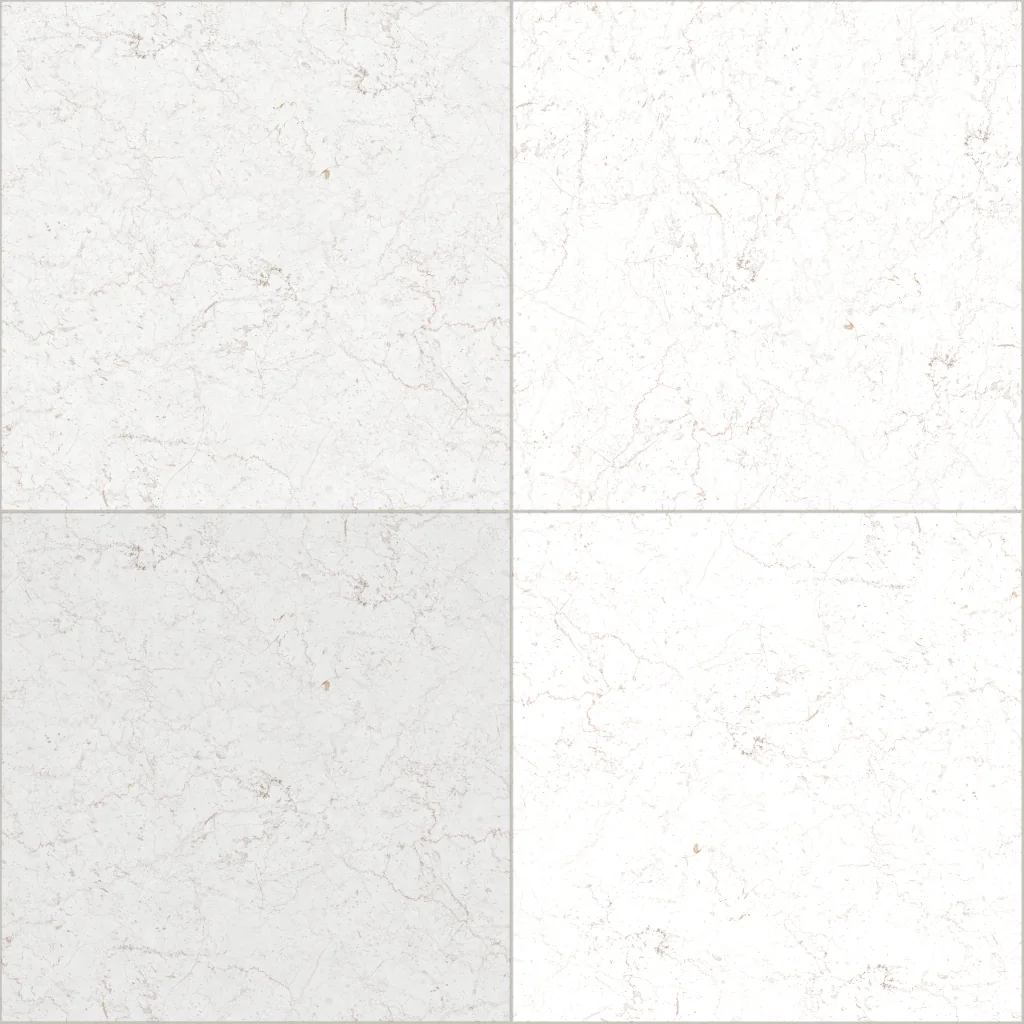 Bright white marble tile600 × 600 mm · repeats every 1204 × 1204 mm
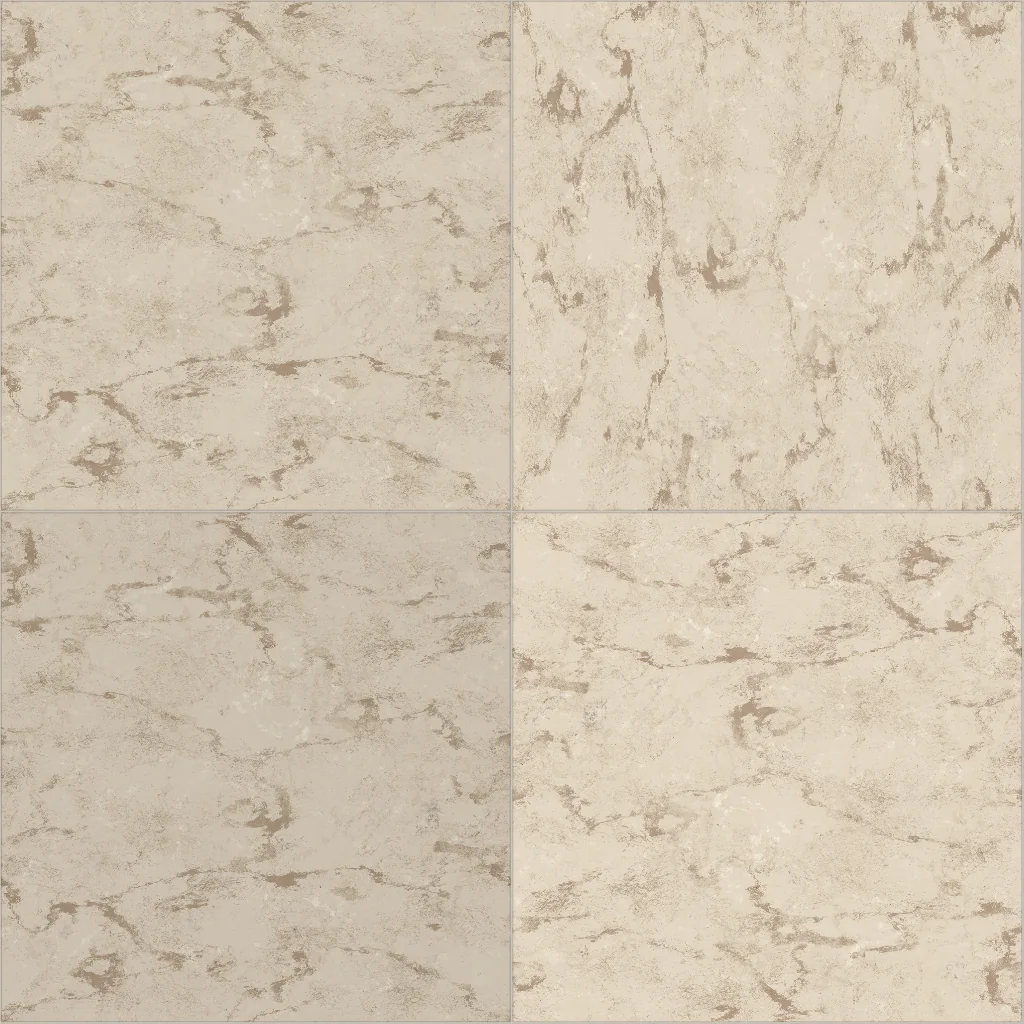 Beige marble tile600 × 600 mm · repeats every 1204 × 1204 mm
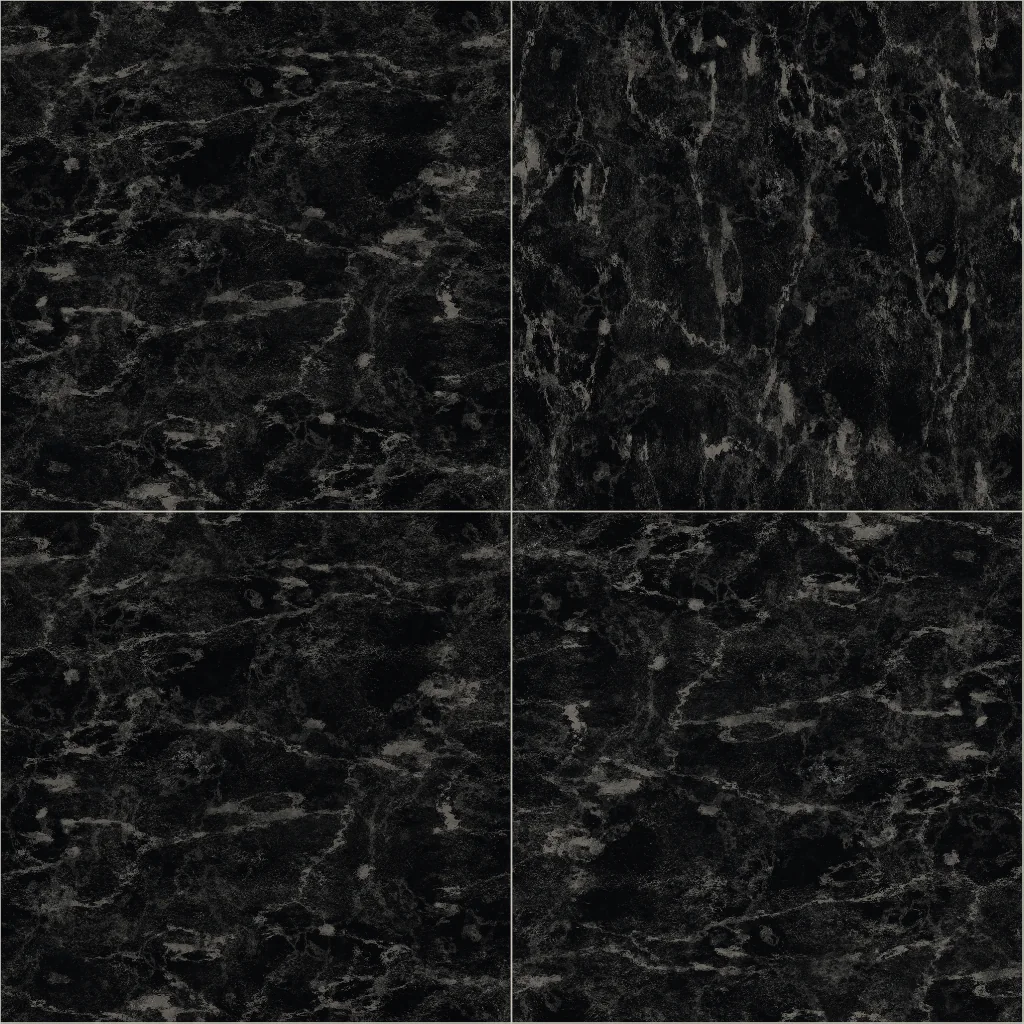 Charcoal marble tile600 × 600 mm · repeats every 1204 × 1204 mm
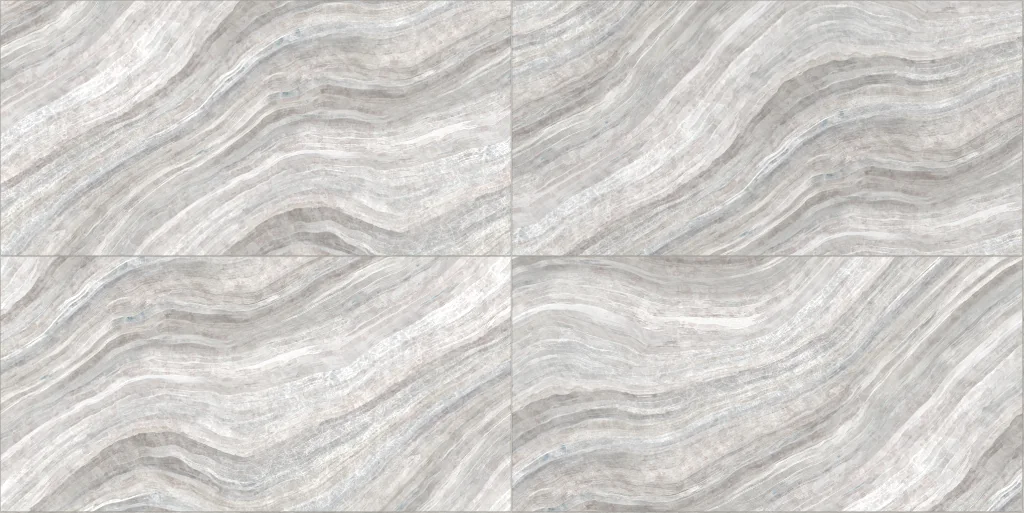 White onyx large-format tile1200 × 600 mm · repeats every 2404 × 1204 mm
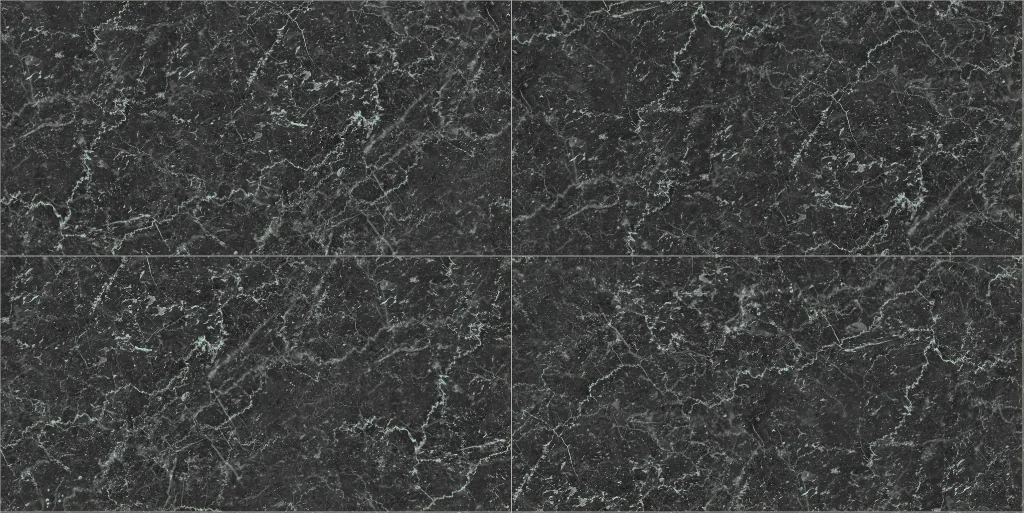 Black marble large-format tile1200 × 600 mm · repeats every 2404 × 1204 mm
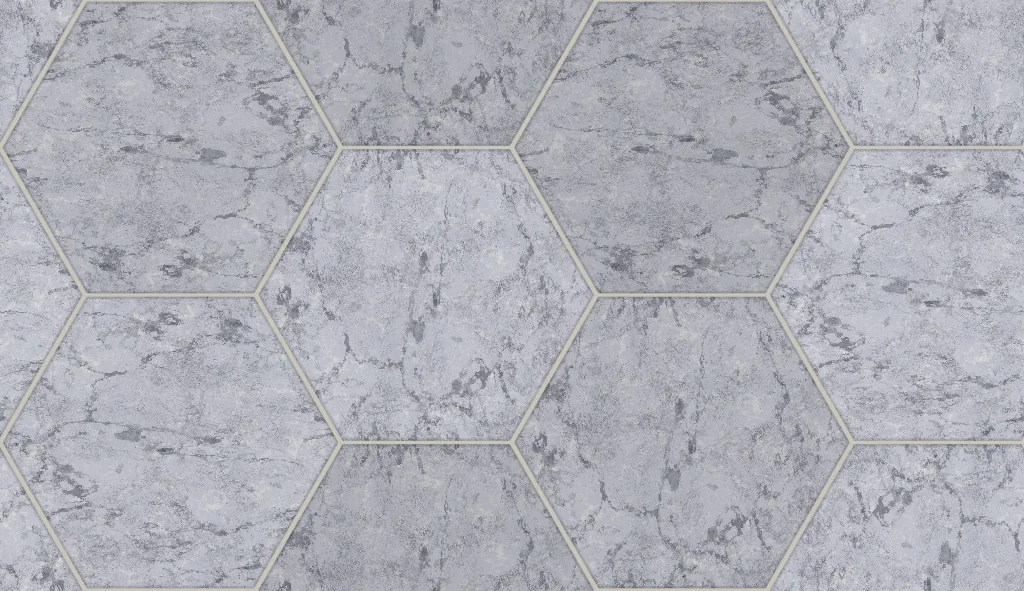 White marble hexagon tile200 × 173 mm · repeats every 600 × 346 mm
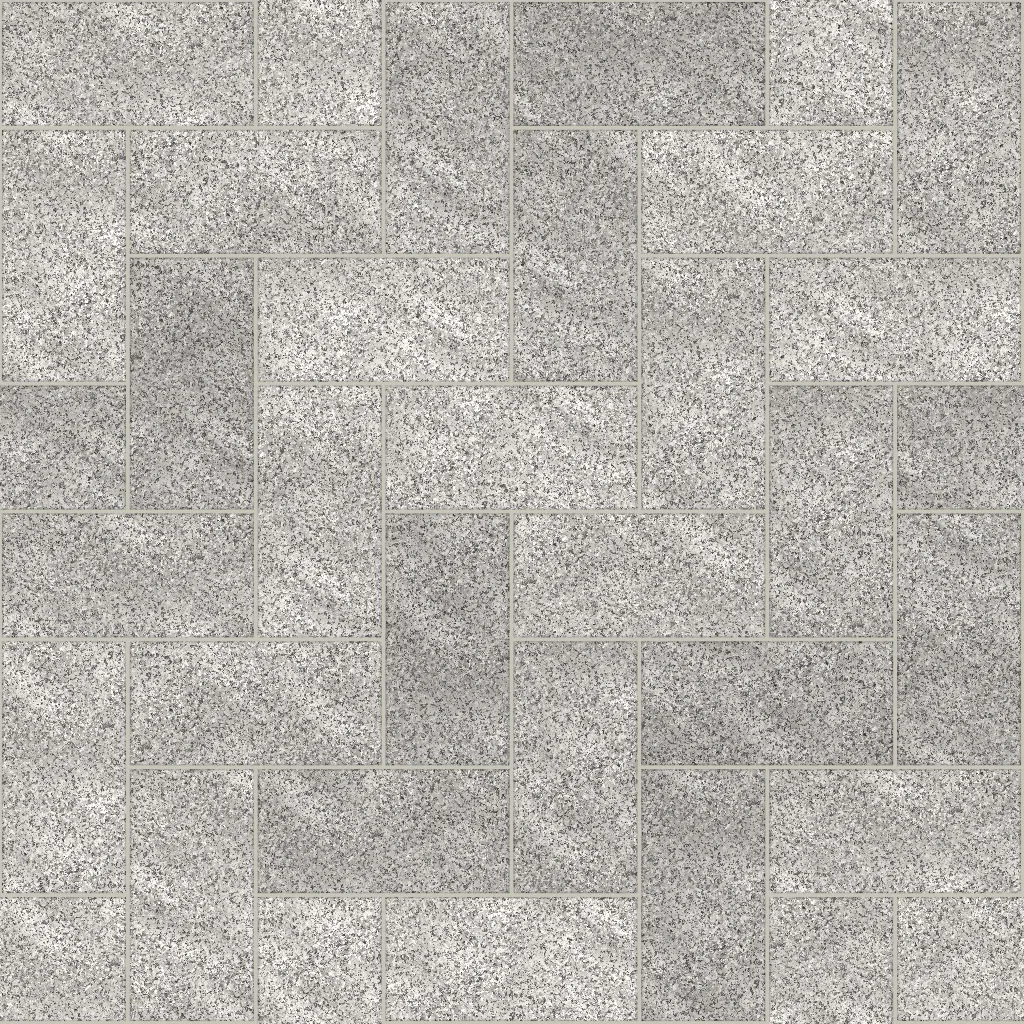 Grey granite herringbone paver200 × 100 mm · repeats every 800 × 800 mm
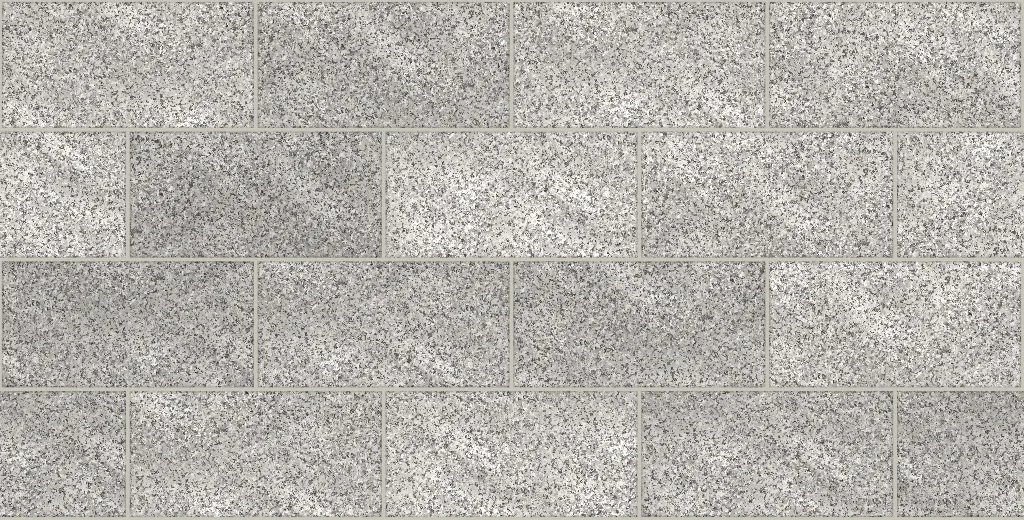 Grey granite paver, running bond200 × 100 mm · repeats every 812 × 412 mm
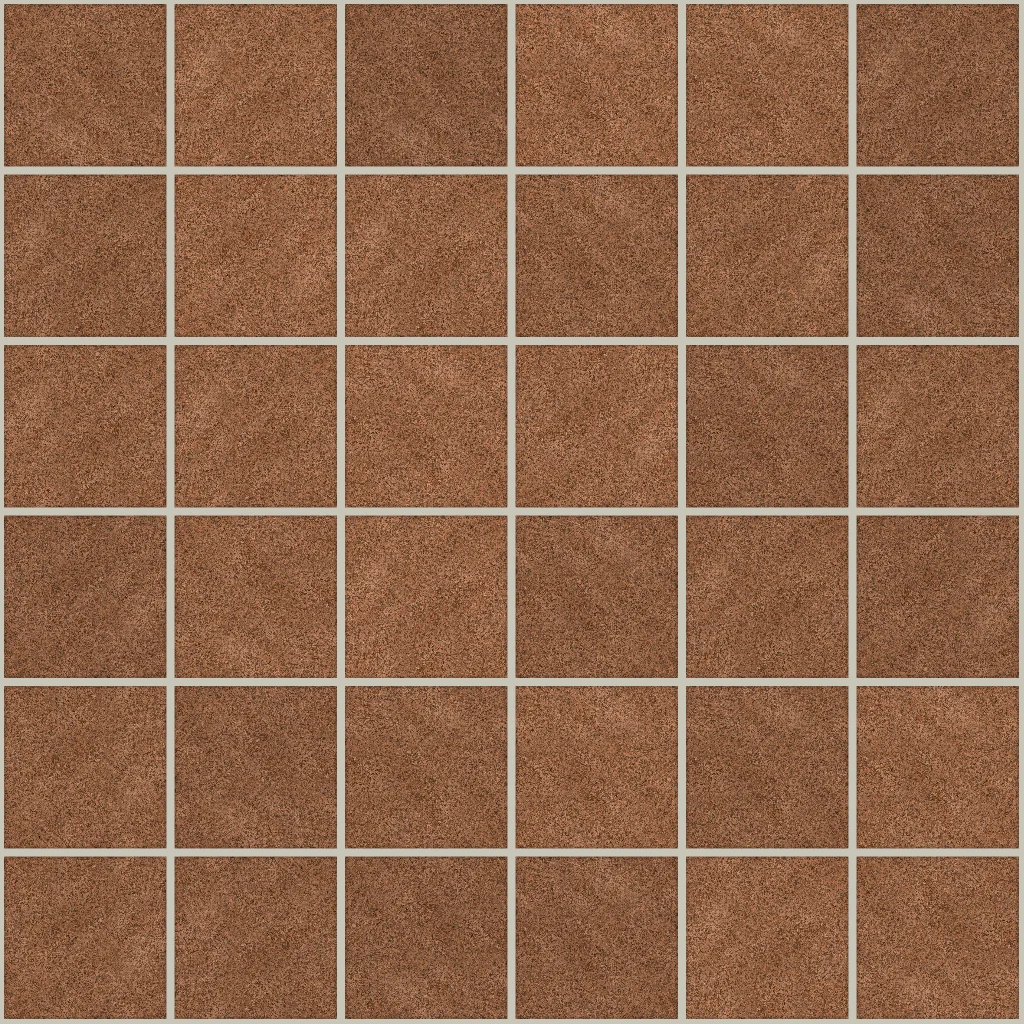 Red granite setts100 × 100 mm · repeats every 630 × 630 mm
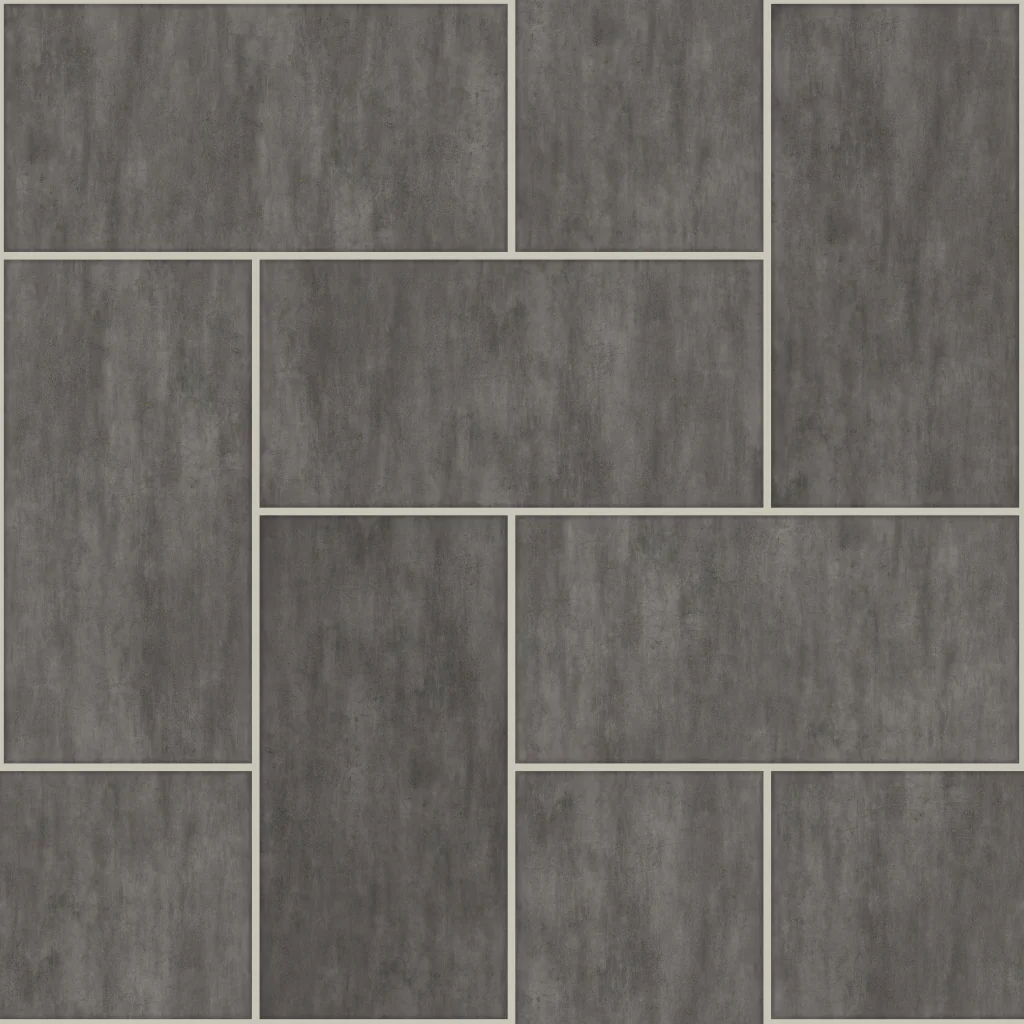 Grey concrete herringbone paver200 × 100 mm · repeats every 400 × 400 mm
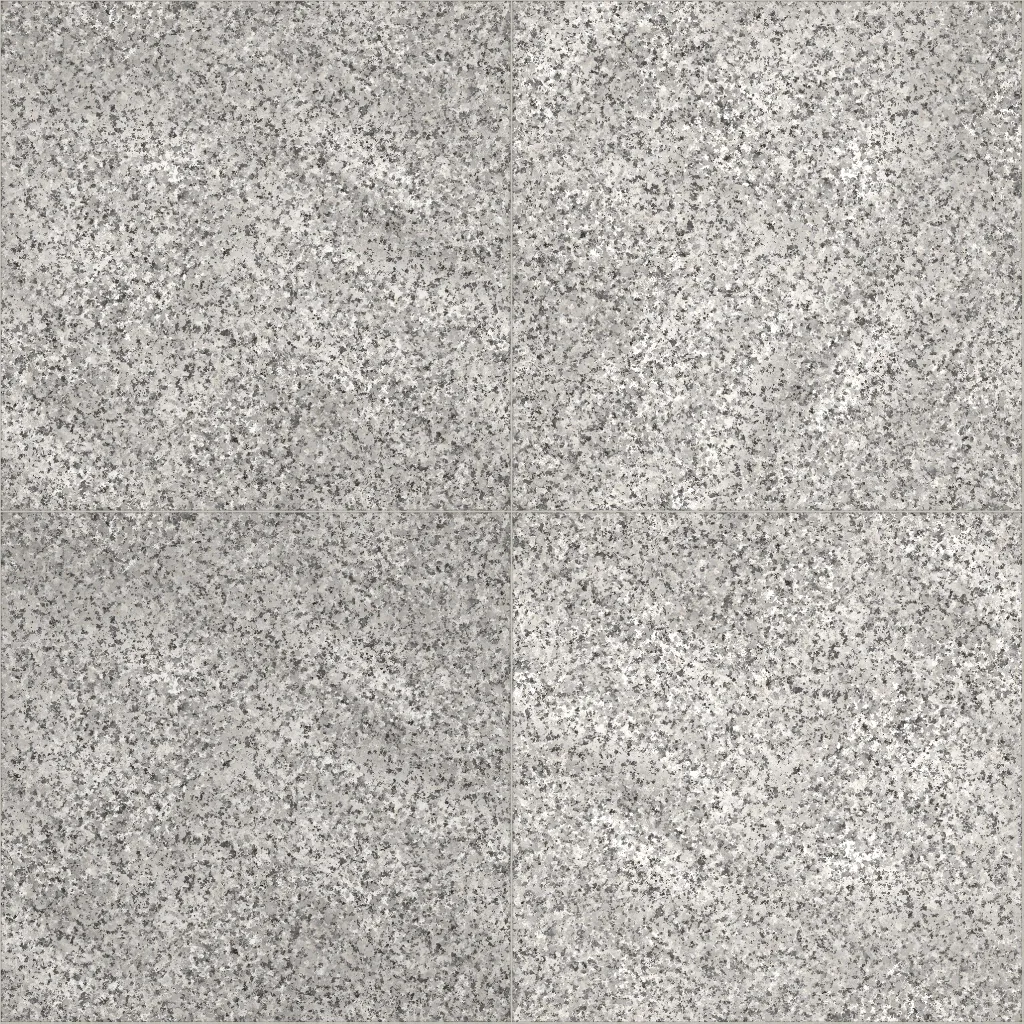 Grey granite floor tile600 × 600 mm · repeats every 1204 × 1204 mm
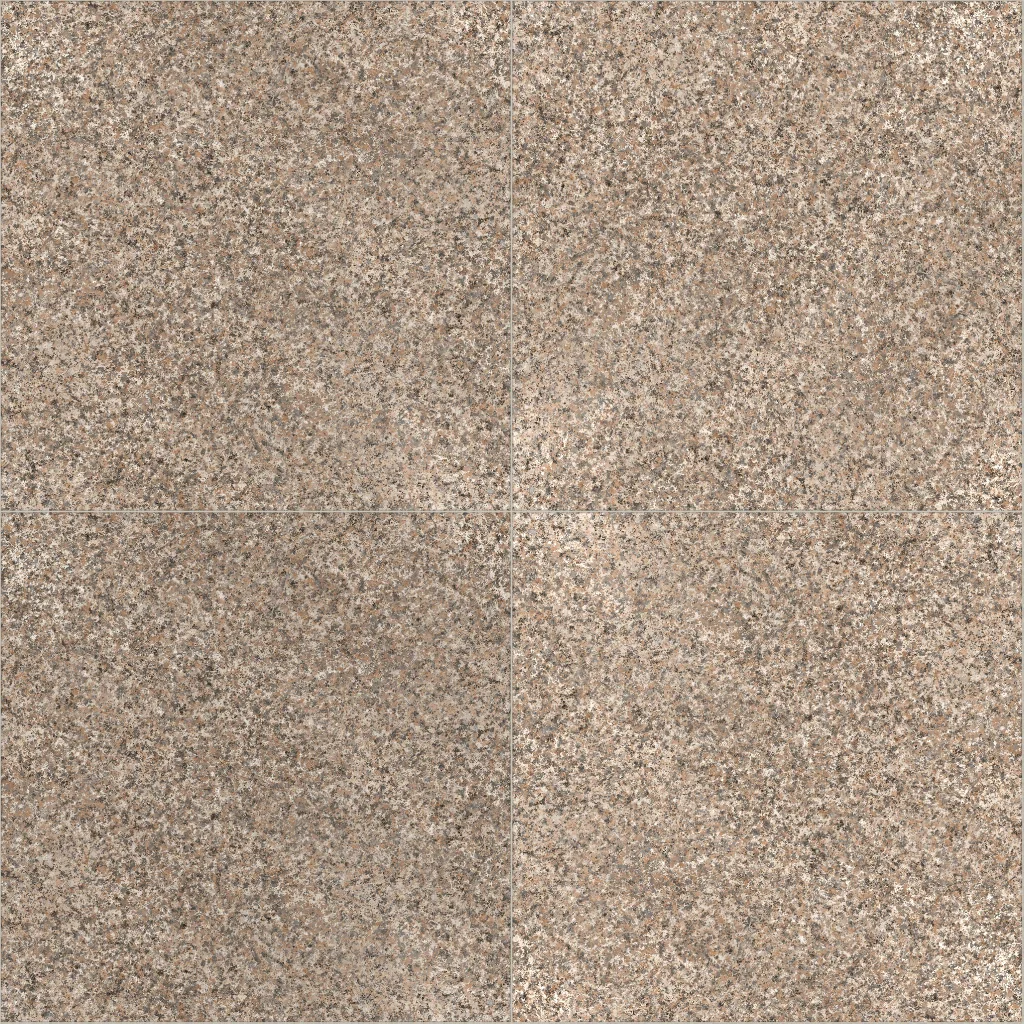 Pink granite floor tile600 × 600 mm · repeats every 1204 × 1204 mm
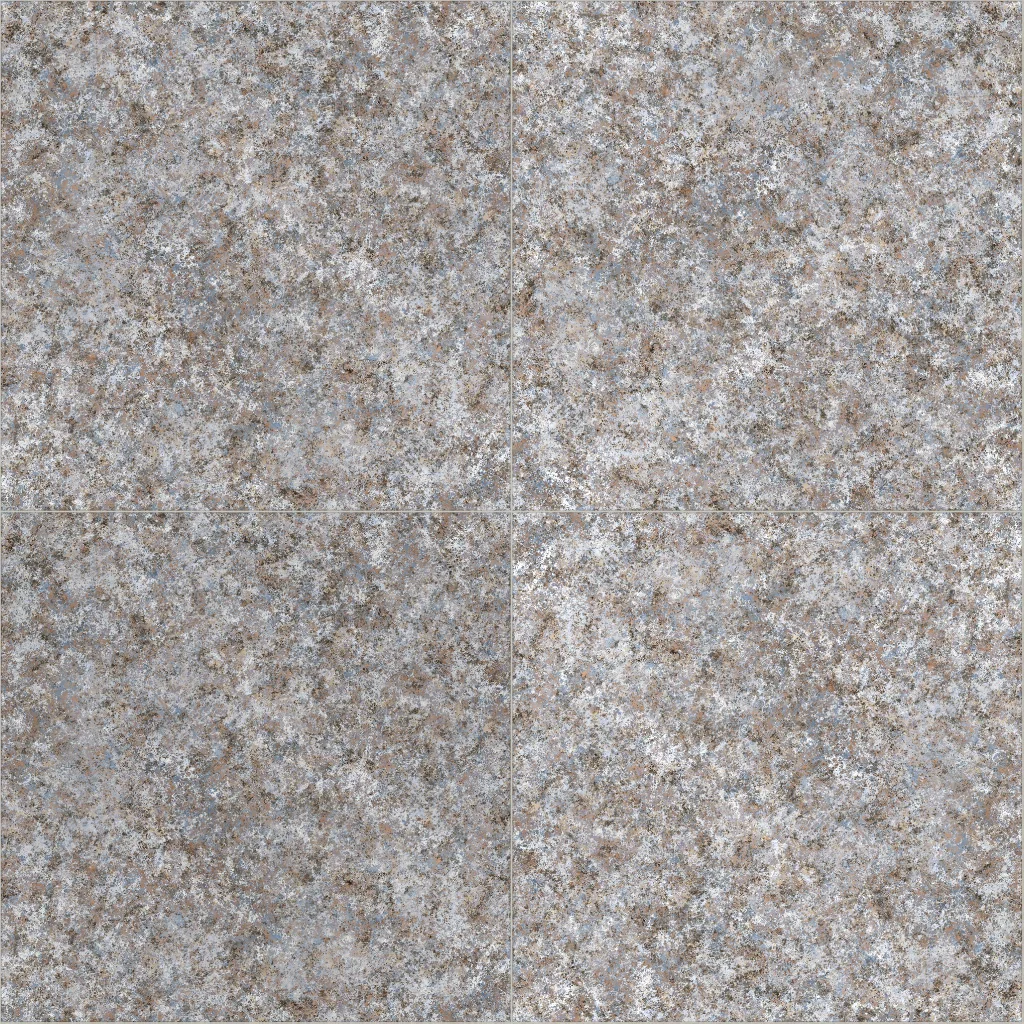 Blue-grey granite floor tile600 × 600 mm · repeats every 1204 × 1204 mm
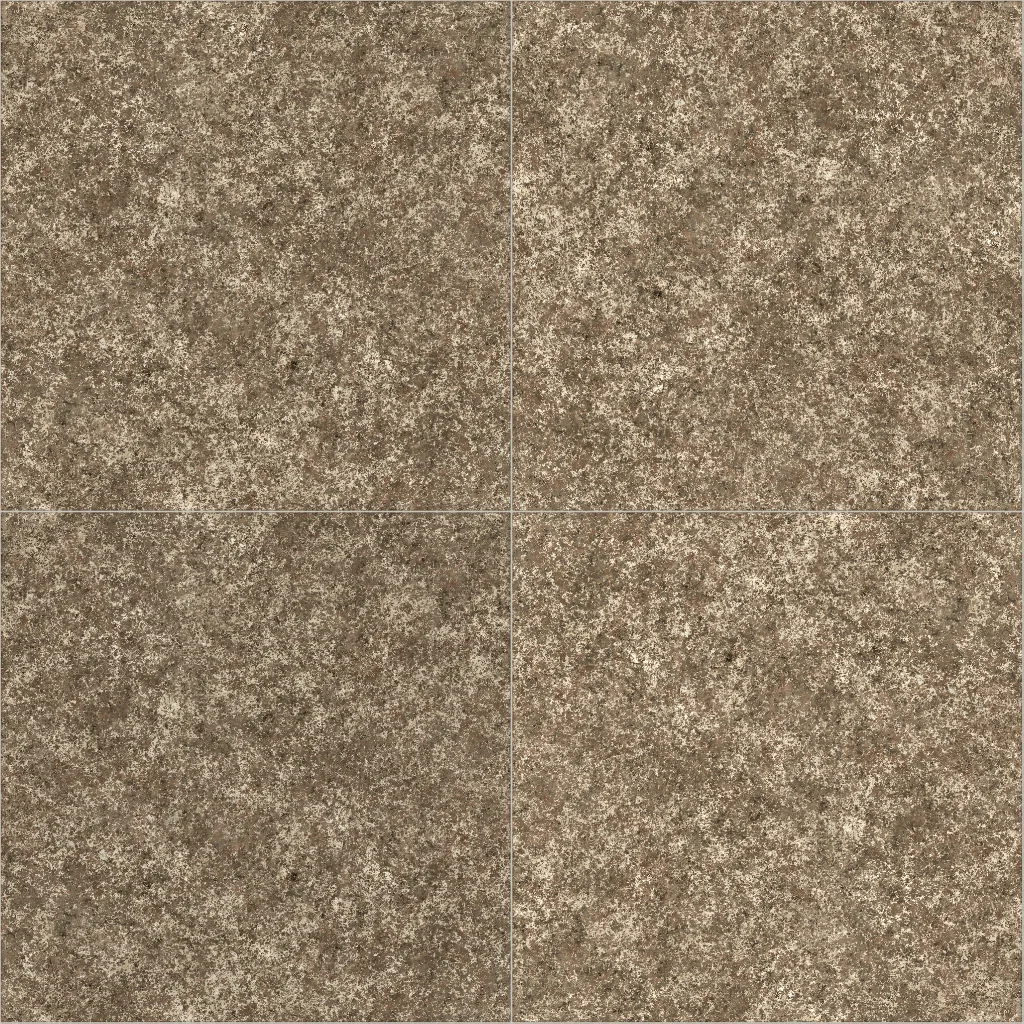 Brown granite floor tile600 × 600 mm · repeats every 1204 × 1204 mm
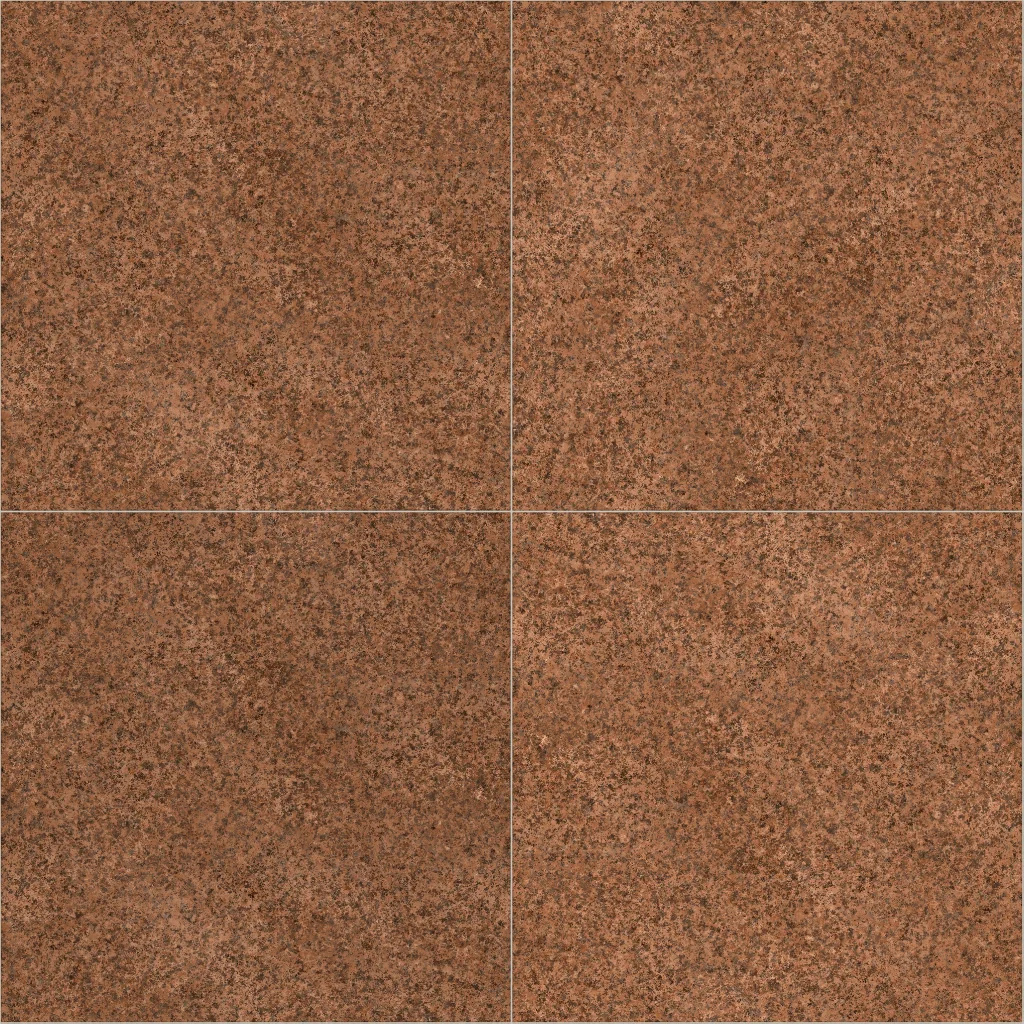 Red granite floor tile600 × 600 mm · repeats every 1204 × 1204 mm
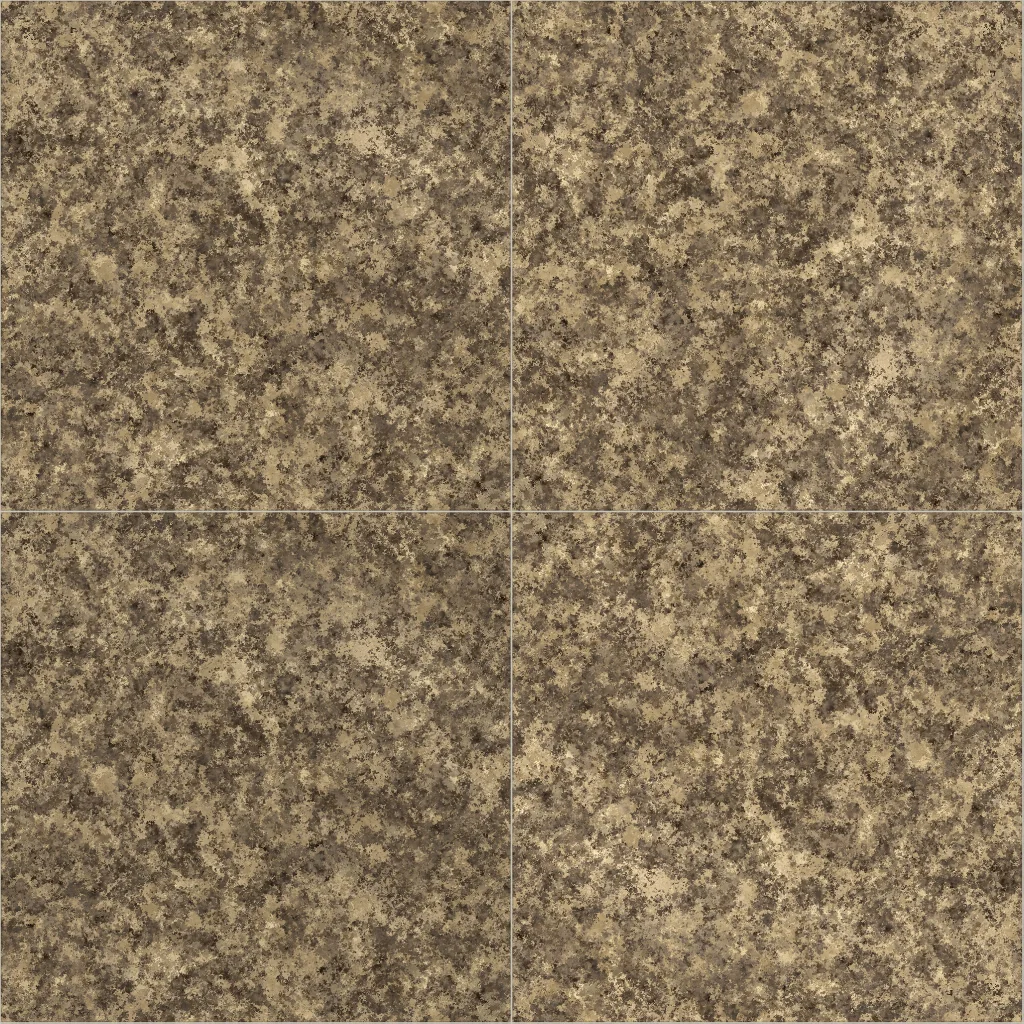 Golden granite floor tile600 × 600 mm · repeats every 1204 × 1204 mm
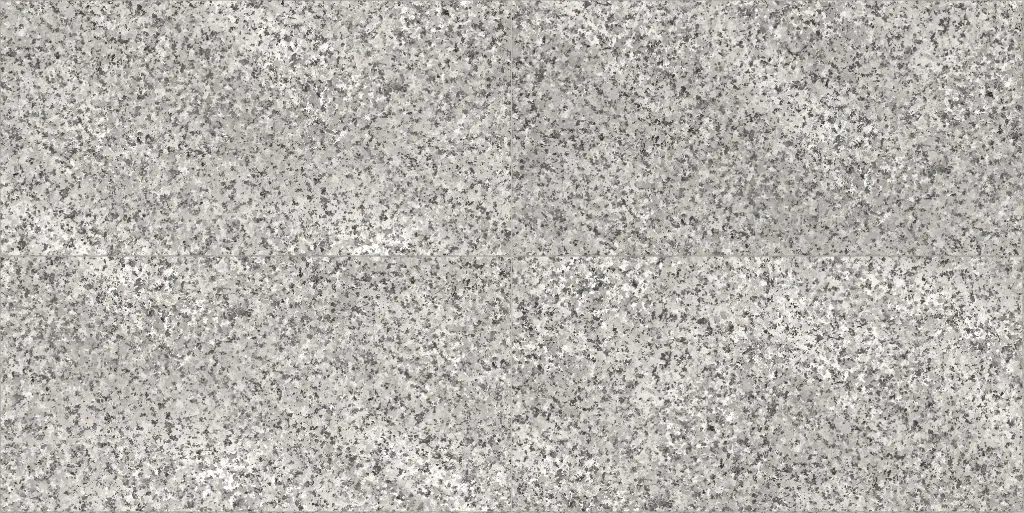 Grey granite large-format tile1200 × 600 mm · repeats every 2404 × 1204 mm
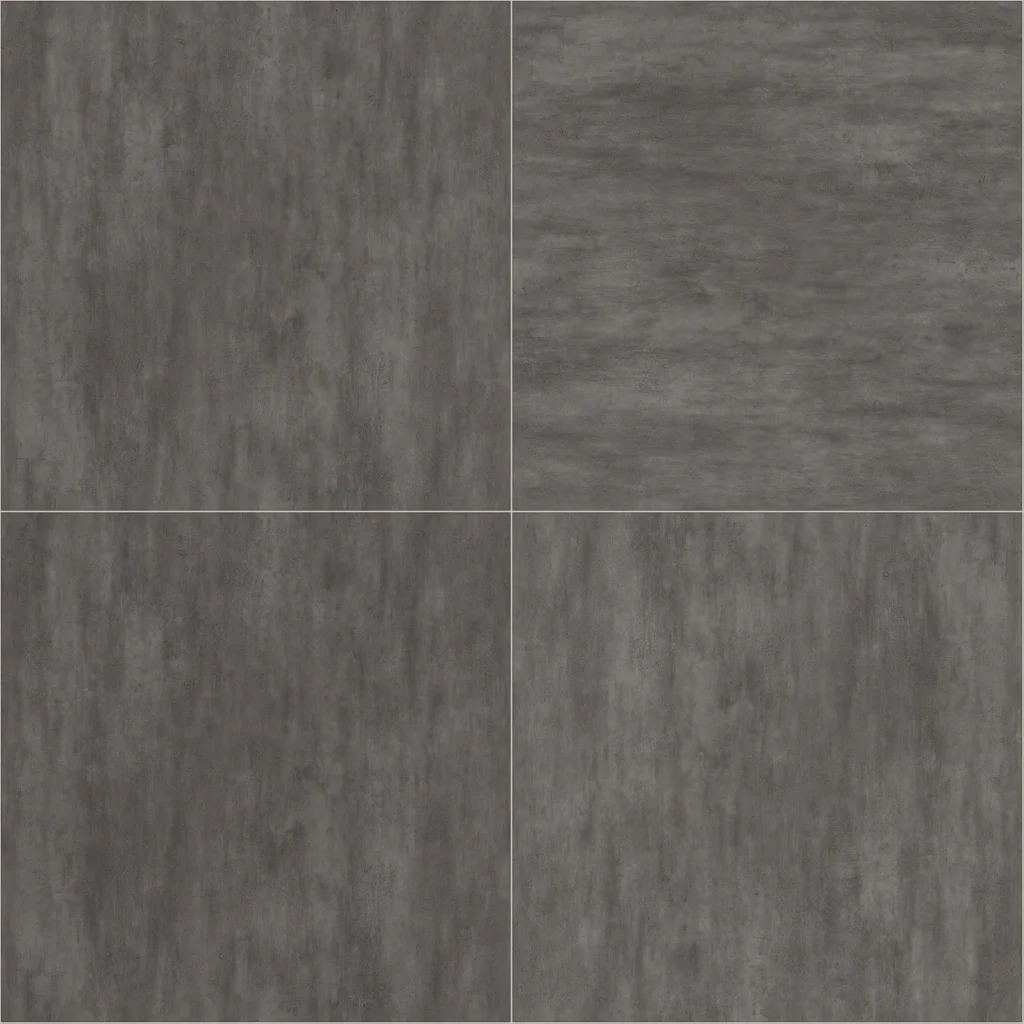 Grey concrete-look floor tile600 × 600 mm · repeats every 1204 × 1204 mm
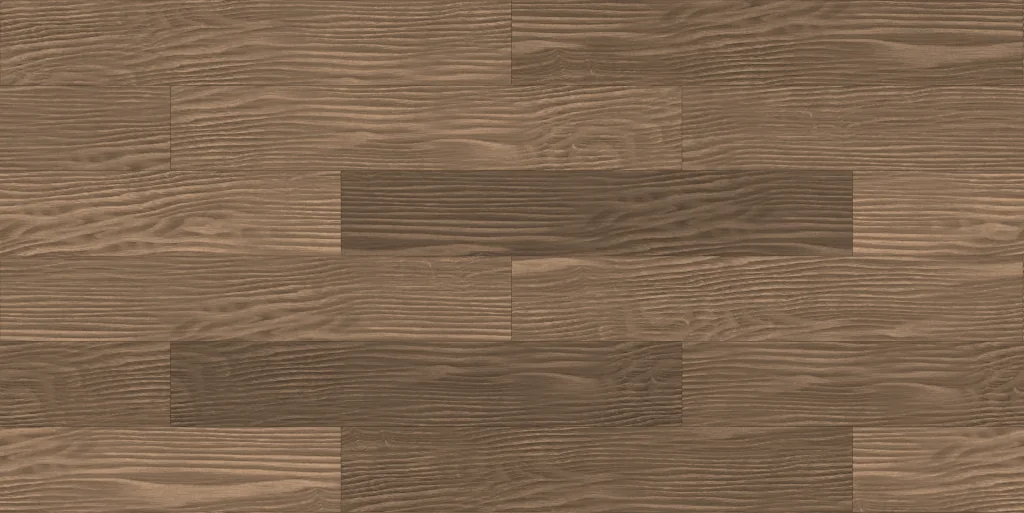 Oak plank flooring1200 × 200 mm · repeats every 2400 × 1200 mm
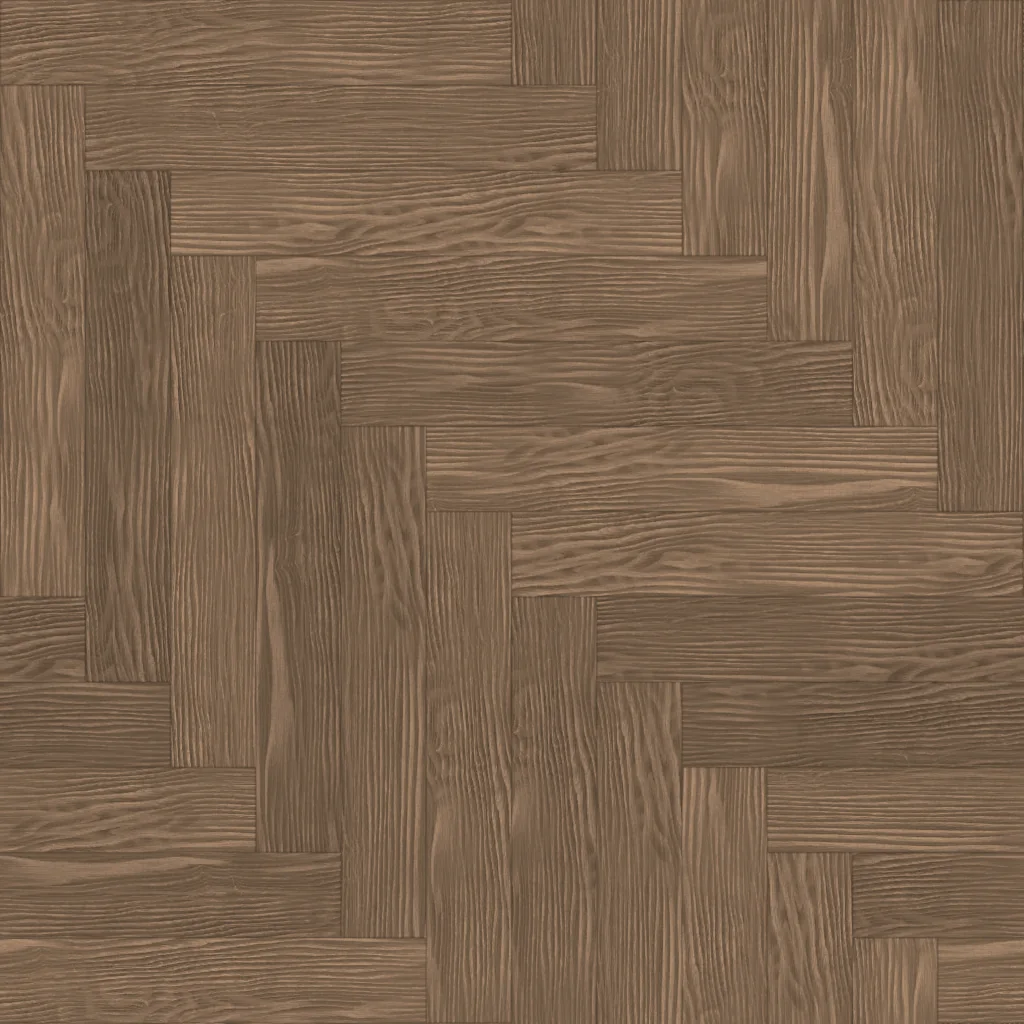 Oak herringbone parquet600 × 100 mm · repeats every 1200 × 1200 mm
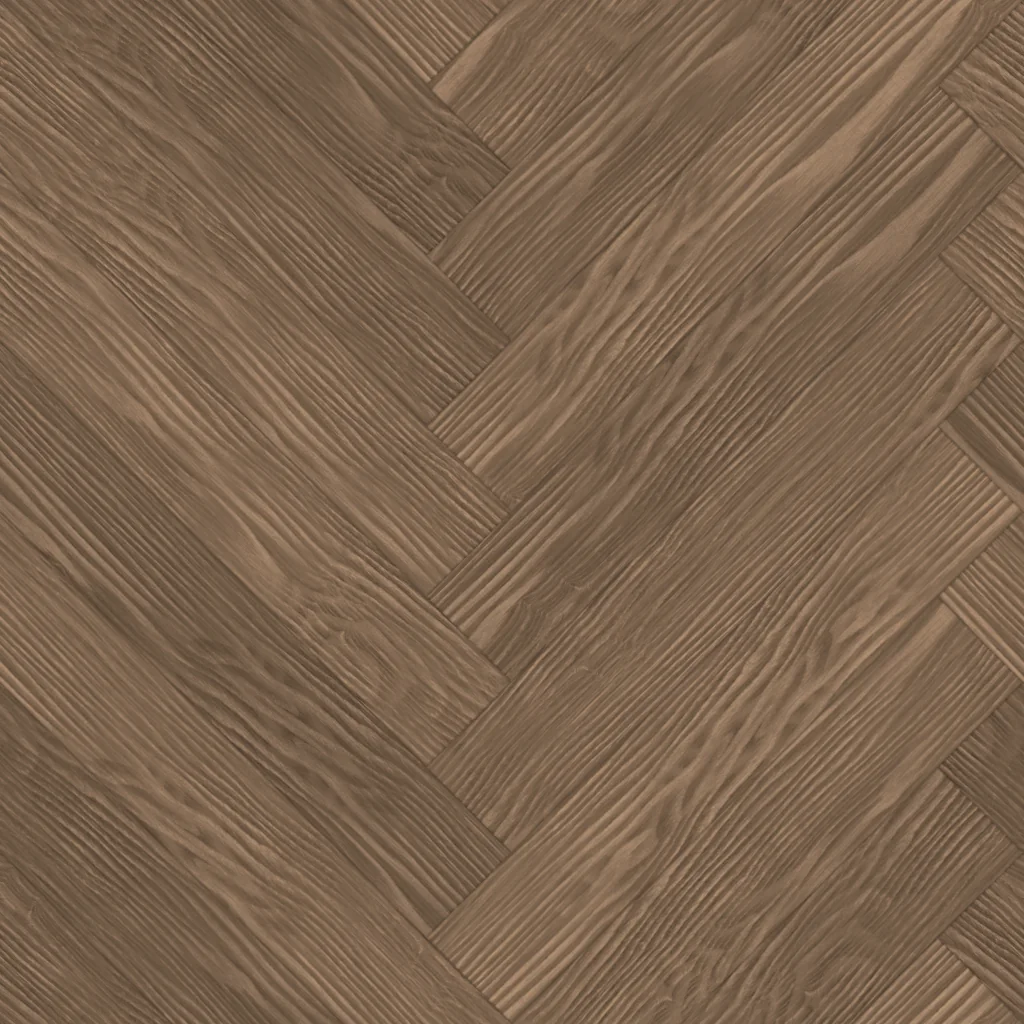 Oak 45° herringbone parquet600 × 100 mm · repeats every 849 × 849 mm
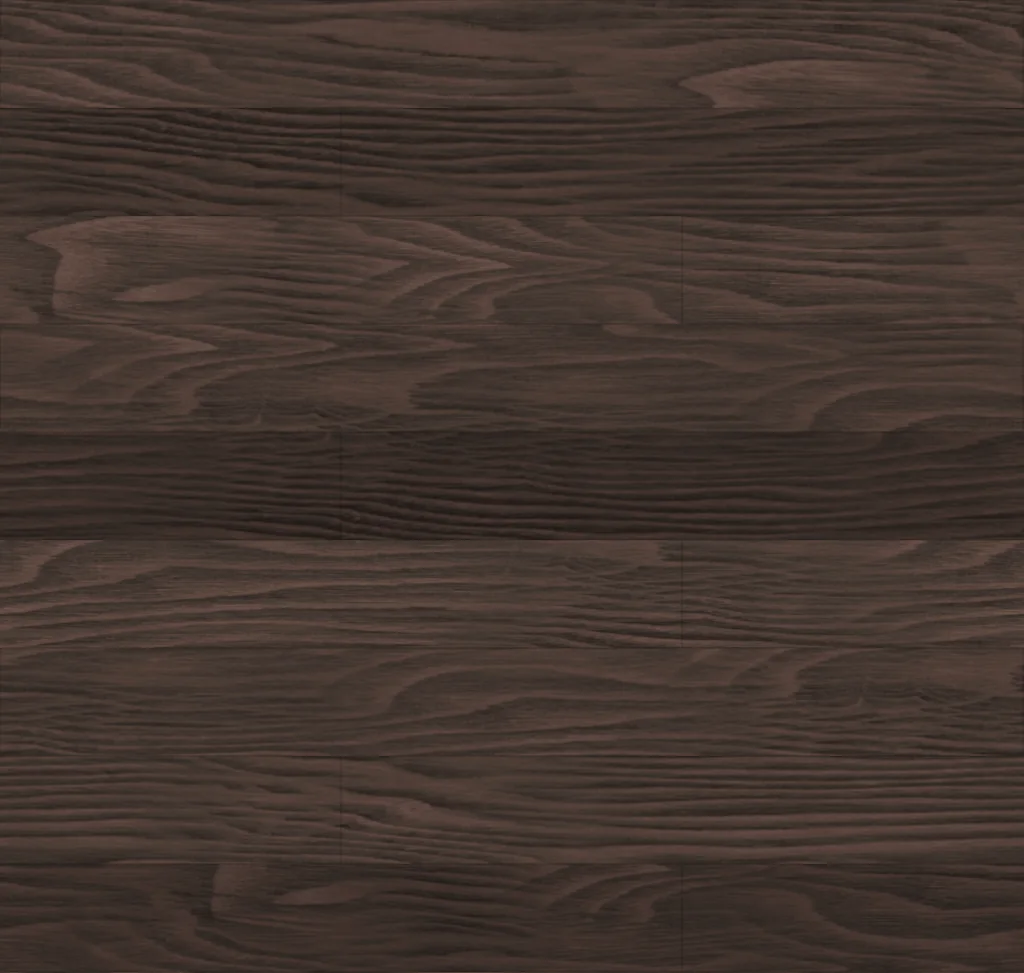 Dark wood plank flooring1800 × 190 mm · repeats every 1800 × 1710 mm
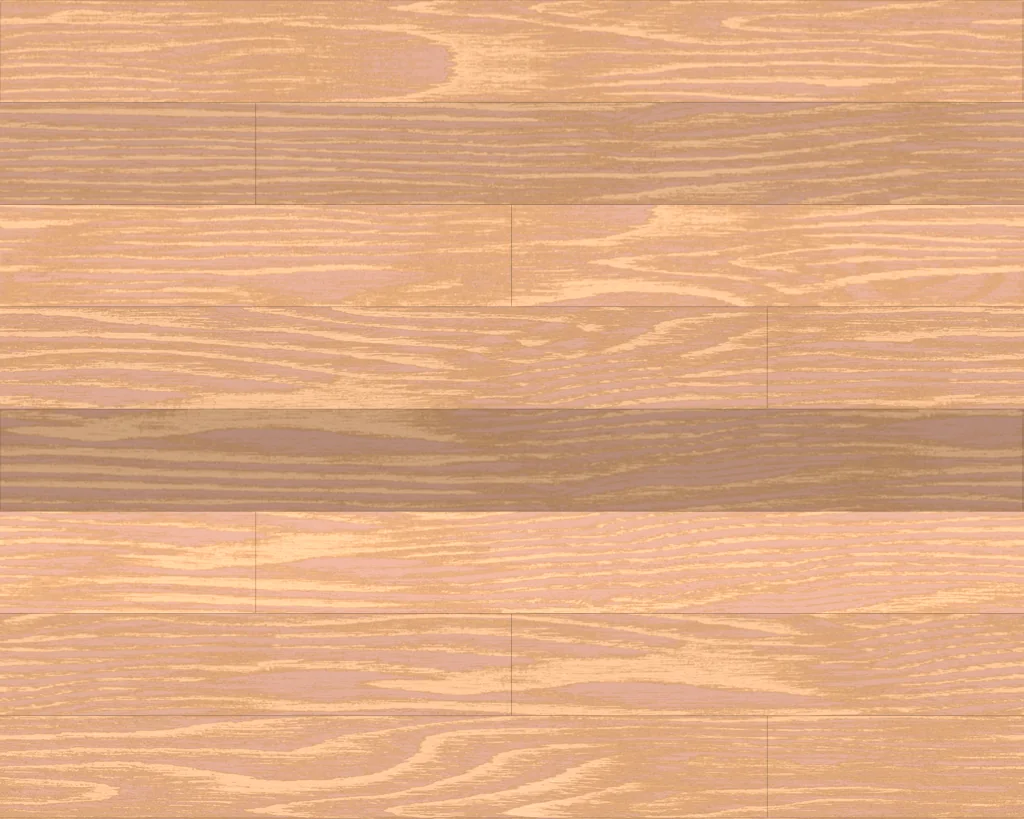 Light wood wide plank flooring2200 × 220 mm · repeats every 2200 × 1760 mm
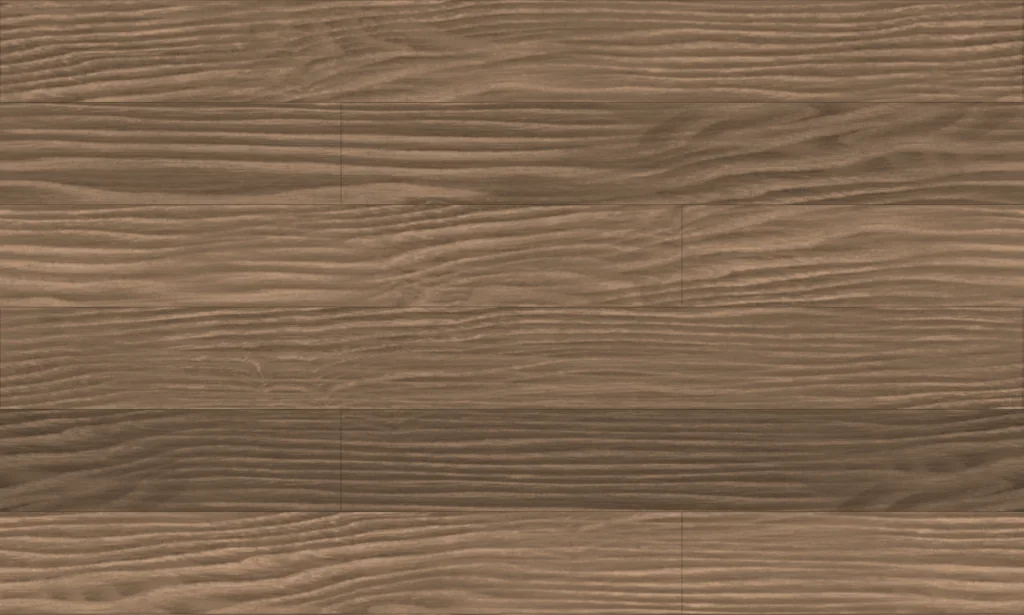 Oak wide plank flooring1900 × 190 mm · repeats every 1900 × 1140 mm
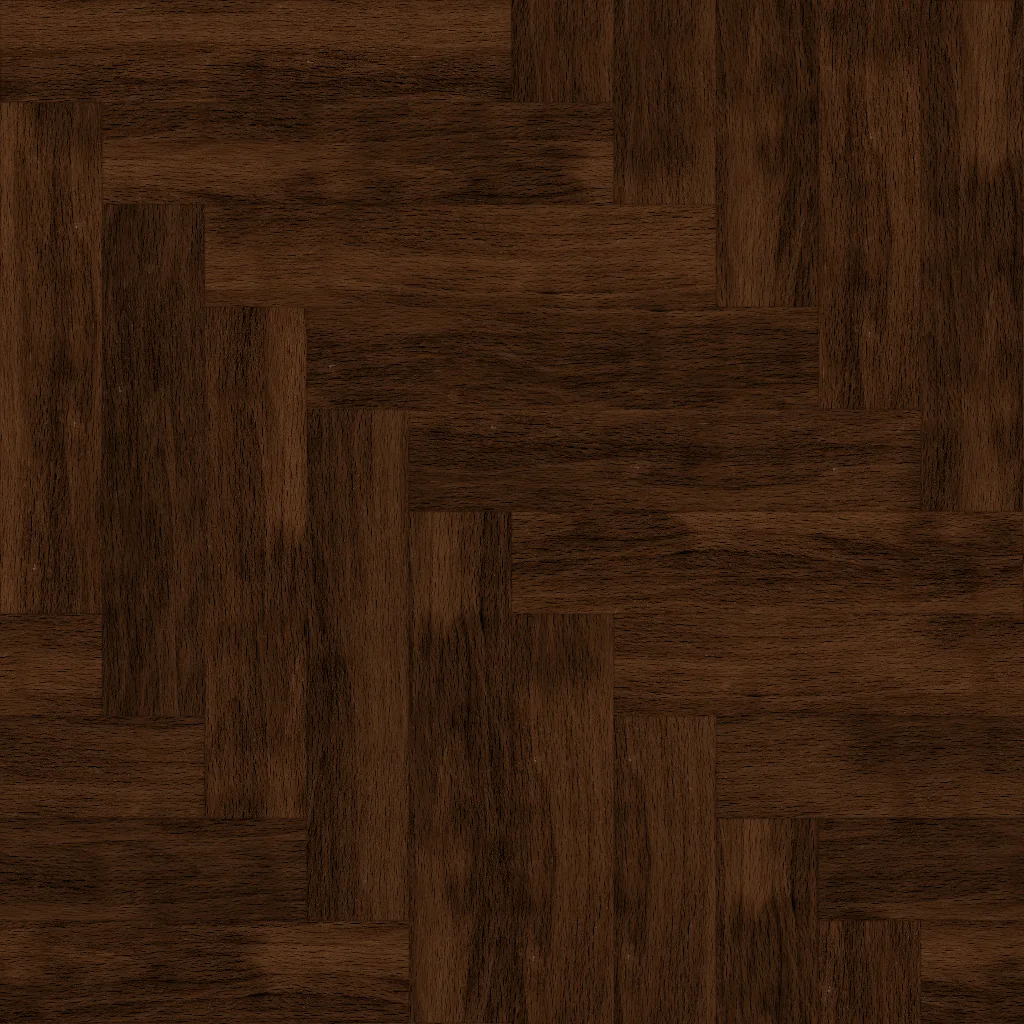 Dark wood herringbone parquet600 × 120 mm · repeats every 1200 × 1200 mm
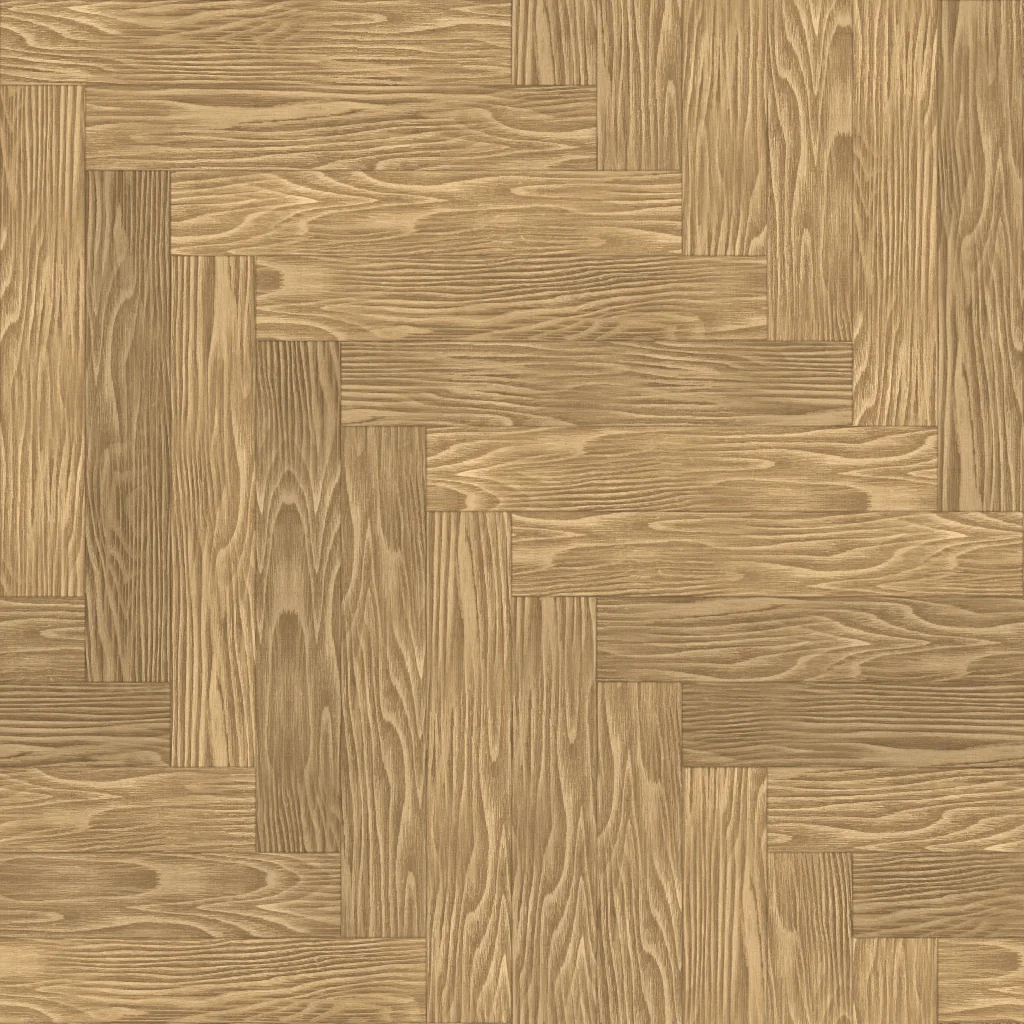 Light wood herringbone parquet600 × 100 mm · repeats every 1200 × 1200 mm
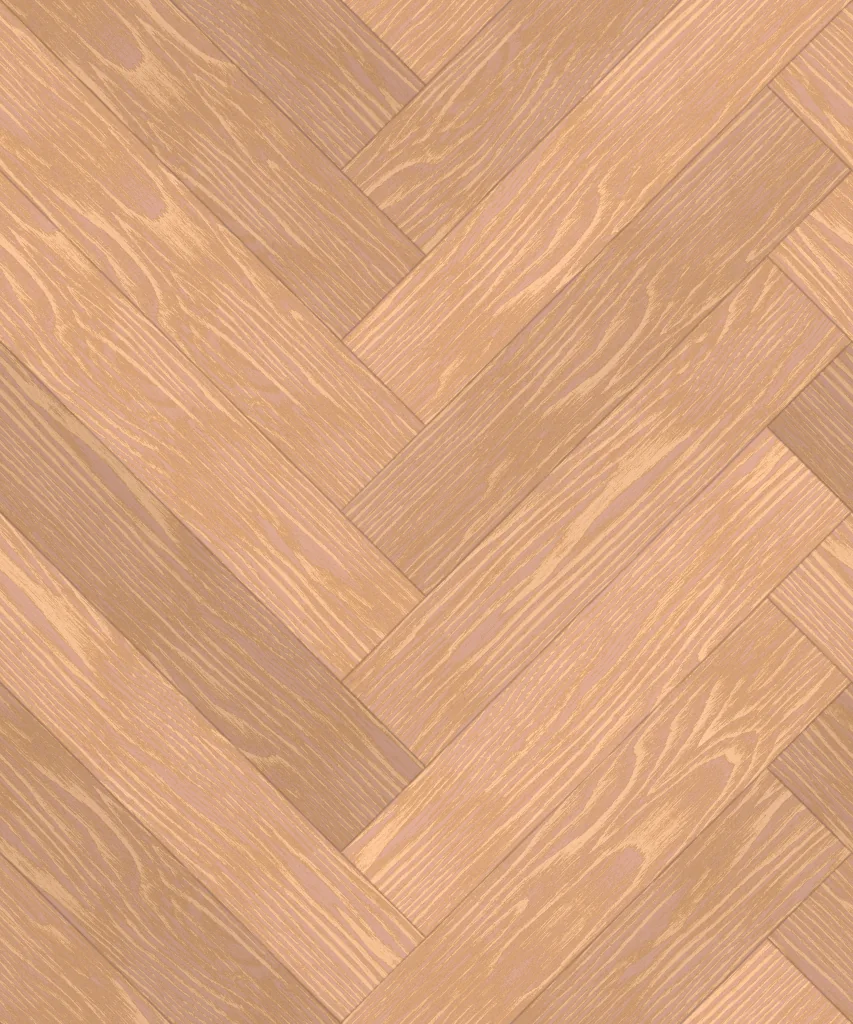 Light wood 45° herringbone parquet700 × 140 mm · repeats every 990 × 1188 mm
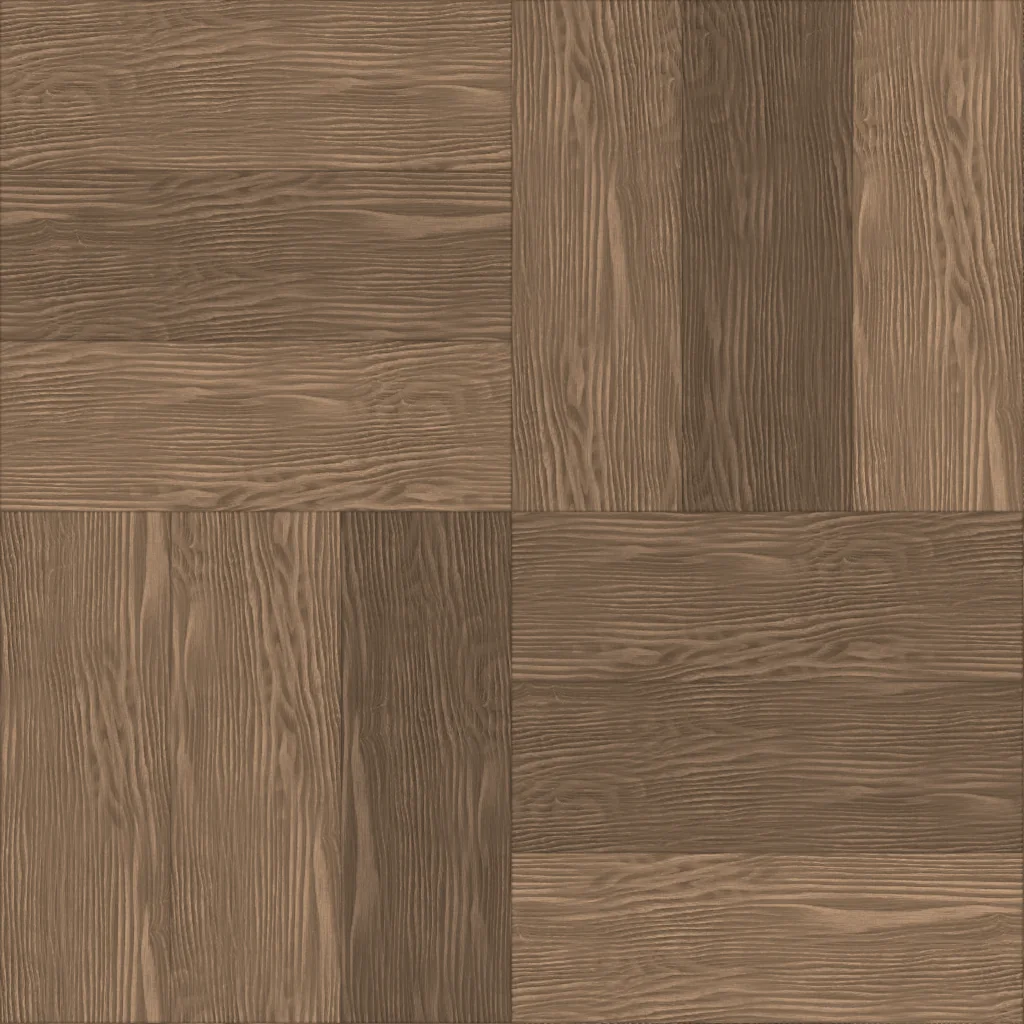 Oak basketweave parquet450 × 150 mm · repeats every 900 × 900 mm
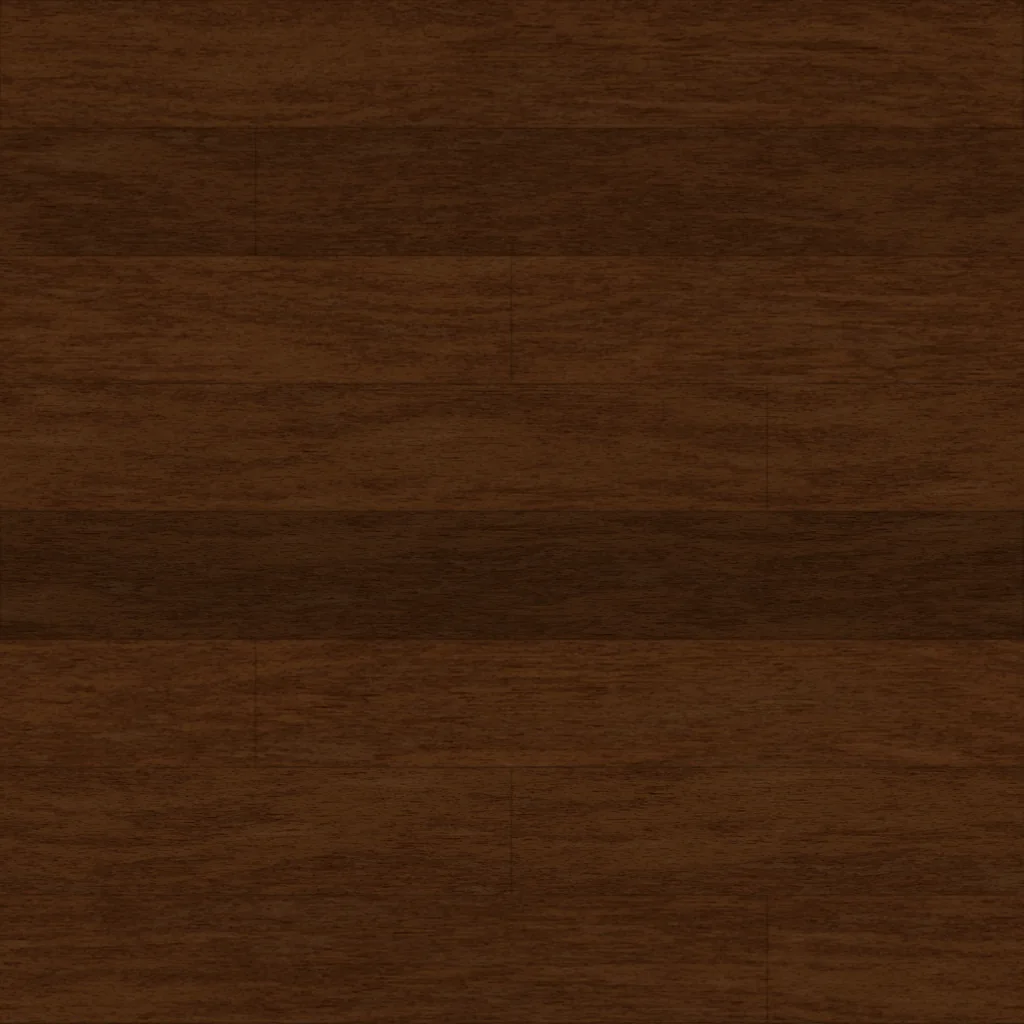 Fine dark wood plank flooring1200 × 150 mm · repeats every 1200 × 1200 mm
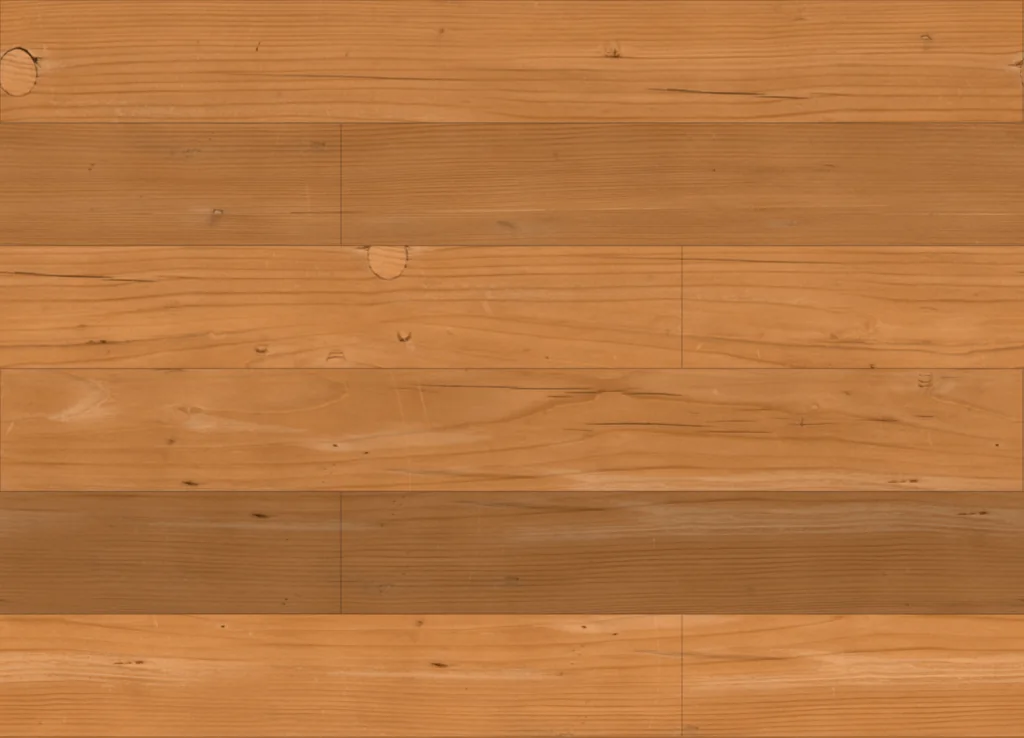 Warm wood plank flooring1500 × 180 mm · repeats every 1500 × 1080 mm
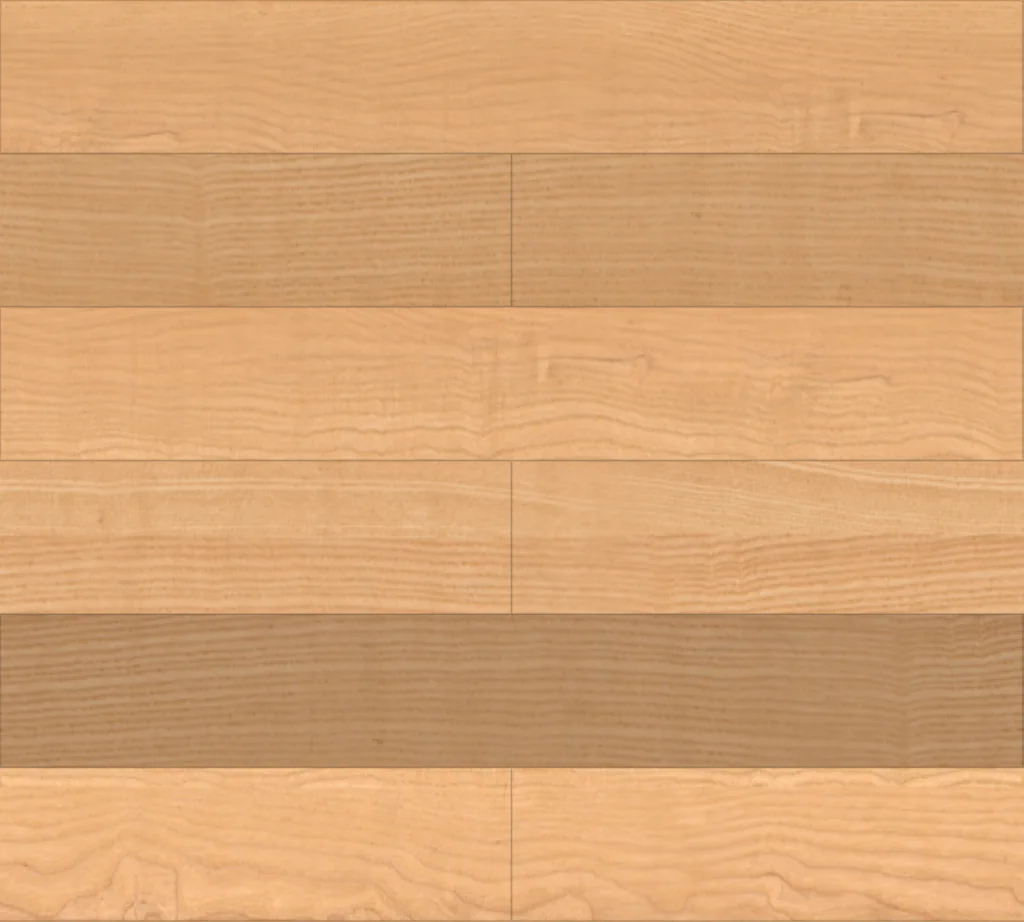 Pale polished wood plank flooring1200 × 180 mm · repeats every 1200 × 1080 mm
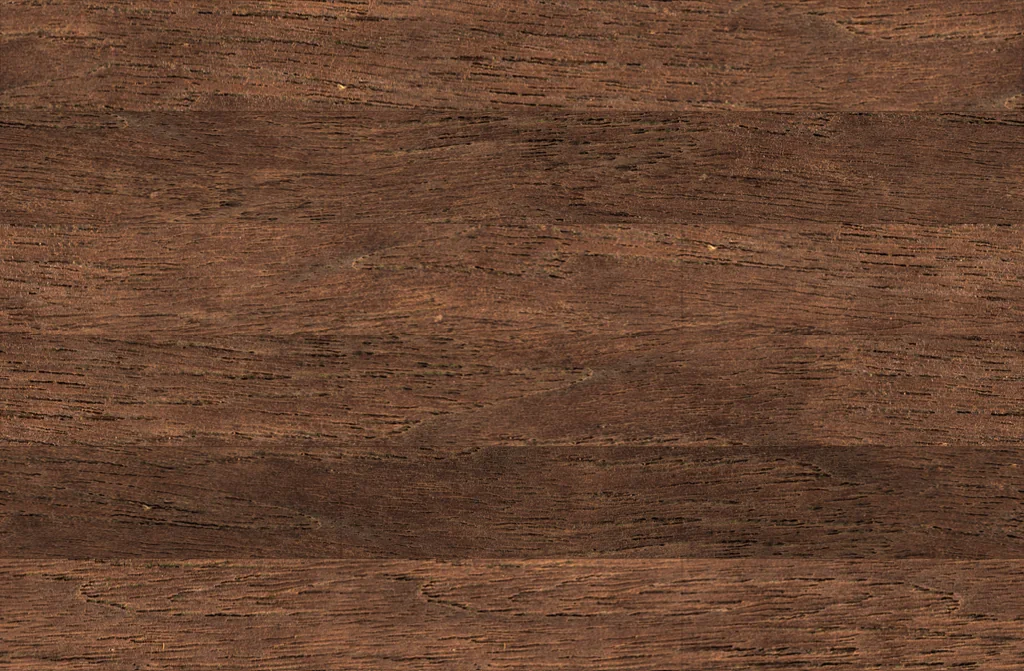 Rustic dark wood plank flooring2200 × 240 mm · repeats every 2200 × 1440 mm
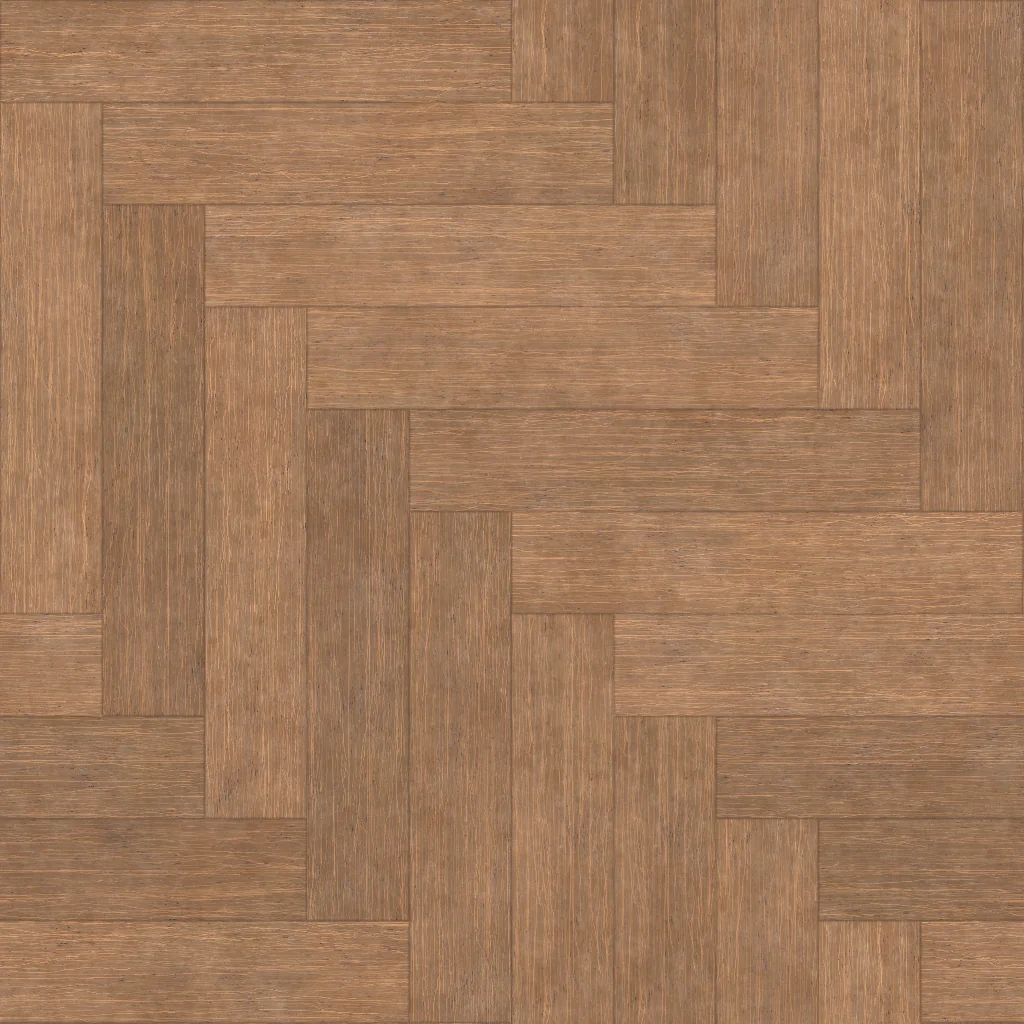 Fine-grain wood herringbone parquet500 × 100 mm · repeats every 1000 × 1000 mm
 Polished concrete, seamlessrepeats every 1100 × 550 mm
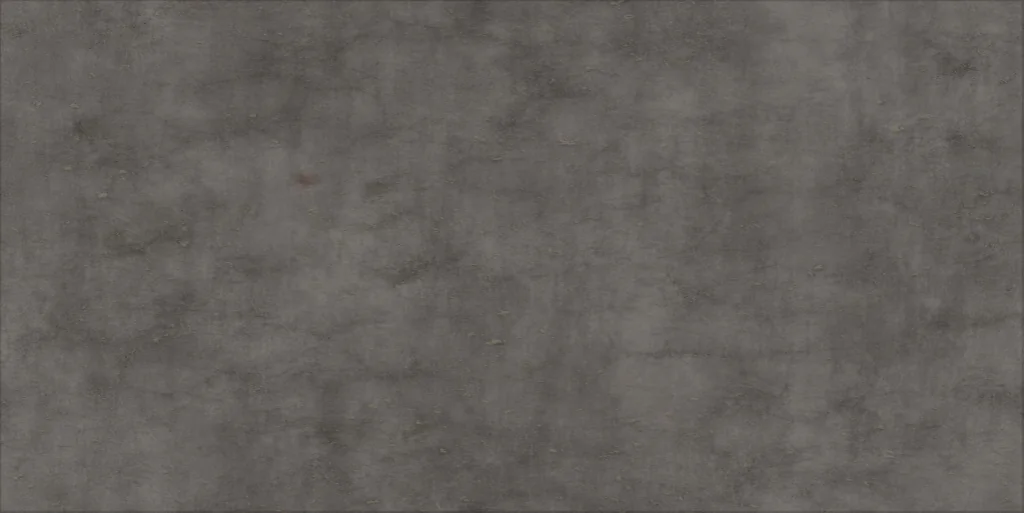 Smooth concrete, seamlessrepeats every 1100 × 550 mm
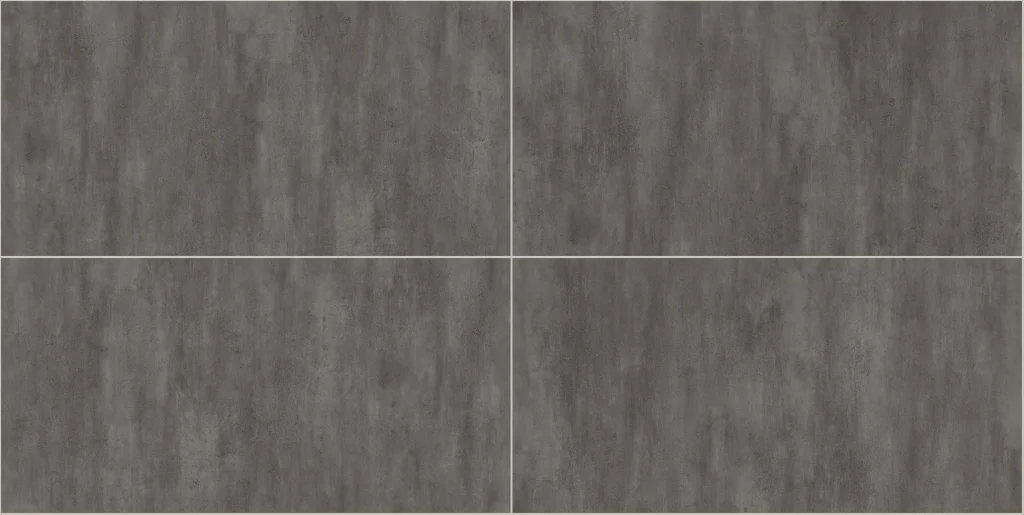 Concrete wall panels2400 × 1200 mm · repeats every 4820 × 2420 mm
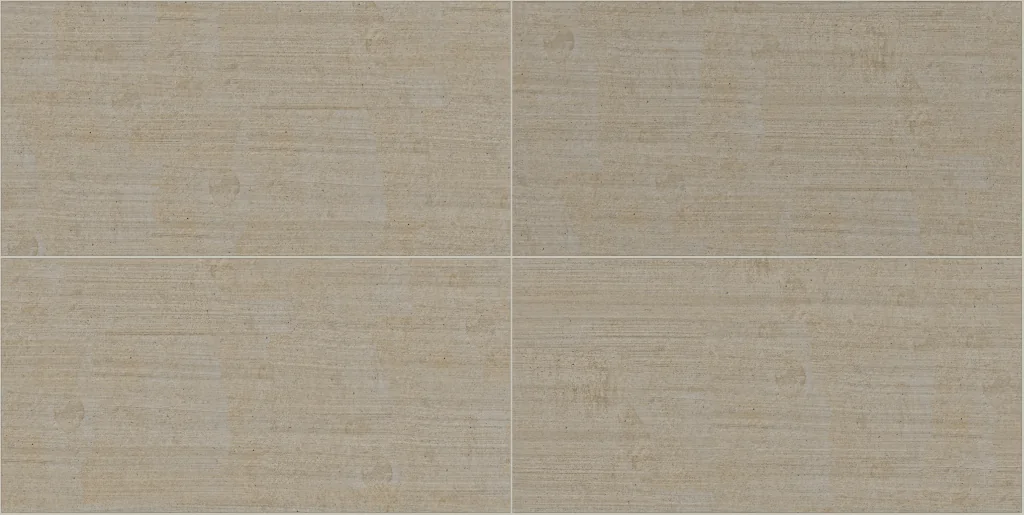 Beige concrete panels1200 × 600 mm · repeats every 2410 × 1210 mm
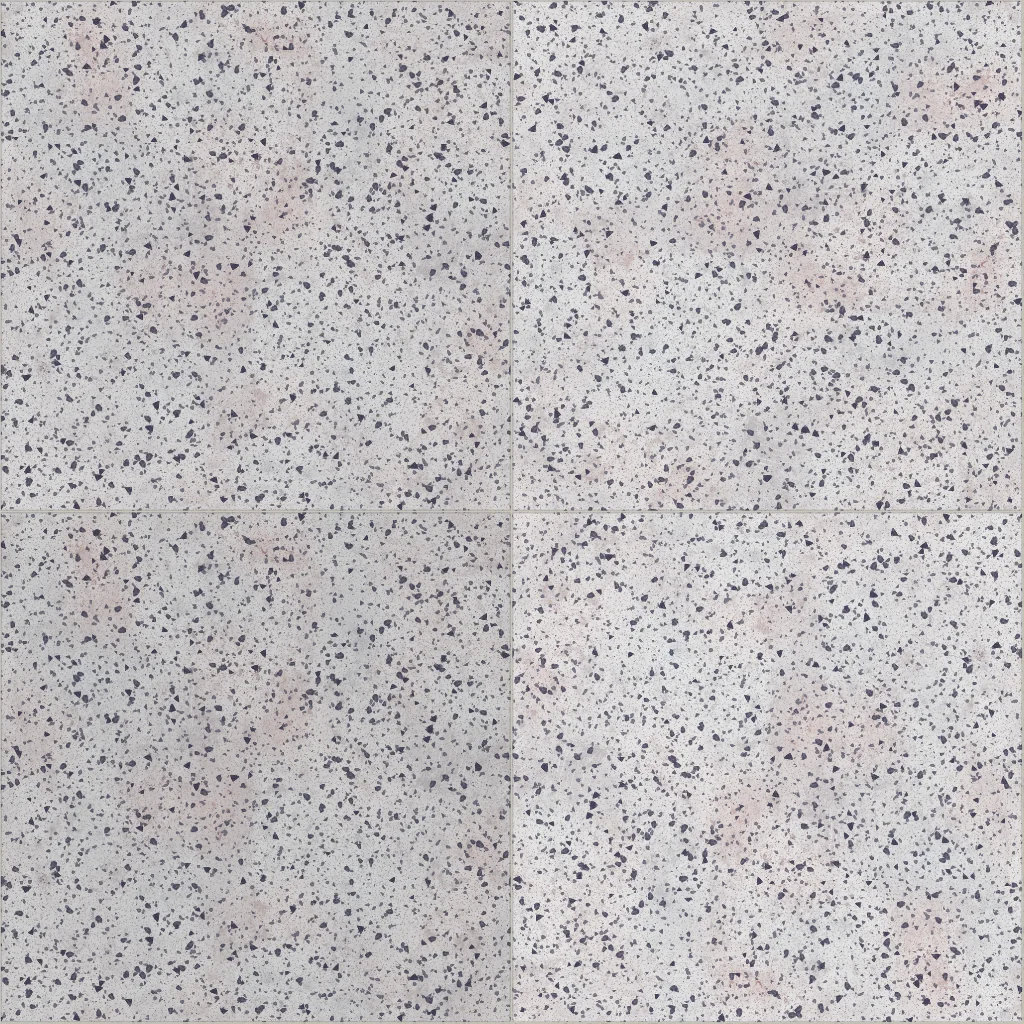 White terrazzo tile600 × 600 mm · repeats every 1204 × 1204 mm
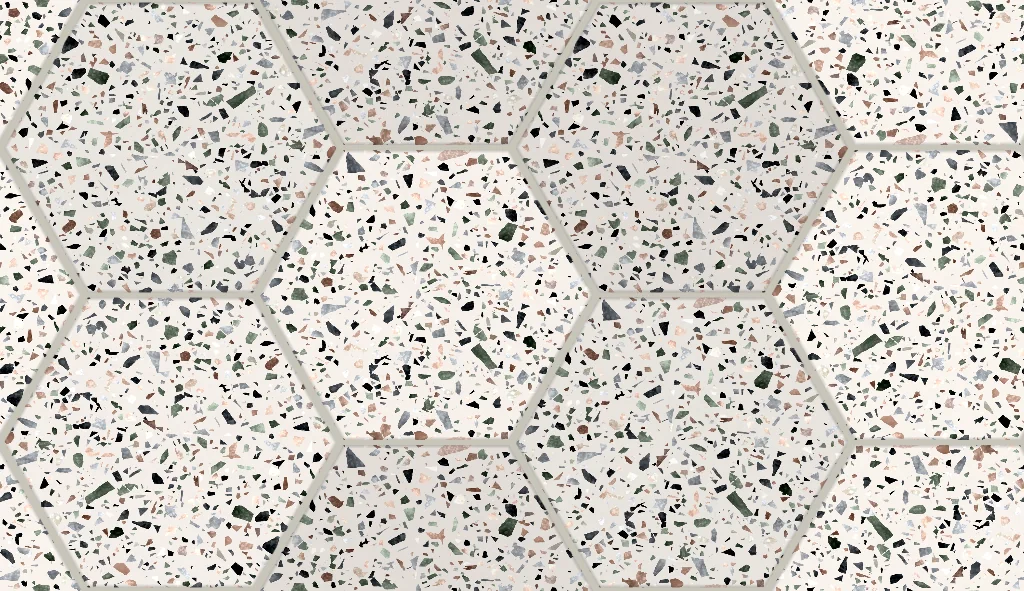 Terrazzo hexagon tile200 × 173 mm · repeats every 600 × 346 mm
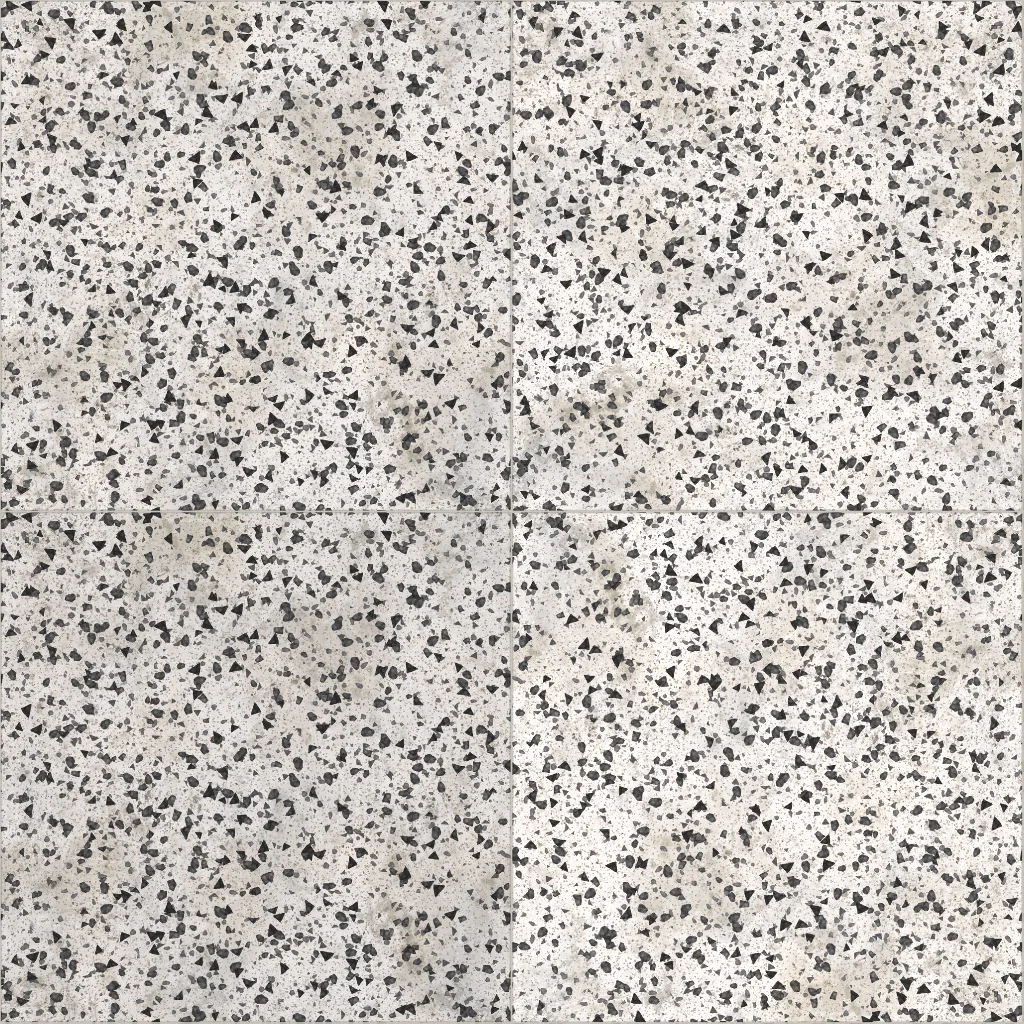 Black and white terrazzo tile600 × 600 mm · repeats every 1204 × 1204 mm
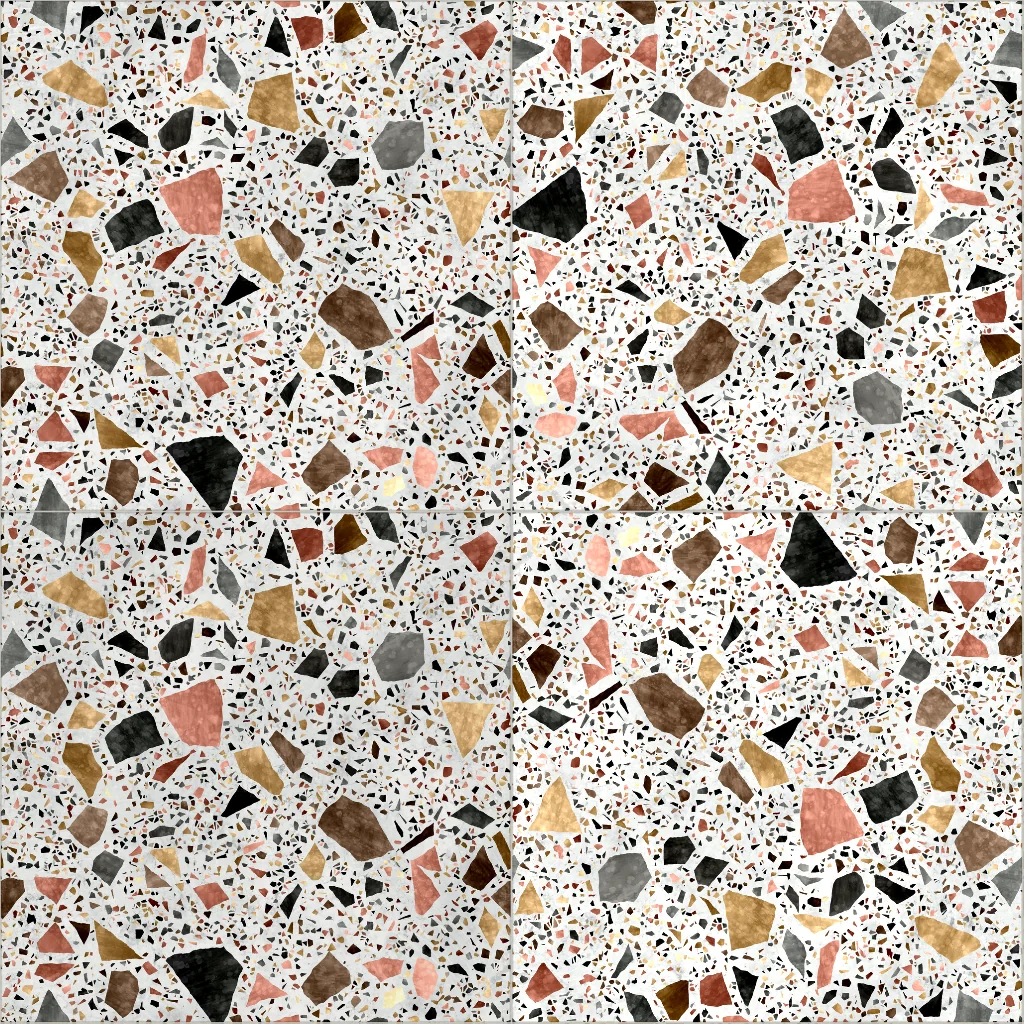 Multicolour terrazzo tile600 × 600 mm · repeats every 1204 × 1204 mm
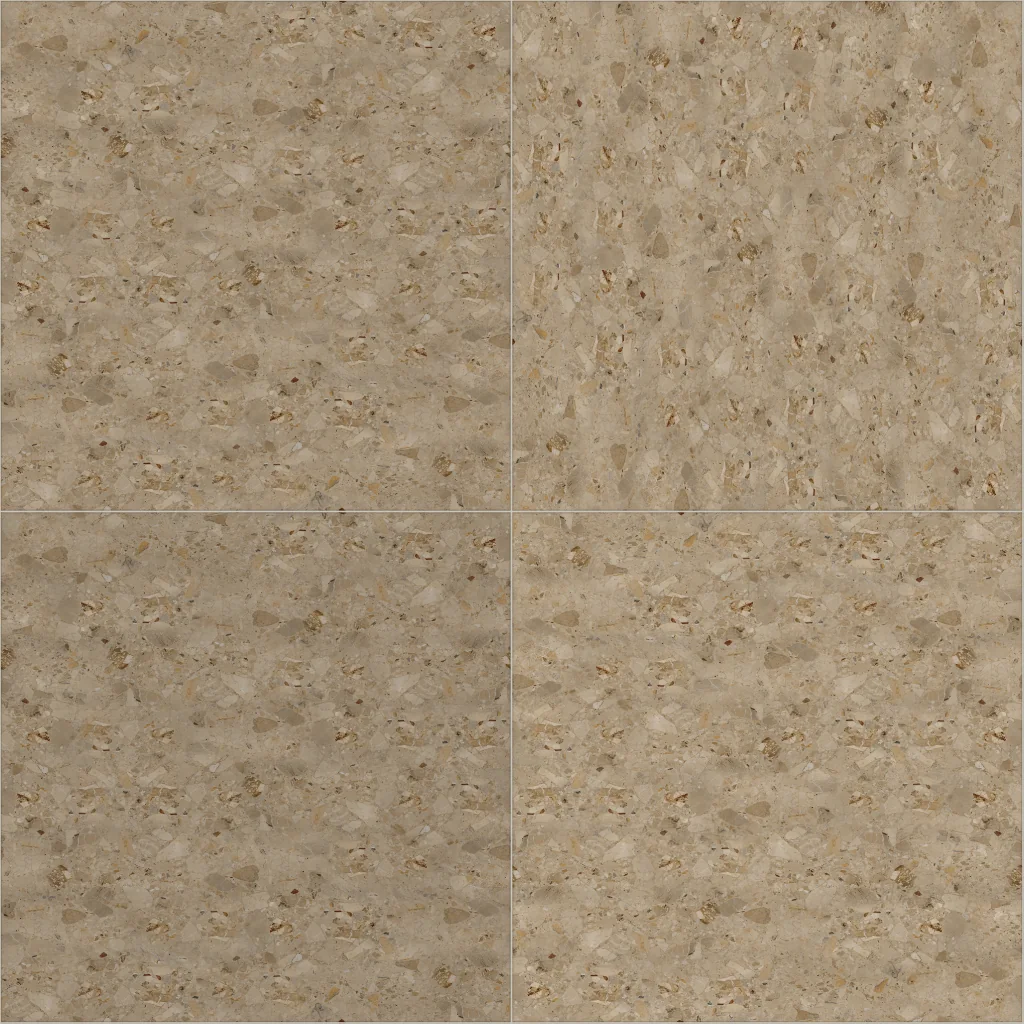 Beige terrazzo tile600 × 600 mm · repeats every 1204 × 1204 mm
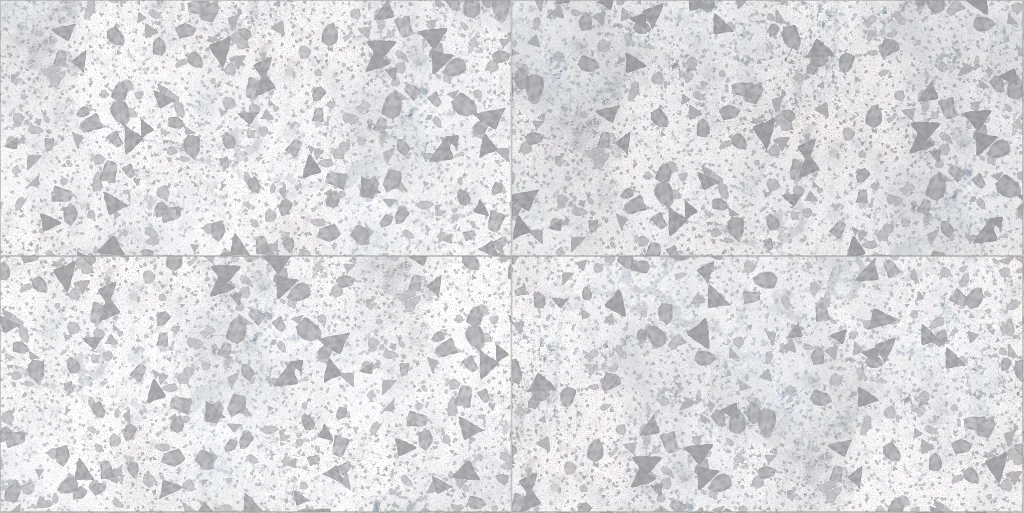 Vintage white terrazzo large-format tile1200 × 600 mm · repeats every 2404 × 1204 mm
Every material in the collection
Brick, tile, stone, wood, metal, fabric and more. Open any of them in the editor, set your module, joint and bond, and use it in SketchUp at that size.
 Seamless travertine textures
 Seamless marble textures
 Seamless brick textures and bonds
 Seamless tile textures
 Seamless wood and parquet textures
 Seamless concrete textures
 Seamless terrazzo textures
Using a texture in SketchUp without the plug-in
- Download the maps. Open the texture in the editor and download the ZIP (free account). The colour map (albedo) is the one SketchUp draws.
- Create a material. In the Materials panel choose Create Material, tick “Use texture image” and pick the colour map.
- Type the real size. Set the texture width to the repeat size written on the texture’s page — for example 1200 mm, not the size of one tile — with the aspect ratio locked. This is the step most often missed, and why textures look too big or too small.
- Paint and check. Paint a face and measure one tile with the Tape Measure. If it is off, the width typed in step 3 is not the repeat size.
Questions
Are these SketchUp textures free?
Yes. The sources are CC0 scans, free for any use, commercial work included. Downloading the maps and using the plug-in need a free account. There is no watermark; the free plan downloads maps at 1024 px, Pro at up to 4K.
Why does my texture look too big in SketchUp?
SketchUp does not know how many millimetres an image covers, so it uses a default width. Type the repeat size from the texture’s page into the material’s width, or apply it with the plug-in, which does it for you.
Which SketchUp versions does the plug-in support?
SketchUp 2024 and 2025 on Windows.
Do the textures work with V-Ray, Enscape and D5?
SketchUp itself draws only the colour map. The normal, roughness and height maps come with every texture; the plug-in keeps them with the material for renderers that read them, and you can also load them into the renderer’s material by hand.
Can I make a texture in another size?
Yes. Open any texture in the editor, change the module, joint or bond, and download it or apply it from the plug-in at the new size.