¼ offset floorboard 1200 × 200 mm hatch pattern (.PAT)
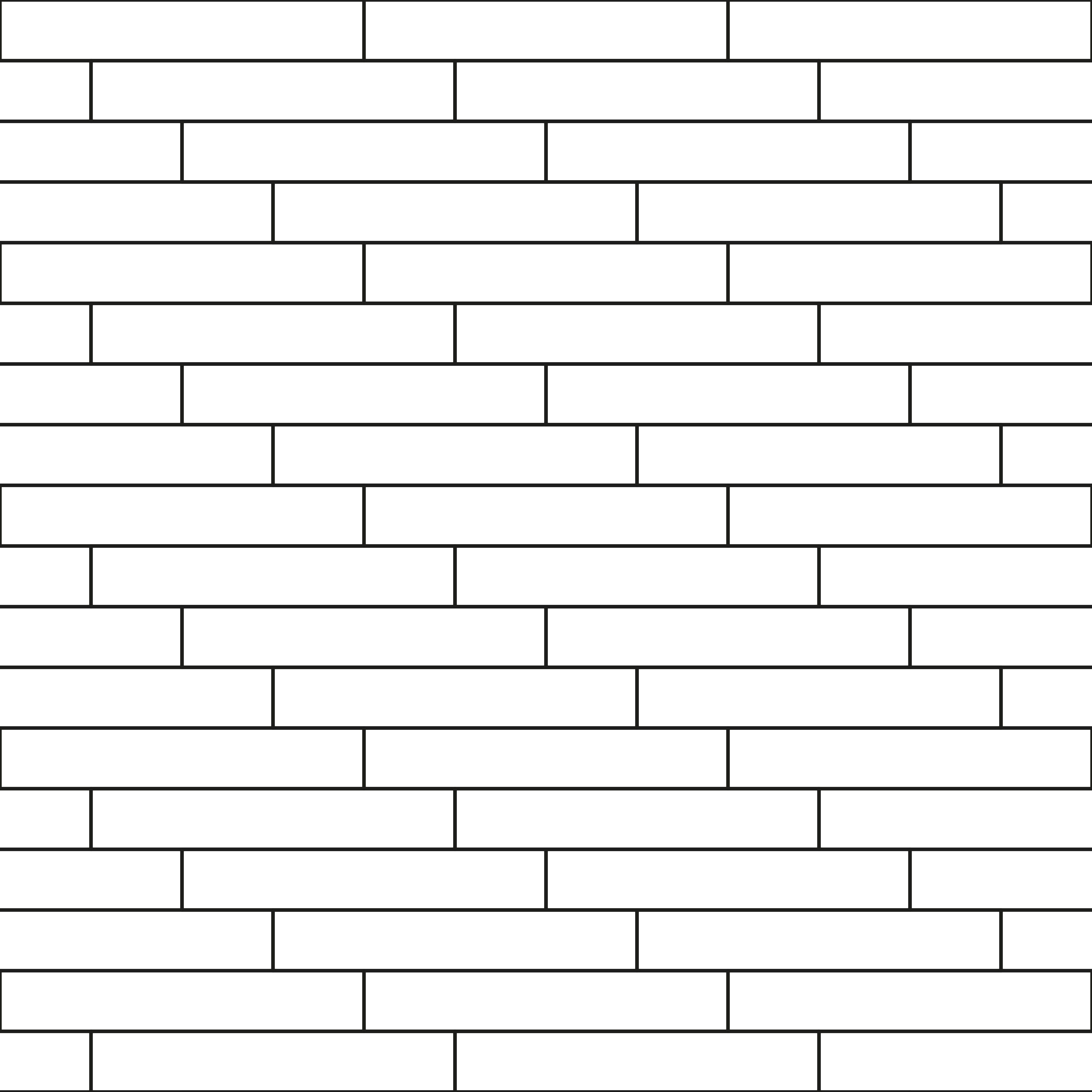
- Module
- 1200 × 200 mm
- Joint
- None
- Bond
- ¼ offset
- Repeat cell
- 1200 × 800 mm
- Revit · model patternMH_QUARTER_1200X200_MODEL.patReal size; single lines at the joint centre. For the surface of a material in plan, section and elevation.
- Revit · drafting pattern 1:50MH_QUARTER_1200X200_DRAFTING_1-50.patPaper size; reads at the right size on a 1:50 view.
- Revit · drafting pattern 1:100MH_QUARTER_1200X200_DRAFTING_1-100.patPaper size; for a 1:100 view.
- AutoCAD · millimetresMH_QUARTER_1200X200.patThe file name matches the pattern name, as AutoCAD requires.
- AutoCAD · inchesMH_QUARTER_1200X200_IN.patFor drawings in inches.
Load it in Revit
- On the ribbon,
Manage › Additional Settings › Fill Patterns. - Under Pattern Type pick the file’s kind: Model for a model pattern, Drafting for a drafting pattern.
New fill pattern › Custom › Import…, choose the .pat file and the pattern in its list; keep the import scale at 1.00.- Use it as a material’s surface or cut pattern, or in a filled region type.
Load it in AutoCAD
- Save the .pat file in a folder listed under
OPTIONS › Files › Support File Search Path. - Start HATCH; the pattern appears in the pattern list under its own name.
- Keep the file name: AutoCAD finds the pattern by it.
Model or drafting pattern?
A model pattern is real size: a 215 mm brick is 215 mm in the file and grows and shrinks with the model as the view scale changes. A drafting pattern is paper size and stays the same on the sheet at every scale, so the view scale it was drawn for is in its file name. Use the model pattern for a material’s real surface and the drafting pattern for a symbolic fill in section.
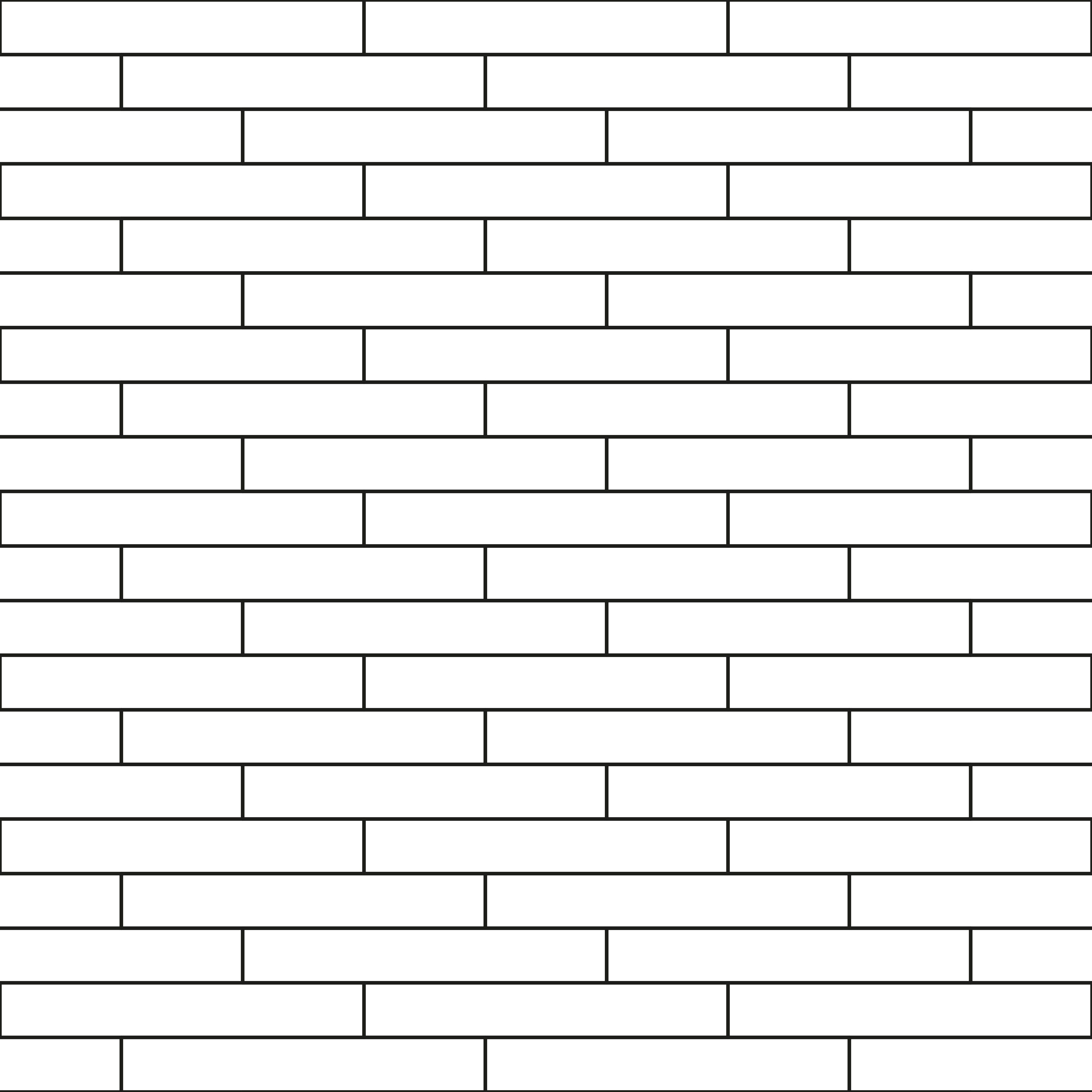 ⅓ offset floorboard 1200 × 180 mm